56 VIP User Manual
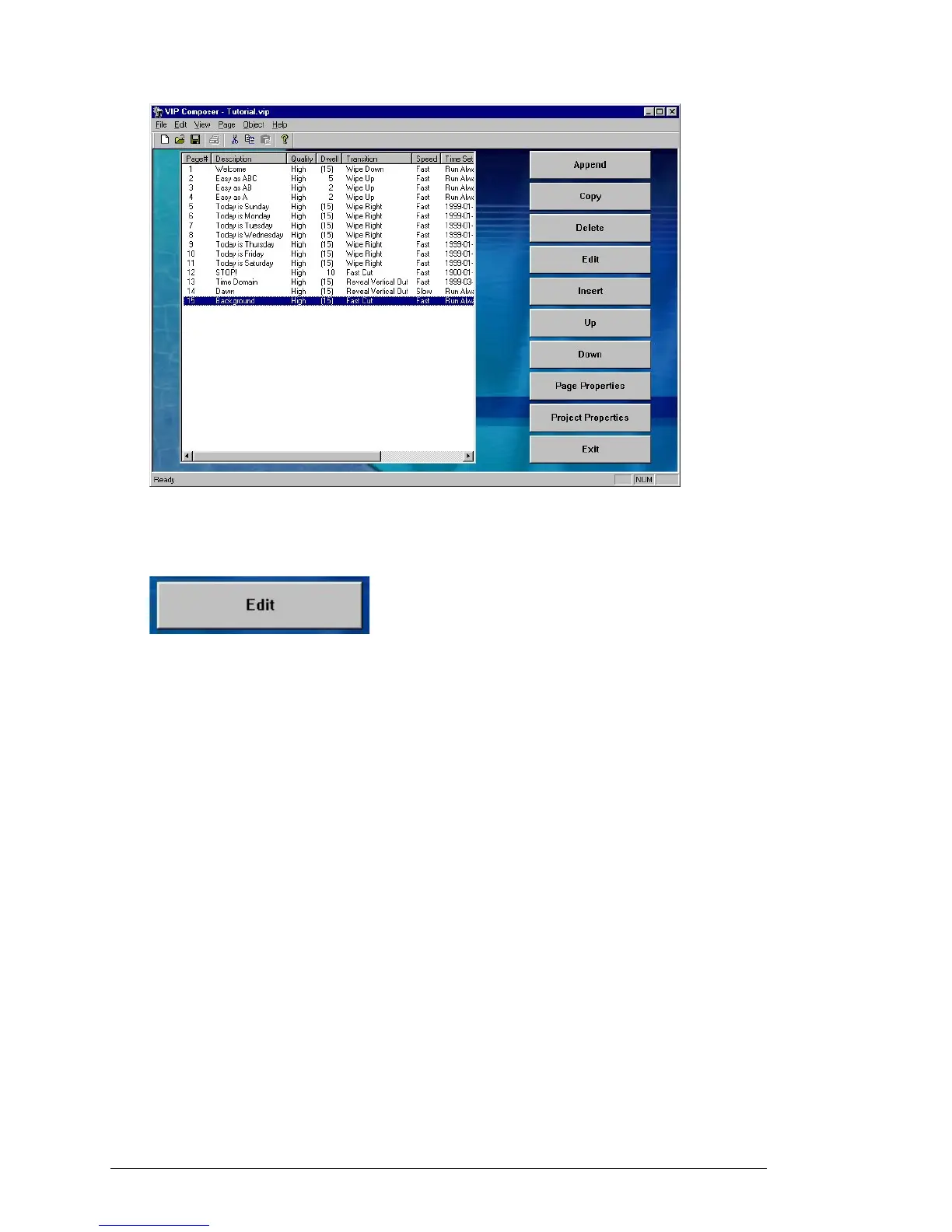
The entry will now appear highlighted like this:
To work on the selected page, click on the “Edit” button on the right of
the screen. Alternately, you can double-click on an entry in the list.
You will now be taken to the Page Editor screen where you can change
the appearance of a particular page.



 To Next Page