76 VIP User Manual
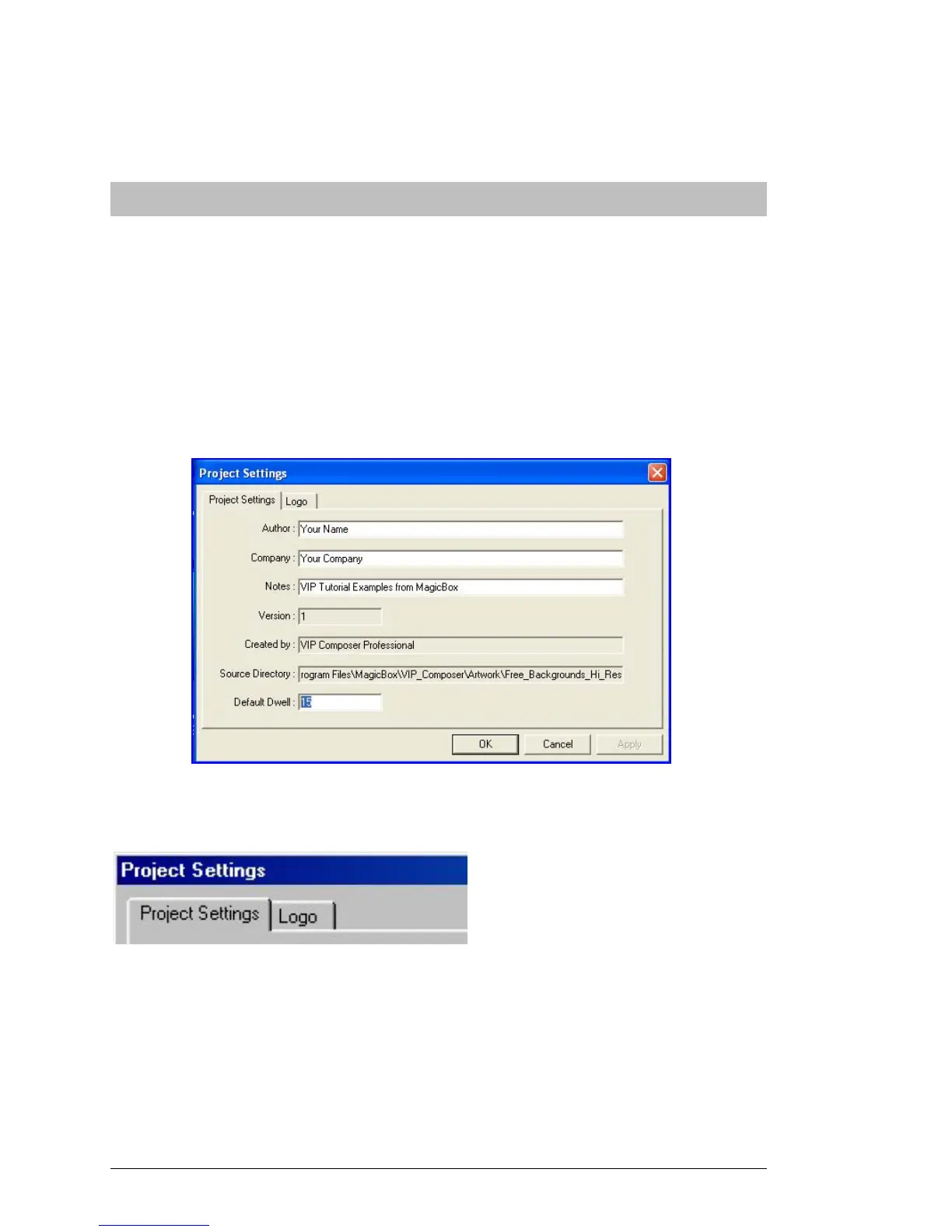
Click on “OK” to exit the Project Properties dialog. You will then see
any change to the default dwell take effect.
“ Logo Bug ”
Many TV networks today display a continuous logo in a corner of the
screen. This is known as a “Logo Bug”. Now your VIP projects can have
a logo or graphic in the corner of all or most of your pages as well.
To select an image for use as a Logo Bug, click on the “Project
Properties” button in the Project Editor. The Project Properties dialog
will appear:
Click on the “Logo” tab to access the Logo Bug settings:
These settings are show in detail below…



 To Next Page