VIP User Manual 81
Although there are seven pages, when you play back the project on the
VIP Unit, only one of the pages will show up. This is because the time
domain settings for each page are set to specific days of the week. The
page that says “Today is Monday”, for example, only has the “MON”
button selected under the Time Domain tab.
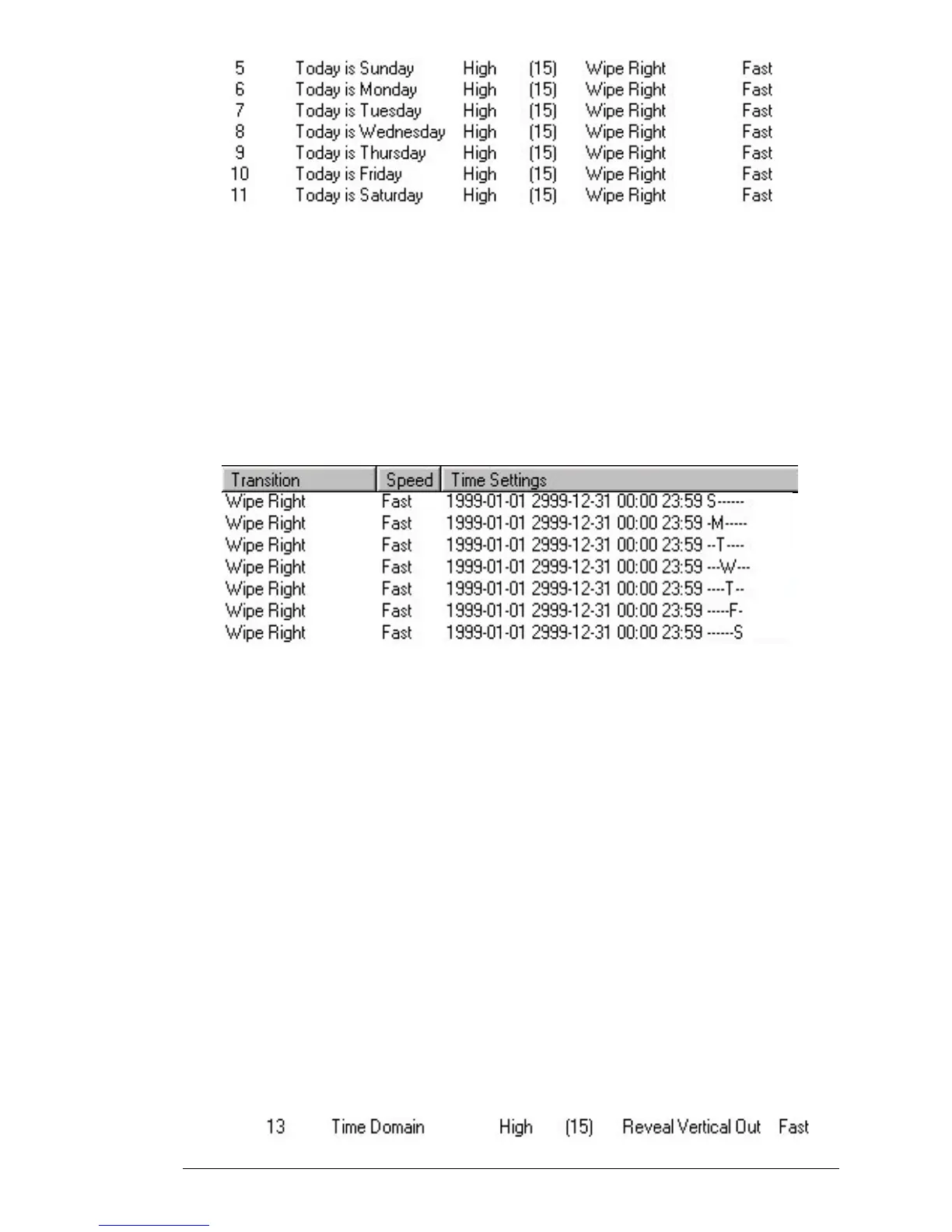
You can see the Time Domain settings of all of these pages in the Project
Editor by scrolling the list view to the right. You should see the
following columns:
Each of the above pages is set to run from January 1, 1999 through
December 31, 2999 (essentially forever), but with only the appropriate
day of the week set. For example, the “Today is Wednesday” page
shows up with “ - - - W - - - “. The dashes indicate the other days of the
week which are not set.
This technique is useful for pages that need to appear on a weekly
rotation. For example, a restaurant can display the appropriate daily
special, or a night club could display the appropriate regular DJ or band.
You can also set pages to expire automatically after a certain
date. Once a page has expired, it still exists until you actually
delete it, so it is very easy to re-activate a page if necessary.
Consider the following page:



 To Next Page