84 VIP User Manual
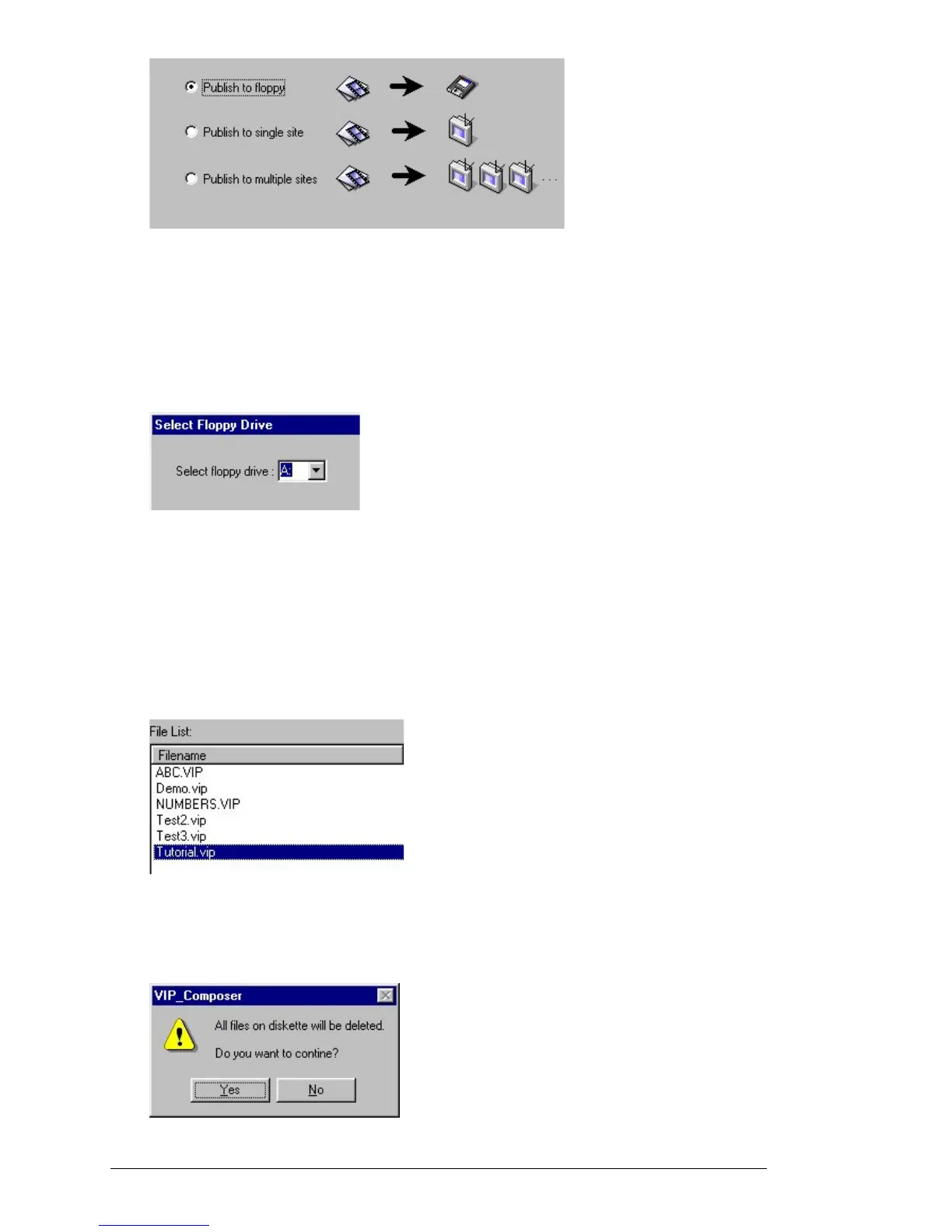
For the purposes of this tutorial, select the “Publish to Floppy” method
and then click “Next.” The other publish methods are described later in
this chapter.
The Publish Wizard allows you to specify which floppy drive to use for
publishing. Normally, this will be drive “A”:
Now click on “Finish”. A file dialog will appear asking you to select a
file to publish. Before you continue, insert one of the supplied “Project
Transfer” disks into your PC’s floppy drive. (Do not use the Tutorial
Disk – preserve the original tutorial for future users).
After inserting the Project Transfer disk, select “Tutorial.VIP” from the
file list. (Click on the file name and then on “Select”.)
You can also just double-click on the file name as a shortcut.
The following message will now appear:



 To Next Page