© 2016 Sensata Technologies
Page 3
Introduction
1.3 Features and Benefi ts
The MS Series inverter/charger is designed to allow easy access to wiring, circuit breakers, and
controls. Its die cast baseplate with one-piece aluminum cover ensures maximum durability with
minimum weight, as well as a cooler, more effi cient operation.
Note: While not pictured, the MS2000 models have the same features as those listed in this section.
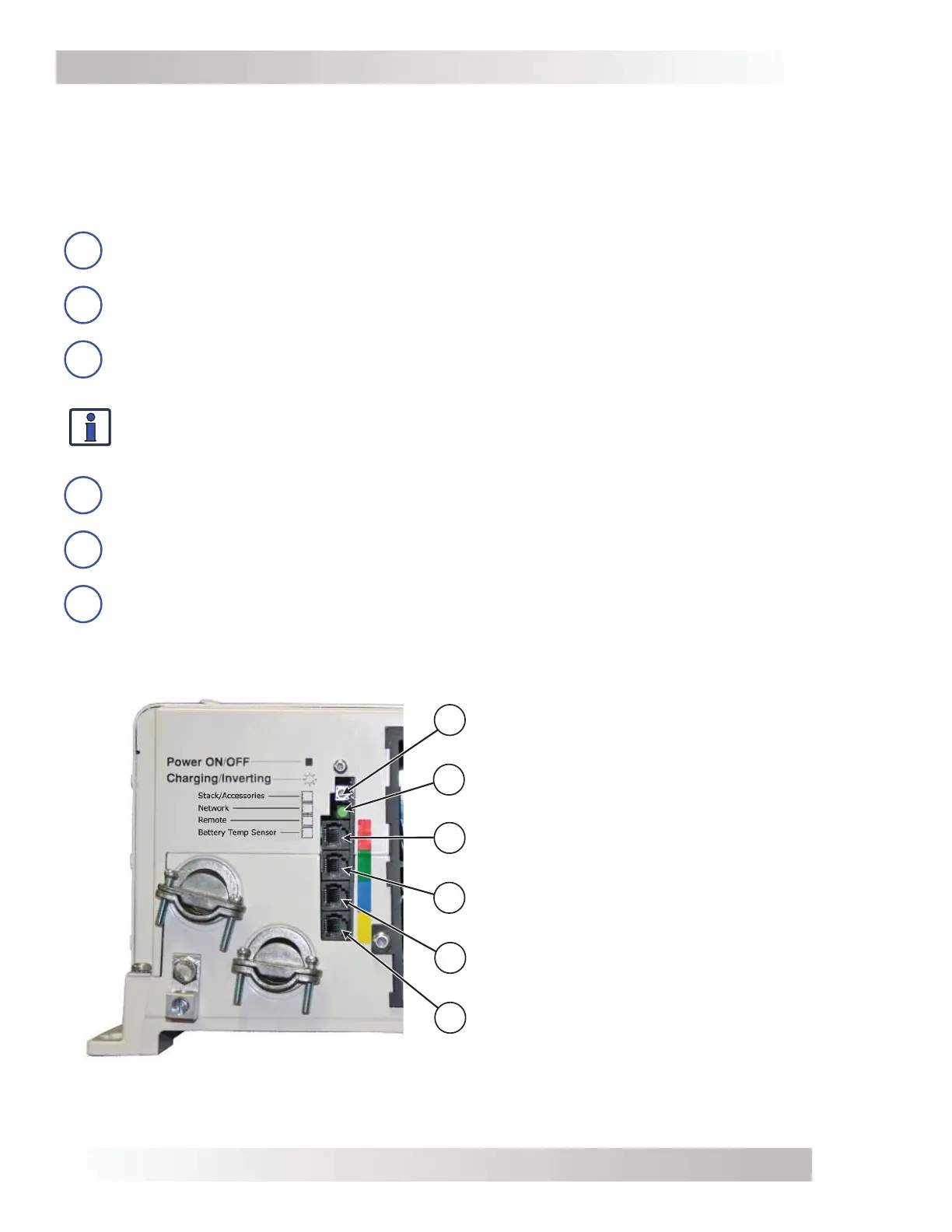
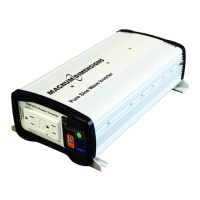
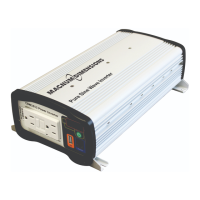
The MS inverter is equipped with the following features (refer to Figures 1-1 and 1-2):
1
Power ON/OFF Switch – a momentary pushbutton switch that alternately turns the
inverter on or off.
2
Charging/Inverting LED Indicator – this green LED illuminates to provide status
information on inverter or charger operation.
3
Stack/Accessories Connection Port (red label) – a RJ11 port that allows series-
stacking, and accepts the optional RSAs (Remote Switch Adapters) for remote on/off
switch operation.
Info: The series-stacking capability—which allows two units to provide 120/240 VAC
output—is only available on MS4024 and MS4048 inverter/chargers. See the ME-SSI
owner’s manual (PN: 64-0009) for additional information on series stacking.
4
Network Connection Port (green label) – a RJ11 port that accepts optional network
capable accessories (i.e., Auto Gen Start or Battery Monitor).
5
Remote Connection Port (blue label) – a RJ11 port that allows an optional remote
control to be connected.
6
Battery Temperature Sensor Connection Port (yellow label) – a RJ11 port that
accepts the remote Battery Temperature Sensor (BTS).
Figure 1-1, Power Switch, Status LED, and Accessory Connection Ports
1
2
3
4
5
6
Power ON/OFF Switch
Charging/Inverting LED
(status)
Stack/Accessories Port
(red label – RJ11 connection)
Network Port
(green label – RJ11 connection)
Remote Port
(blue label – RJ11 connection)
Battery Temp Sensor Port
(yellow label – RJ11 connection)



 To Next Page