5.10.2.2 Sharing Test Results from the easyTone App
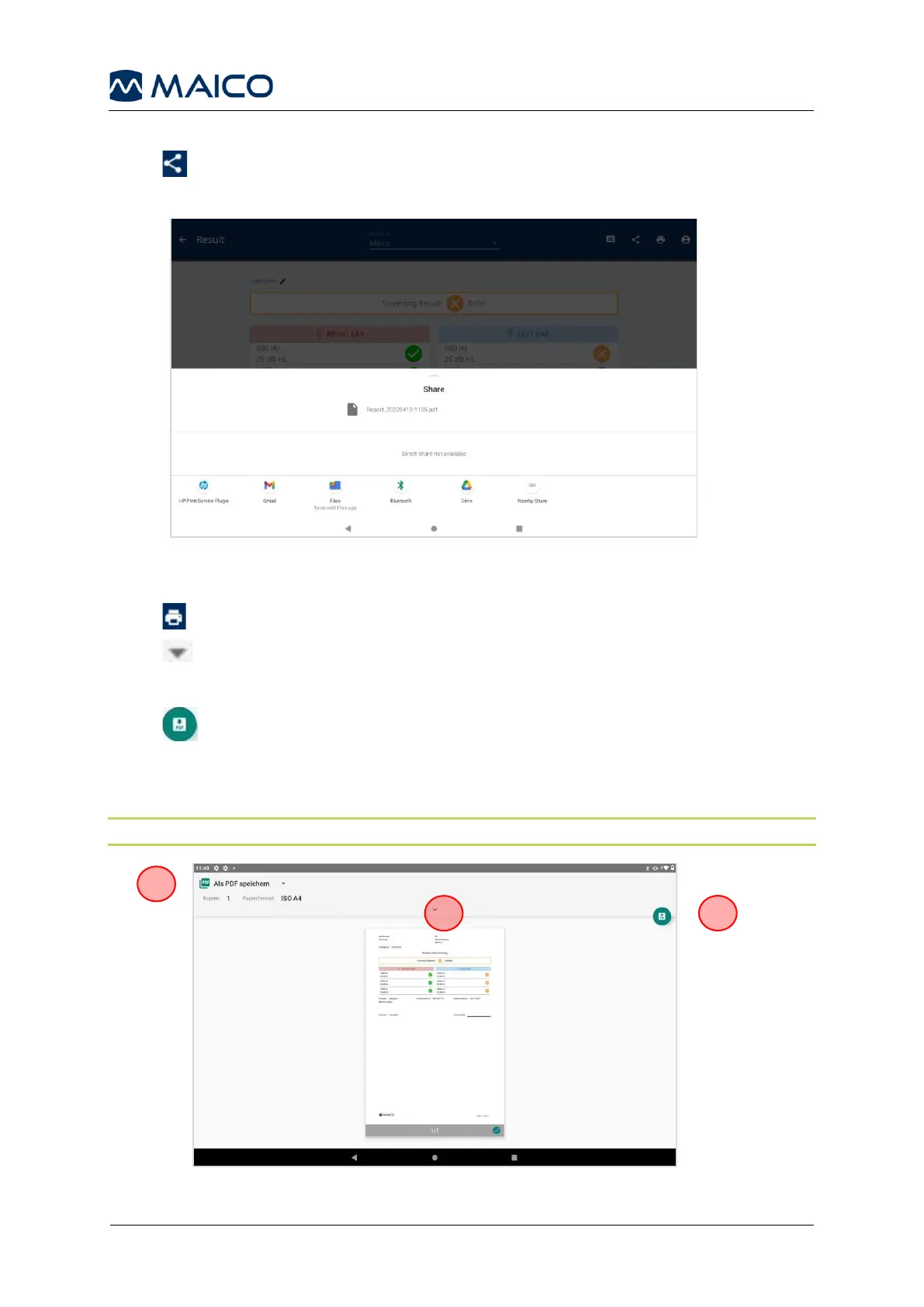
Press to open the Share Menu (Figure 53). Select an app to share the test result
(PDF file).
5.10.2.3 Printing Test Results
Press on the Result screen and the print preview opens.
Press (1) to open further printer settings if needed.
Save as PDF
Press (2), select the storage location and press Save.
Print on a Printer
Press 3 to select another available printer. Follow the printer instructions.
NOTE: Setup the printer within the Android
TM
settings before starting to test.


 To Next Page