makerbot.com/docs/replicator 5
STEP 3.
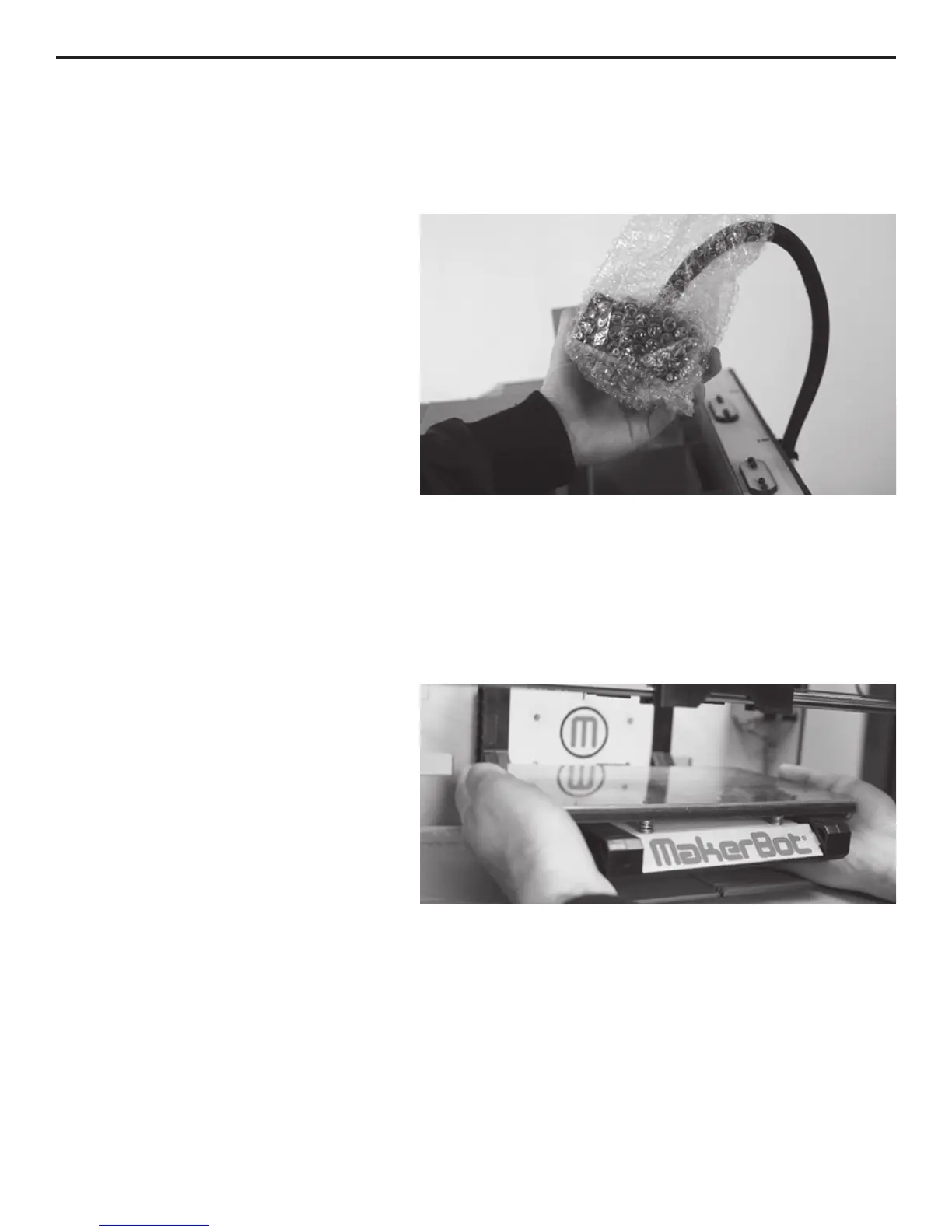
TAKE THE STEPSTRUDER
®
MK8 OUT OF THE BOX
Now you can carefully remove the
Accessory Box. Be careful of the black
plastic Stepstruder MK8 Mount.
You should be able to see the build
platform: it’s an aluminum plate
covered in Kapton tape and attached
to the rods by two black arms. This is
where your print will form.
STEP 4.
RAISE THE BUILD PLATFORM
You’ll need to raise the build platform
to continue unpacking. You can either
turn the threaded screw just behind
The Replicator™ logo, or grasp the
move it up with gentle pressure.
Move the platform up as far as you
can; it should almost reach the black
Stepstruder MK8 Mount.
Underneath the build platform you’ll
see one or two boxes of MakerBot
Filament
you keep the box it was shipped in for future transport and long-term storage.
Step 3. Take care when handling the Stepstruder MK8.
Step 4. Grasp the platform rmly on both sides and lift with gentle pressure.
SETTING UP THE REPLICATOR™



 To Next Page