MicroCal iTC
200
Washing Module User Guide 17
Part 4: Electrical Connections and Grounding
Electrical Connections for the Cell Unit
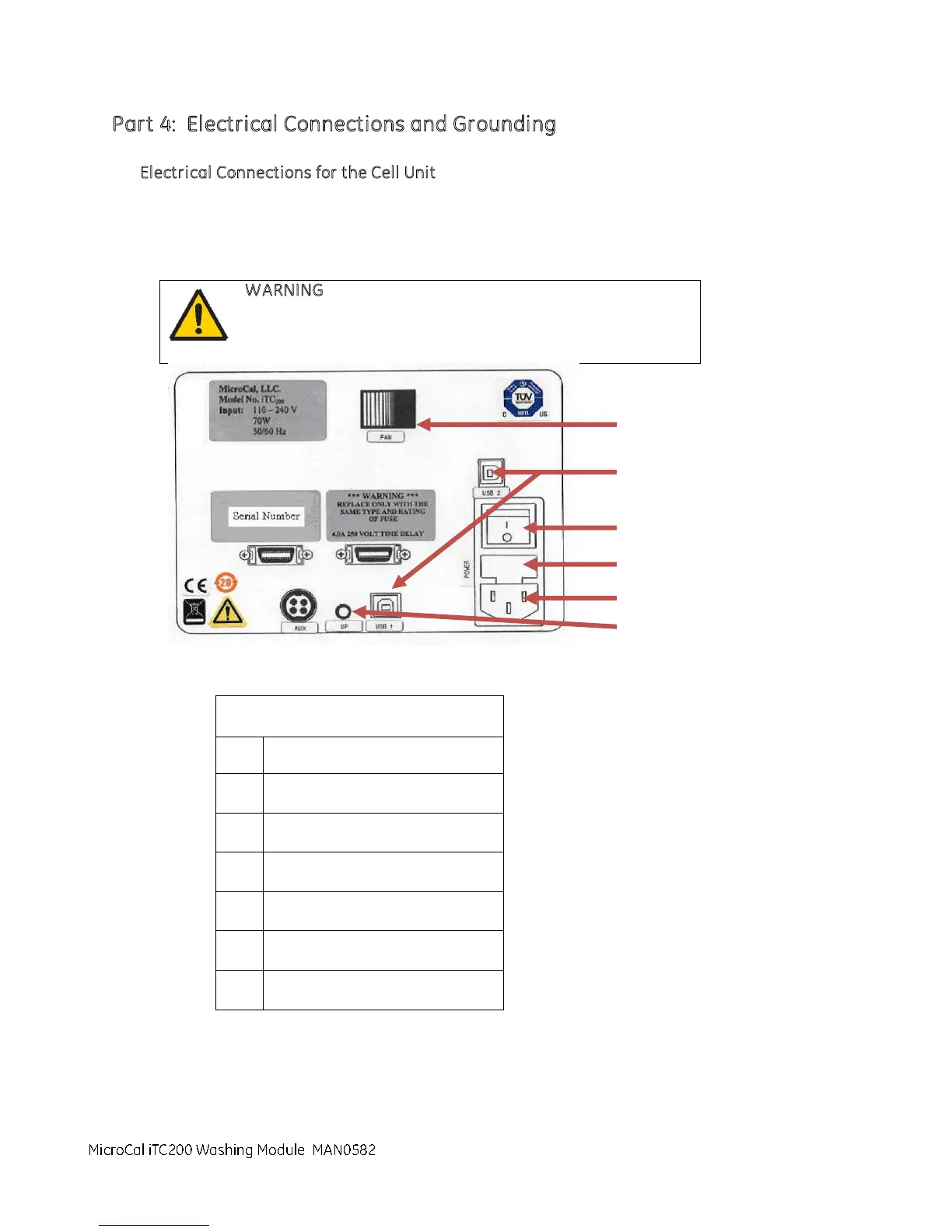
Connect the power cord to the IEC 320 inlet power receptacle ( see image below) on the back of the
cell unit. Connect the power plug to a main power supply receptacle with a 3-wire protective Earth
ground and a Ground Fault Circuit Interrupter (GFCI).
WARNING
To enhance safety always plug the i nstrument into a
Ground Fault Circuit Interrupter (GFCI) device.
IEC 320 inlet power receptacle
MicroCal iTC200 Washing Module



 To Next Page