24 MicroCal iTC
200
Washing Module User Guide
Bottle Removal
Use this procedure to remove the bottles for cleaning. The lines to the bottles need to be
evacuated before the tubing is disconnected from the bottles. This will ensure that no solution
leaks from the disconnected tubing.
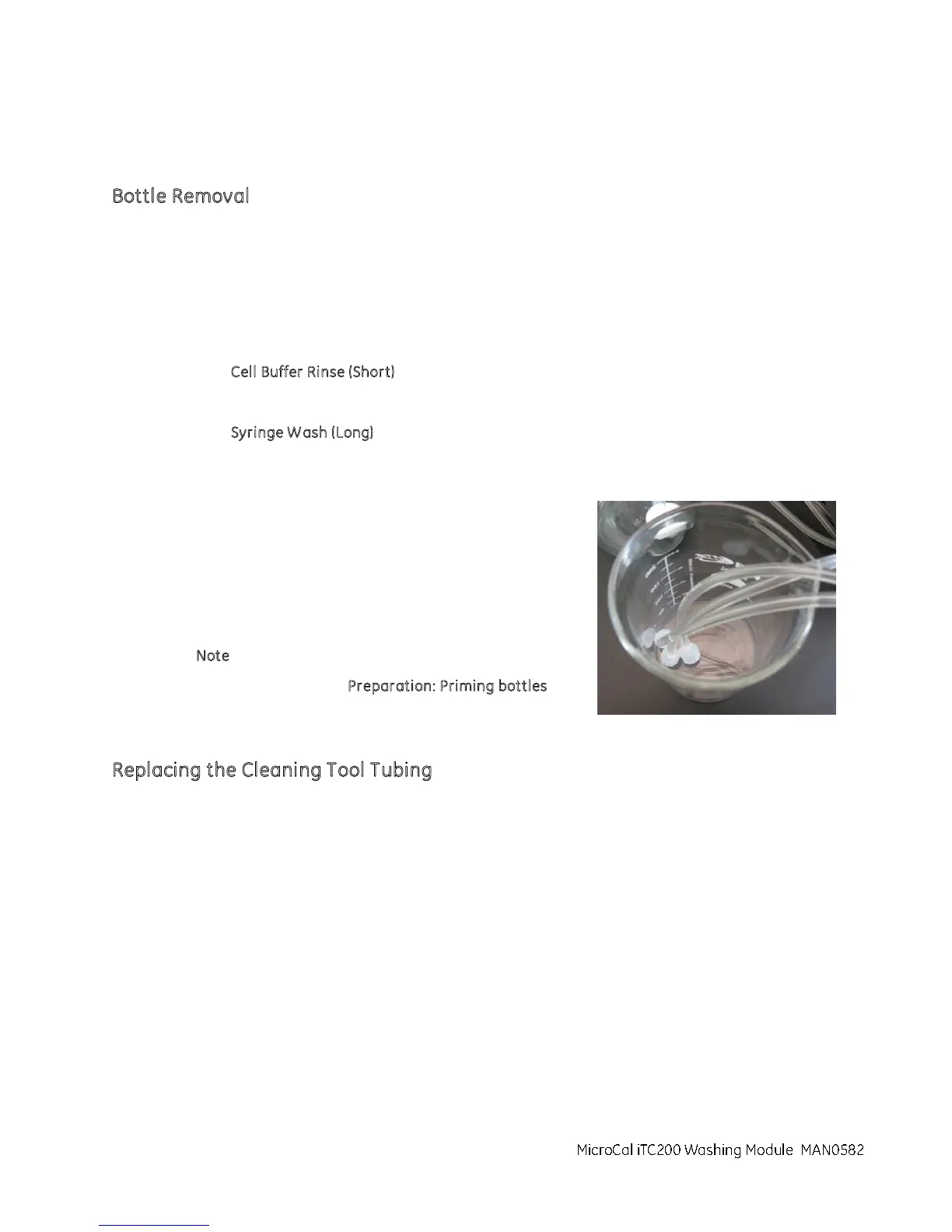
1. Disconnect the tubing from the bottle while leaving the other end attached to the system and
place the disconnect ends in a clean, empty beaker.
2. Click C
ell Buffer Rinse (Short).
3. Follow the instructions on the screen.
4. Click S
yringe W ash (Long).
5. Follow the instructions on the screen.
6. Remove the tubing from the bottle(s) by twisting the lure
lock fitting counterclockwise.
7. Perform the filling of the bottle(s).
8. Secure the bottle(s).
9. Install the tubing to the bottles by twisting the lure lock
fitting clockwise.
N
ote: Do not over tighten.
10. Refer to the Procedure P
reparation: Priming bottles
before performing normal operations.
Replacing the Cleaning Tool Tubing
Use this procedure to replace the tubing connecting the cell cleaning tool and the syringe
washing tube if it has been contaminated or damaged. A kit (KIT020599), supplied as an
accessory, contains tubing for the cell wash tool, waste bottle, and the syringe washing tube.
The filling port adapter (ASY020506) and associated tubing can be ordered from Malvern
MicroCal iTC200 Washing Module
Instruments.



 To Next Page