26 MicroCal iTC
200
Washing Module User Guide
Replacing Bottle Filters
Use this procedure if the volume delivery has decreased due to a clogged filter. As a best
practice, you should follow this procedure for one bottle at a time.
1. Disconnect the tubing from the top of the bottle.
2. Unscrew the bottle cap.
3. Remove the filter at the end of the tubing by gently pulling the filter from the tube.
4. Install a new filter (MCH02167) at the end of the tubing.
5. Replace the bottle cap.
6. Reconnect the tubing to the bottle cap.
Replacing Cleaning Device O-Ring
Use this procedure if the o-ring appears worn or the tool fits loosely in the cell port. The
accessory kit contains a bag of replacement o-rings (ORG-0005V-010).
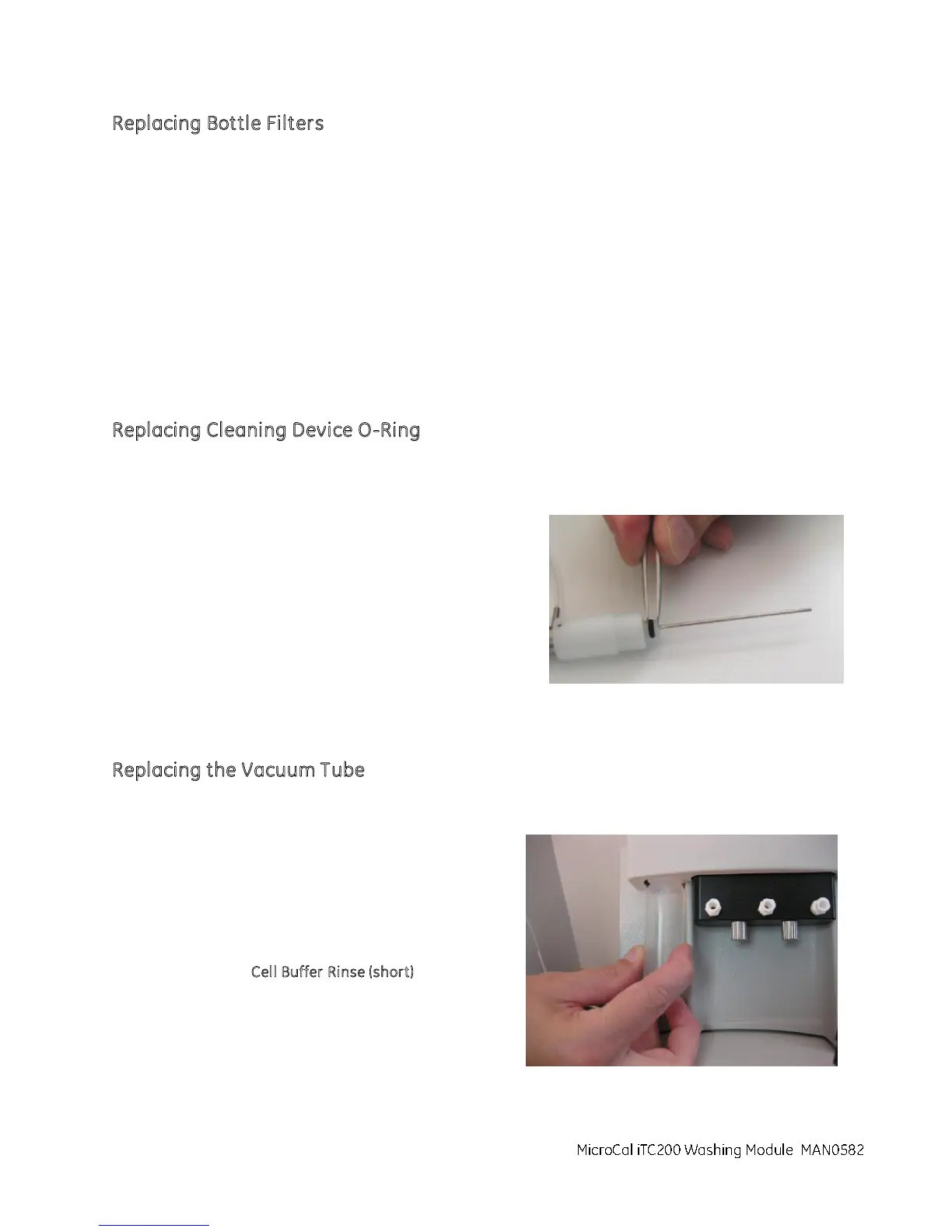
1. Locate the cell cleaning device o-ring.
2. Use a pair of tweezers (not provided) to remove
the o-ring.
3. Install the new o-ring.
R
eplacing the Vacuum Tube
Use this procedure to remove contamination from the washing module vacuum tube.
1. Remove the vacuum tube from the washing
module by turning it counterclockwise
2. Install the vacuu m tube (Part # ASY020555)
into the washing module by turning it
clockwise until tight.
3. Run the C
ell Buffer Rinse (short) procedure to
verify proper operation.
MicroCal iTC200 Washing Module



 To Next Page