Attaching
the Finder
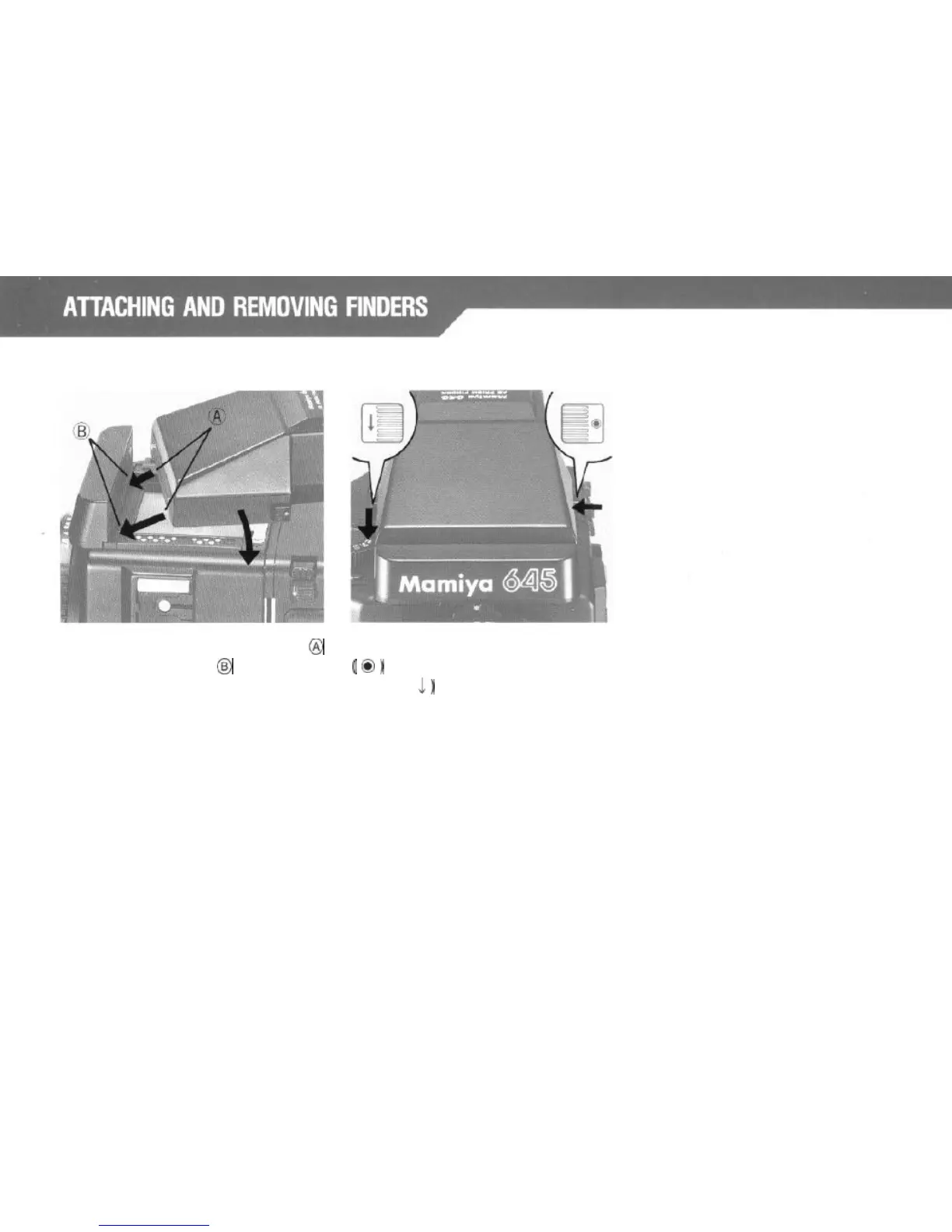
Insert the front finder mounting latch
@
into the body side slot
@
as shown by
the arrows, and press the finder down
until the rear hooks latch firmly.
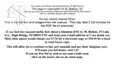
Removing the Finder:
Hold the Finder Lock Release Button
(
0
)
in while pushing down on the
Button (
,l
)
on the opposite side of
the finder.
*Other finders can be attached and
removed in the same procedure as
described above.
10



 To Next Page