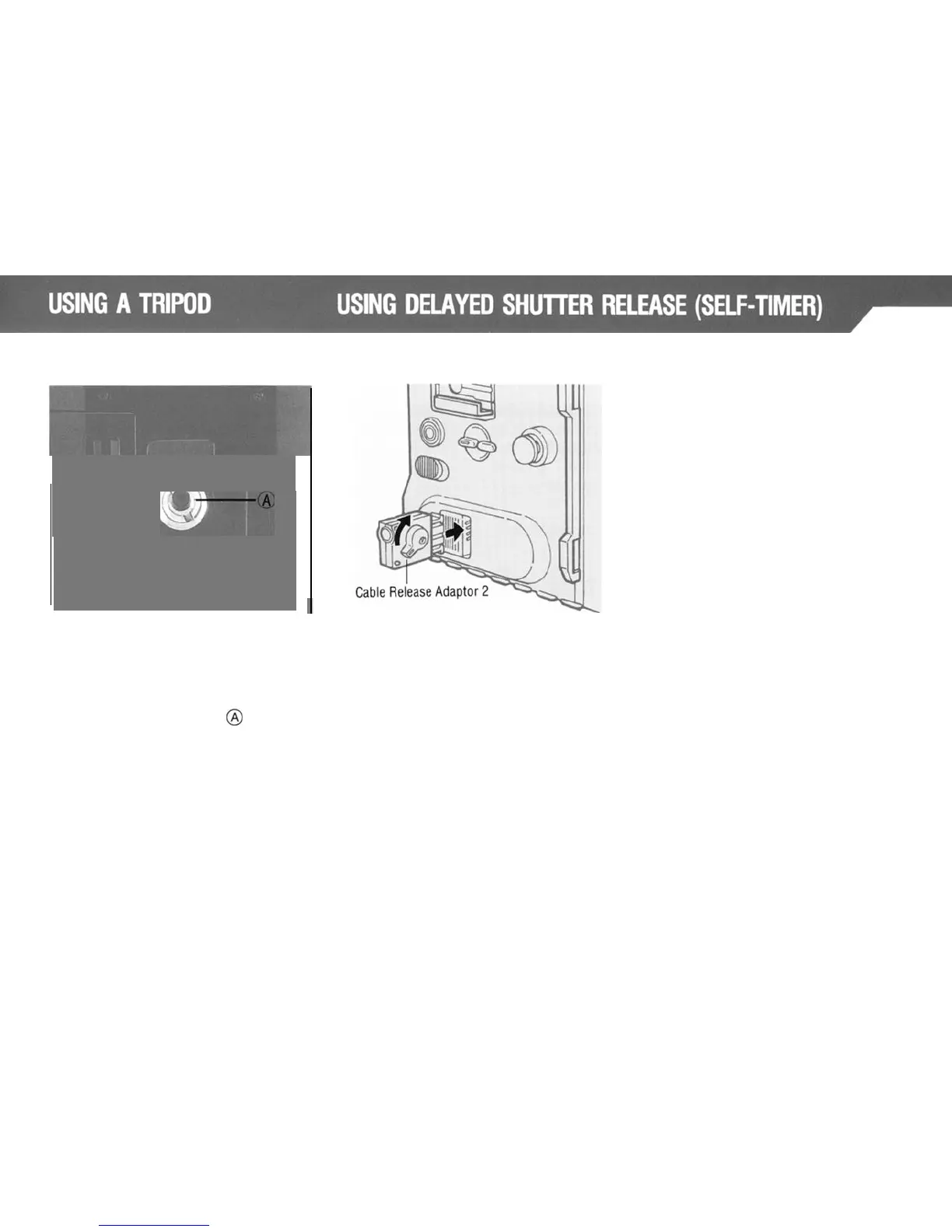
To
attach
to
tripods
with
a
3/8"
screw
unscrew
the
small
screw
found
in
the
base of the camera‘s tripod
socket.
using a regular screwdriver
(-).
Next,
remove the adapter
@
by insert-
ing a coin in the slot.
Finally,
attach
the camera to the 3/8"
tripod.
When attached to the accessory
Revolving Tripod Adapter, the
Mamiya M645 Super can be instantly
rotated to change
from
vertical
to
horizontal format, or vice versa.
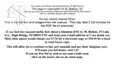
In order to have the capability of
delayed
shutter
release, you must first
insert
an optional Cable Release
Adapter 2 into the camera’s Auxiliary
Release Contact, and any commer-
cially
available self-timer cable release
can be used.
29



 To Next Page