1
1
Setting the Shutter Speed and the
Apertur
Removing/attaching the revolving
adapter
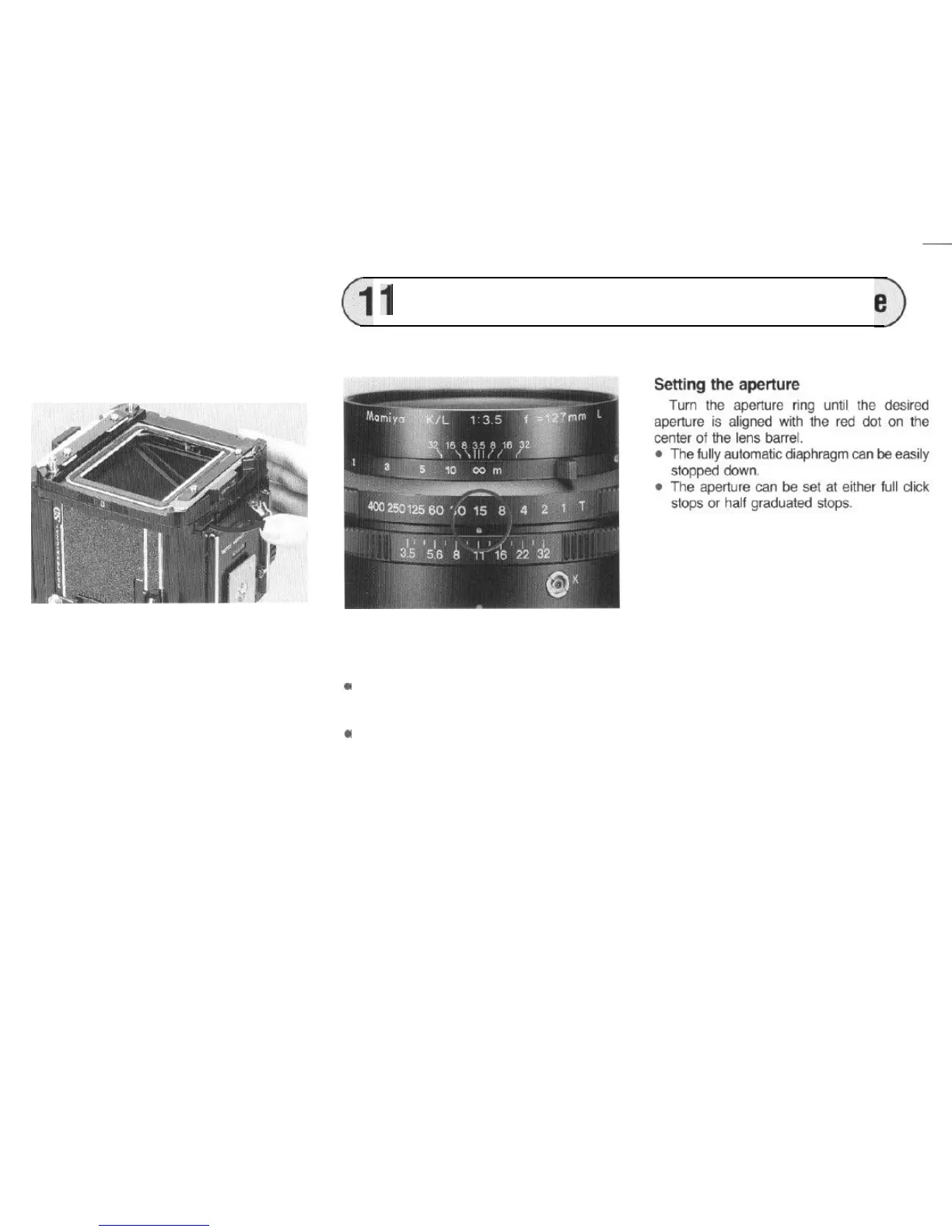
To remove the revolving adapter, pull down
the R-lock lever (A) on the back bottom of the
camera.
To attach the revolving adapter, position the
white dot on the side of the adapter towards
the upper side of the camera,
and completly
push in the R-lock lever while firmly holding
the adapter to the camera body.
l The revolving adapter for the Pro-S can
also be used.
l When attaching the revolving adapter,
securely hold it to the camera body.
A loose attachment may cause incorrect
focusing or leakage of light.
Setting the shutter speed
Align the desired shutter speed with the red
dot on the center of the lens barrel.
.
.
Always set the shutter speed to the click
stop position: intermediate shutter speeds
cannot be used.
If the speed is changed, after cocking the
shutter, do not turn the shutter speed ring
rapidly.
21



 To Next Page