Flash photography
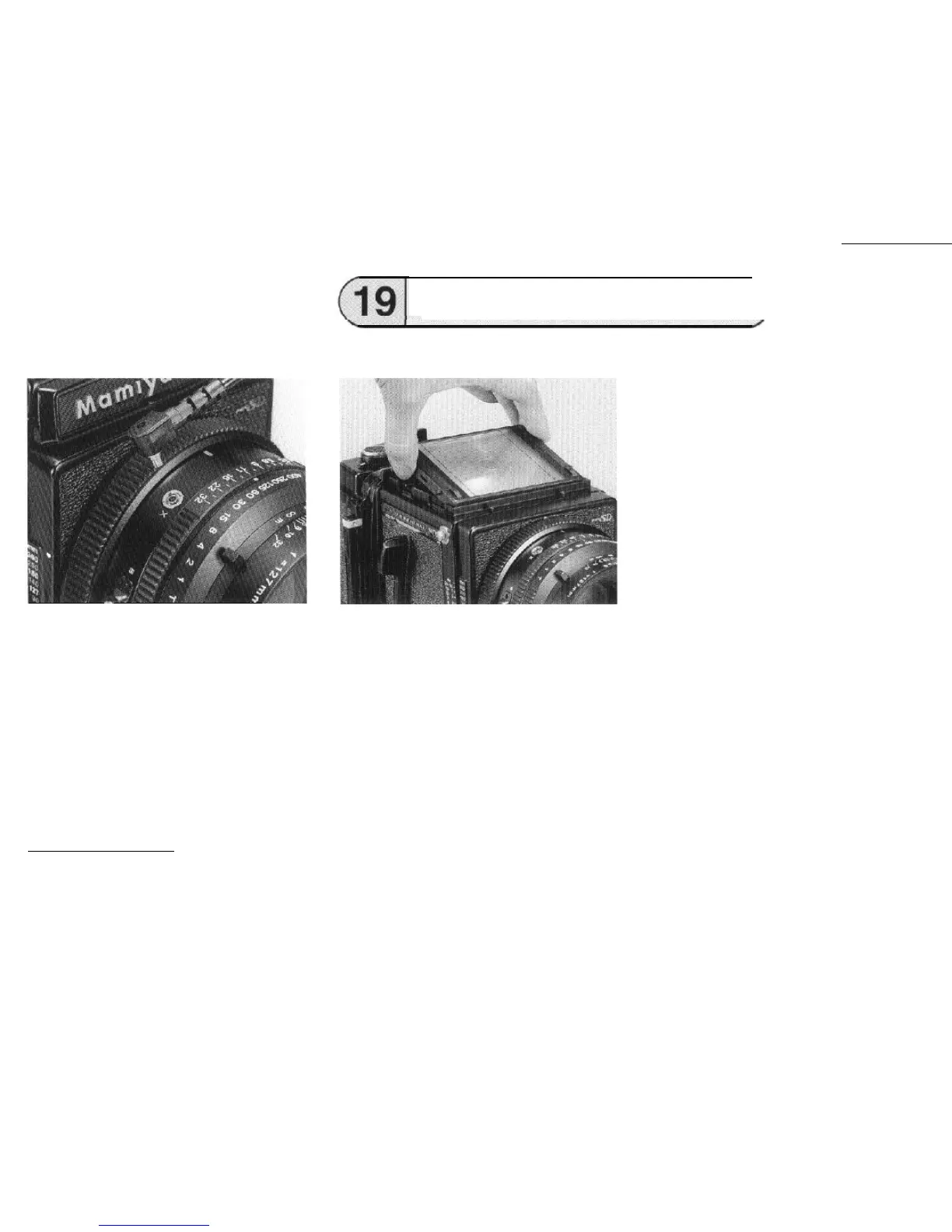
Connect the cord of the flash unit to the
synchroflash
terminal (X contact).
. The flash unit synchronizes at all shutter
speeds.
Determining the aperture
The aperture
setting
for flash photography
is determined by dividing the guide number of
the flash unit by the subject distance.
For example, when photographed with
IS0100 in m.
Changing the Focusing
Screen)
Attaching and detaching
First remove the waist-level finder, then while
holding both sides take out the
focusing
screen.
To attach it, hold each side and insert the
focusing screen into the top of the camera body
and press down lightly.
NOTE:
When the focusing screen has been
detached, do not touch the picture format red
rod indicator on the side of the camera body.
Seven types of interchangeable focusing
screens are available to meet various photo-
graphic applications.
l The
focusing
screen is made of
acrylic
resin, and since
its
surface is soft and sus-
ceptible to damage, be carefully so as to
not get fingerprints or other foreign matter
on it.
When dust is wiped off with a cloth or lens
paper, static electricity attracts more dust.
So, use a blower brush to remove dust.
(Guide number) 40
(Subject distance) 5 (m)
= (Correct aperture setting) 8
29



 To Next Page