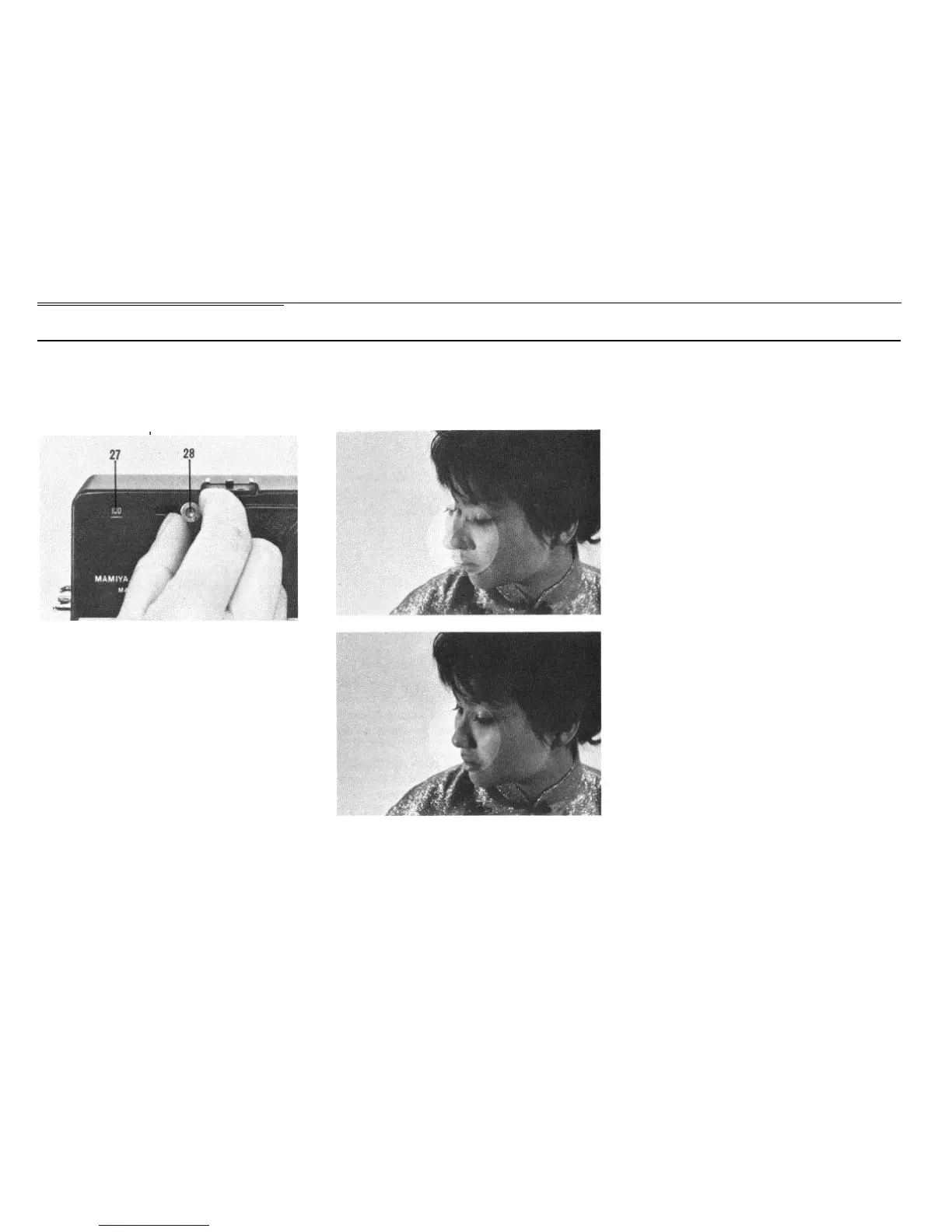
Operating the Viewfinder
Selecting Brilliant Frame in the
Viewfinder
\
The viewfinder field frame, indicating the
field for 6 x 9 and 6 x 7 formats, is adjustable
for 100mm, 150mm and 250mm focal length
lenses. By sliding over the slide button (28),
adjust the number in the indicator window
(27) to match the focal length of the using
lens.
When using the 50mm or 75mm lens,
attach the exclusive optical viewfinder of
each lens to the accessory shoe on the
camera body.
Focusing with Coupled Rangefinder
Within the small circle in the center of the
viewfinder field two images of the subject are
visible. Turn the focusing ring so that these
two images coincide.
When focusing, coincide the double images
at the center of the circle. Looking through
the center of the eyepiece is also a key point
in accurate focusing. When turning the focus-
ing ring of the lens barrel, be careful not to
turn the bayonet ring of the camera body.
When the lens-shutter assembly is in a
retracted position, or when extension rings
are used, the rangefinder will not function
even though the double images coincide.
Parallax
Brilliant frames in the viewfinder for 100
mm, 150mm and 250mm lenses are coupled
with the rangefinder to automatically correct
parallax
.
11


 To Next Page