dmc1
M&S Systems | 2861 Congressman Lane | Dallas, Texas 75220 | 800.877.6631 | www.mssystems.com 5
Preset Radio Stations
To preset radio stations:
1. Press POWER to turn on the music.
2. Select FM or AM. See Music Settings/Music Source for instructions.
3. Use TUNE UP or TUNE DOWN to find a station. See Tune the Radio above for
seek and scan functions.
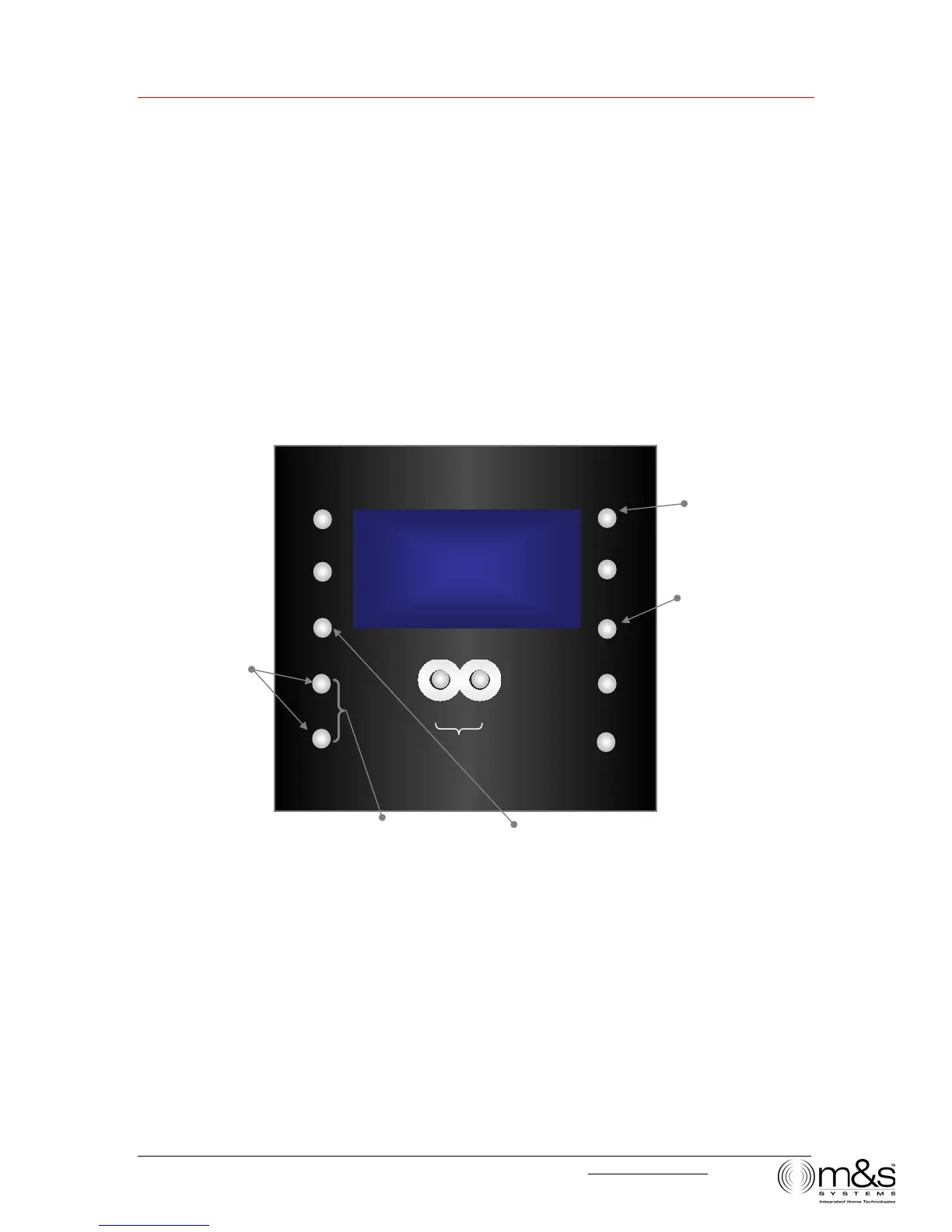
4. Simultaneously press TUNE UP and TUNE DOWN to enter Store Preset mode.
The display shows PRESET and a preset number.
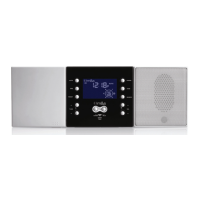
Figure 3—Preset radio Stations
5. If you don’t want to change the preset number, wait 5 seconds and your selected
radio station will automatically be assigned to the preset number that is displayed. If
you want to change the preset number, press the PRESET button repeatedly to cycle
through numbers1-8 until you reach the preset number you want.
6. Wait 5 seconds. The display updates to show the new station for the selected preset
number.
Note: You can cancel this activity at any time during the process by pressing TUNE UP
and TUNE DOWN simultaneously again, and no new preset is stored.
¿
TUNE
|0|.|
UTO
TIME
PRESET
POWER
TONE
SOURCE
¿
VOLUME
À
LISTEN TALK
DOOR TALK
¿
TUNE
À
FM
PRESET
03
2. Select AM or FM
1. Turn music on
3. Find a radio
station
4. Enter Store Preset
mode
5. Select preset numbe



 To Next Page