dmc1
M&S Systems | 2861 Congressman Lane | Dallas, Texas 75220 | 800.877.6631 | www.mssystems.com 15
Room/Patio Station Operation
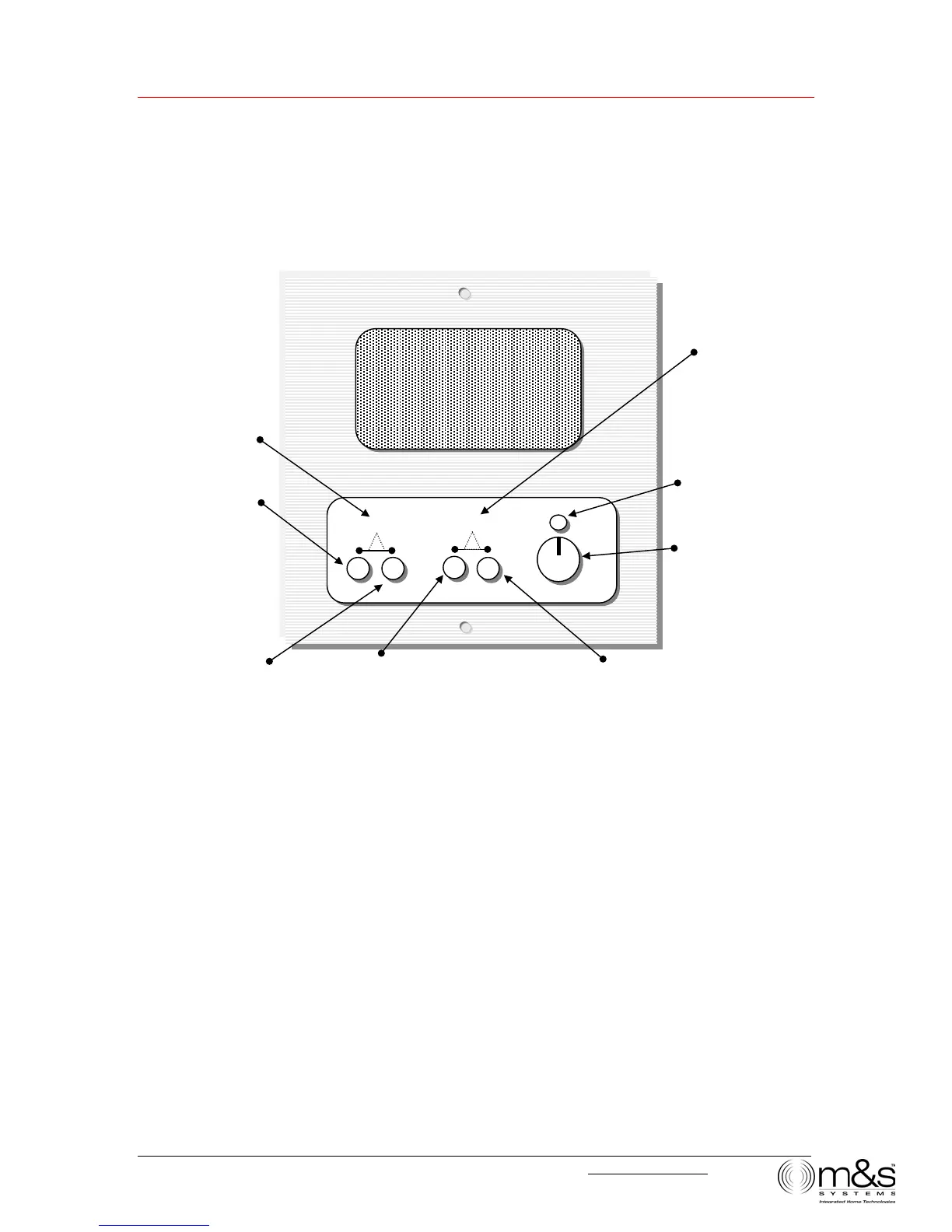
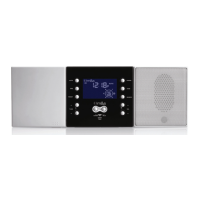
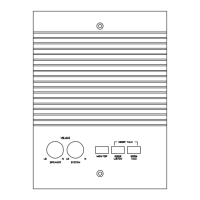
Figure 11—Room/Patio Station
Turn Music Source On and Off
You can turn the Music Source on and off from any Room/Patio Station.
• To turn the Music Source on, press the MUSIC VOLUME UP button.
• To turn the Music Source off, press the MUSIC VOLUME DOWN button until the
volume level goes to zero.
Adjust System Music Volume
You can adjust the system music volume from any Room/Patio Station by pressing
VOLUME UP or VOLUME DOWN.
Press and hold to turn
off System Music. Press
to adjust System Music
volume.
Press and hold to turn
on System Music.
Press to adjust System
Music volume.
Listen to all stations set to Intercom
or Radio/INT, unless they have
PRIVACY activated.
TALK + LISTEN
Talk and listen to Door Station
VOLUME UP + VOLUME
DOWN
Scan music sources. Hold for
4+ seconds to activate
Security/Home Automation
function. (Not available on Patio
Station.)
Disable Listen and
Monitor.
Talk to all stations set to Intercom
or Radio/INT.
Adjust room station
speaker volume.
LISTEN TALK
DOORTALK SCAN
OFF ON
SPEAKER VOLUME
PRIVACY
- MUSIC VOLUME +



 To Next Page