dmc1
M&S Systems | 2861 Congressman Lane | Dallas, Texas 75220 | 800.877.6631 | www.mssystems.com 8
Note: When music is off, use VOLUME UP and VOLUME DOWN to adjust Master
Volume.
3. Press TONE. The Loudness function appears. Press VOLUME UP to turn Loudness
on. Press VOLUME DOWN to turn Loudness off.
4. Press TONE. The Treble function appears. Use VOLUME UP and VOLUME DOWN
to adjust the treble from 0-
14.
5. Press TONE. The Bass function appears. Use VOLUME UP and VOLUME DOWN
to adjust the bass from 0-
14.
6. Press TONE. If you have the optional stereo power amplifier, the Balance function
appears. Use VOLUME UP and VOLUME DOWN to adjust the Balance from +
10 to
–
10. (Zero = equal balance.)
7. Press TONE. Intercom Volume appears. Use VOLUME UP and VOLUME DOWN
to adjust the Intercom Volume from 0-
14.
Note: When music is off, press TONE to access Intercom Volume, then use
VOLUME UP or VOLUME DOWN to adjust Intercom Volume.
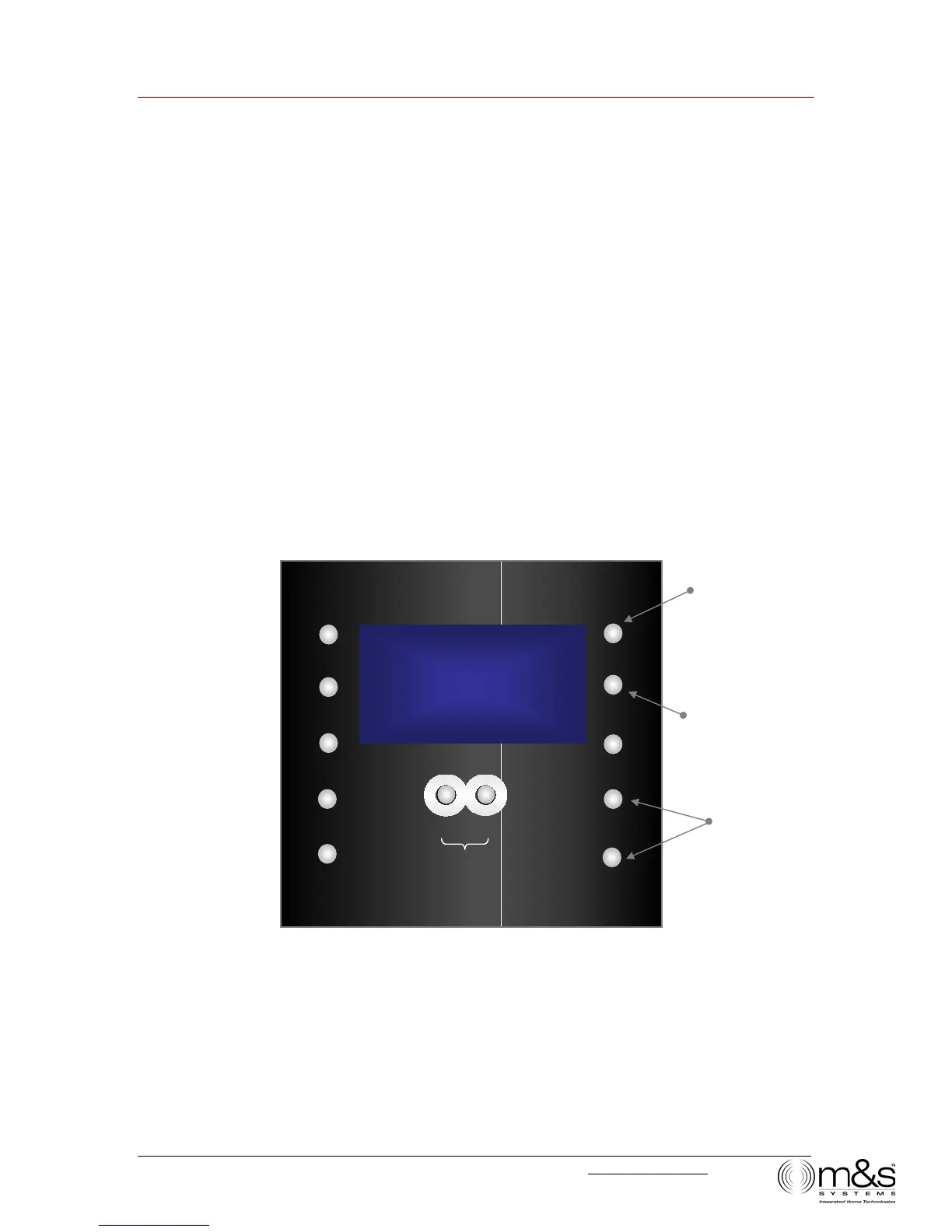
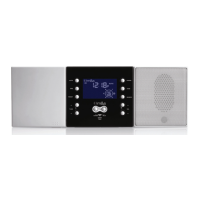
Figure 6—Audio Settings: Music Volume
¿
TUNE
12:20P
UTO
TIME
PRESET
POWER
TONE
SOURCE
¿
VOLUME
À
LISTEN TALK
DOOR TALK
¿
TUNE
À
MUSIC Volume
Turn on music
Select setting to
change
Change setting



 To Next Page