dmc1
M&S Systems | 2861 Congressman Lane | Dallas, Texas 75220 | 800.877.6631 | www.mssystems.com 3
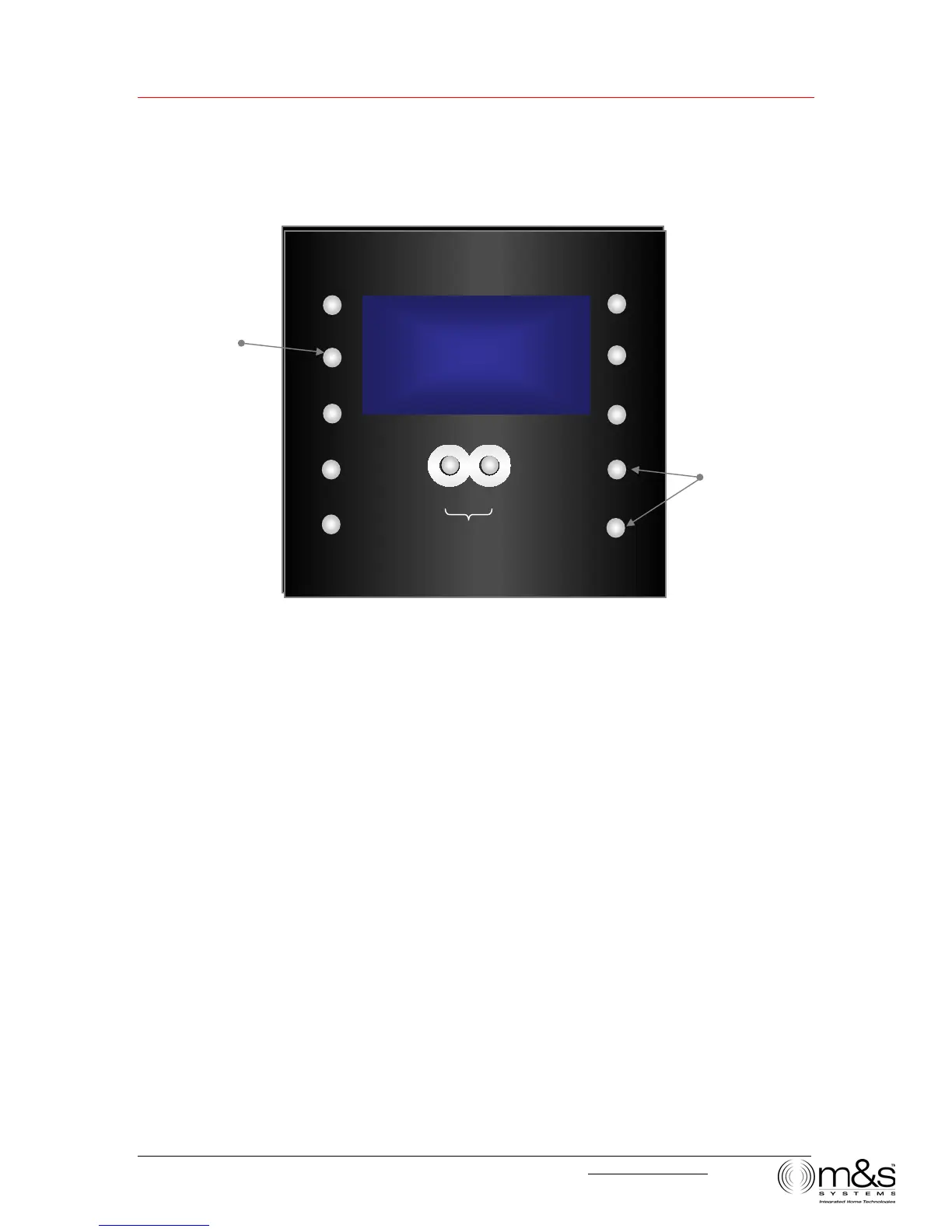
Figure 2—Clock Settings: Set Time
To change clock settings:
1. Press TIME. The hour field for Normal Time blinks, and SET TIME appears on the
display.
2. Press VOLUME UP or VOLUME DOWN to change the hour. An A or P indicates
AM or PM, respectively.
3. Press TIME. The minute field blinks. Use the VOLUME buttons to change the
minutes.
4. Press TIME to continue through the settings: Music Auto On, hour and minutes and
Music Auto Off, hour and minutes.
5. After you have entered Music Auto Off minutes, press TIME to return to Normal
Time display.
Note: You can enable or disable the AUTO function. The word “Auto” will appear on
the display when Auto Function is on. See Music Settings/Auto On/Off.
l2:20
UTO
TIME
PRESET
POWER
TONE
SOURCE
¿
VOLUME
LISTEN TALK
DOOR TALK
Set normal time
and music Auto
On/Off times
¿
TUNE
:20P
UTO
TIME
PRESET
POWER
TONE
SOURCE
VOLUME
LISTEN TALK
DOOR TALK
TUNE
Change hours and
minutes
SET
TIME



 To Next Page