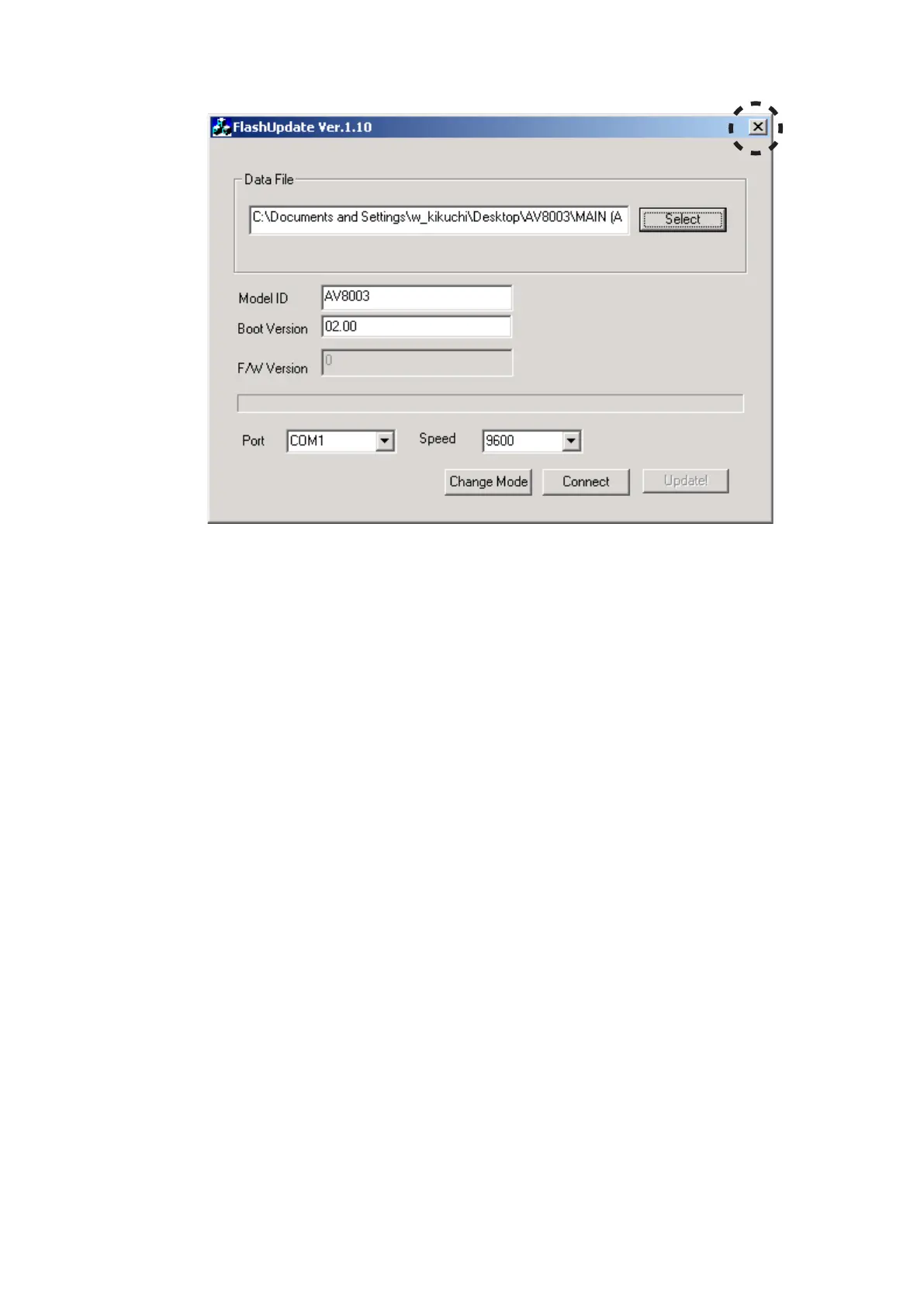
Click the 14. X to close the application.
Press the 15. POWER ON/OFF (STANDBY) button for turn
off the unit. (Except /F B, /U1B)
Disconnect the mains cord.16.
Disconnect the RS-232C cable from the unit.17.
X14. をクリックしアプリケーションを閉じます。
POWER ON/OFF (STANDBY)15. ボタンを押して本機の電源
を切ります。(/F B, /U1Bを除く)
本機から電源ケーブルを外します。16.
本機からRS-232Cケーブルを外します。17.



 To Next Page