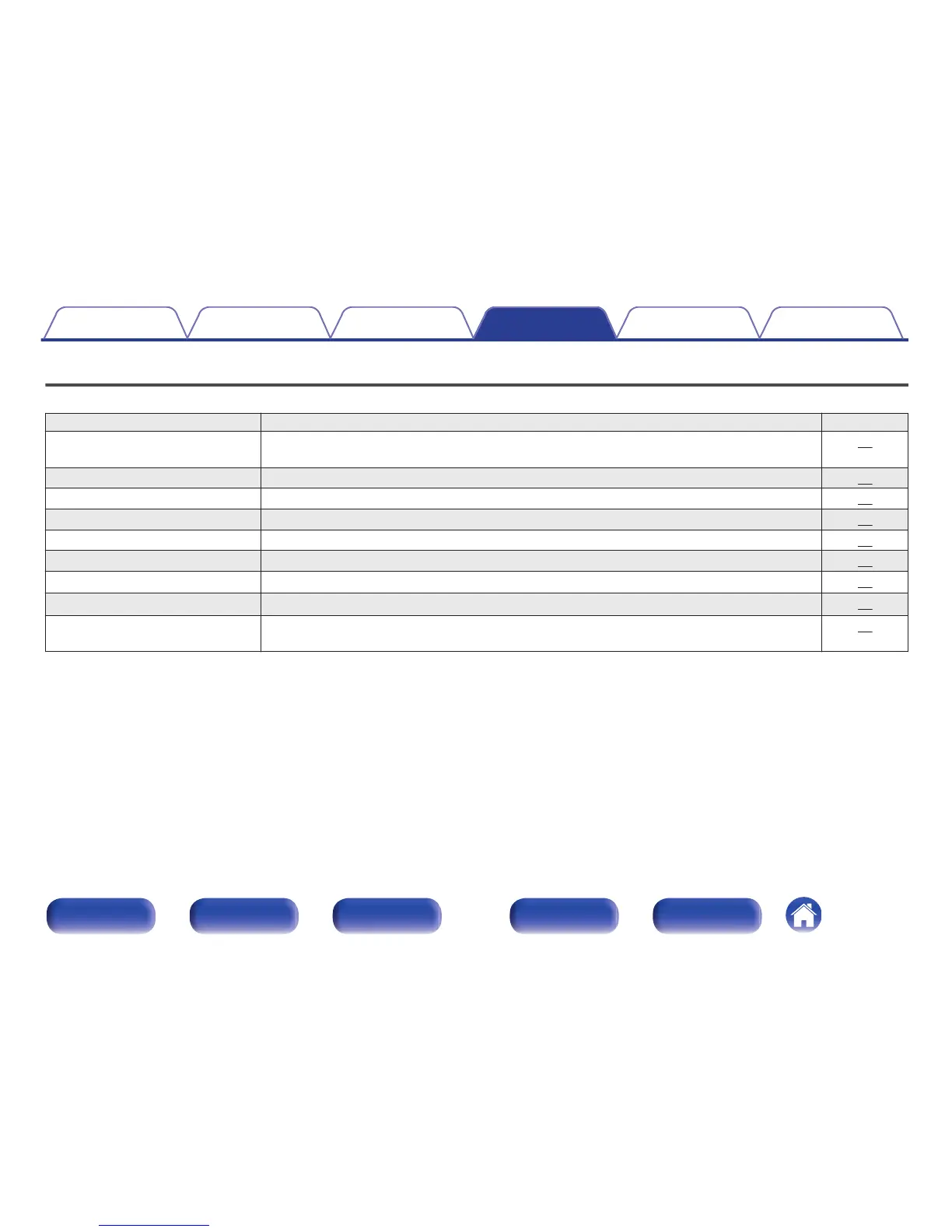
Menu map
By default, this unit has recommended settings defined. You can customize this unit based on your existing system and your preferences.
Setting items Description Page
S.Direct
(Source Direct)
Sets the tone adjustment. 52
Bass Adjusts the bass sound. 52
Treble Adjusts the treble sound. 52
Balance Adjust the left/right volume balance. 52
Filter Switches the filter characteristics. 53
H/P Gain Set the gain of the headphone amplifier. 53
Dimmer
z
1
This switches the brightness of the display. 54
iPodMode
z
1
z
2
Set whether to operate the iPod from this unit or on the iPod. 54
AutoStby
(Auto Standby)
Sets whether to automatically switch the unit to the standby mode when the unit remains in the stop
mode for more than 30 minutes.
54
z1
Displayed when SETUP is pressed on this unit.
z2
Displayed when the input source is “iPod/USB” and an iPod is connected.
Contents
Connections Playback Settings Tips Appendix
Settings
50
Front panel Display Rear panel Remote Index



 To Next Page