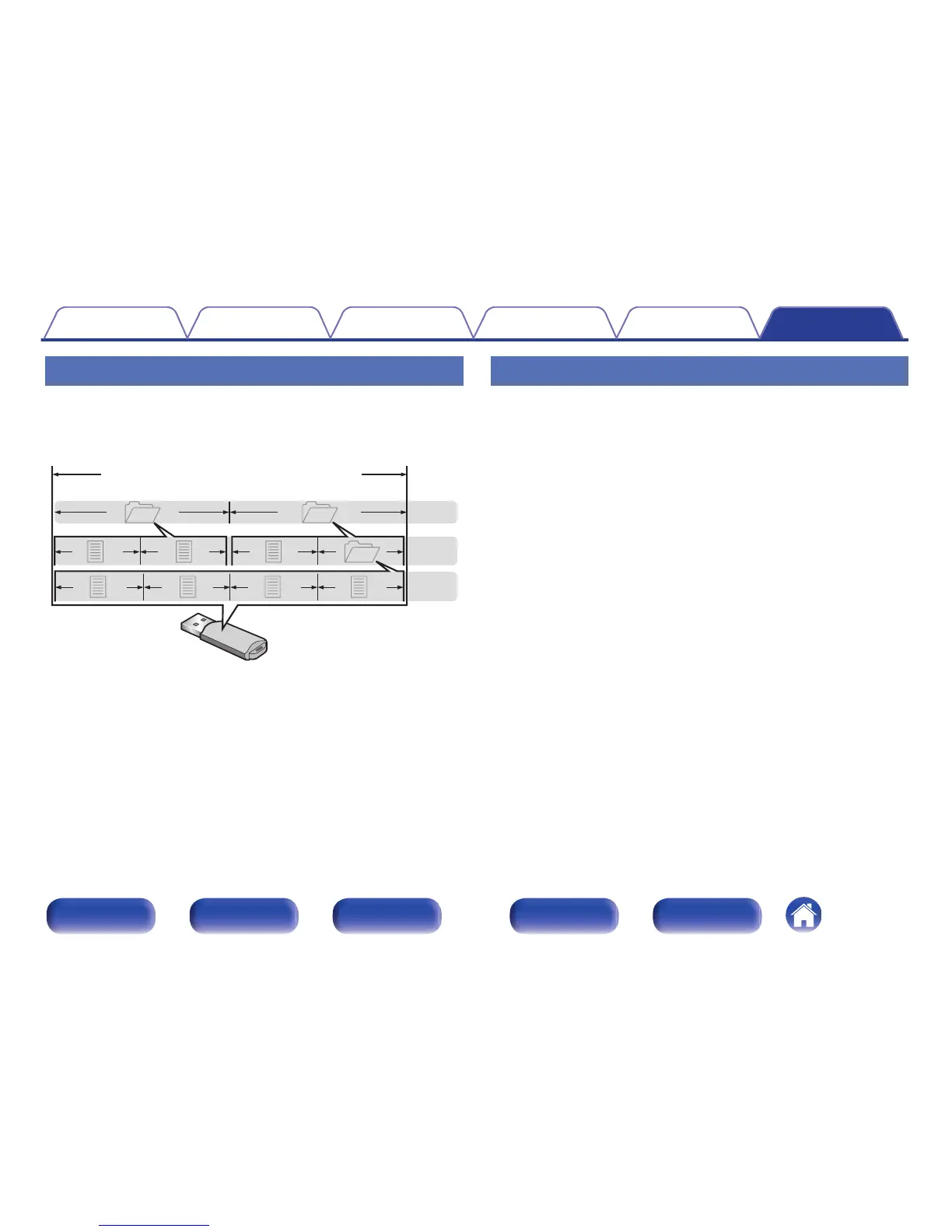
About folders and files
Music files recorded on a USB memory device are divided into large
segments (folders) and small segments (files). Files are stored in folders,
and folders can be placed for storage in a hierarchy. The unit can
recognize up to 8 levels of folders.
.
How to handle media
0
Do not eject a USB memory device or turn off the unit while a USB
memory device is being played. This may result in malfunction or loss of
the USB memory device’s data.
0
Do not attempt to open or modify a USB memory device.
0
USB memory device and files can be damaged by static electricity. Do
not touch the metal contacts of a USB memory device with your fingers.
0
Do not use warped USB memory device.
0
After use, be sure to remove any USB memory device, and store it in its
proper case, to avoid dust, scratches and deformation.
0
Do not store discs in the following places:
1. Places exposed to direct sunlight for long periods of time
2. Dusty or humid places
3. Places exposed to heat from heaters, etc.
Contents Connections Playback Settings Tips Appendix
67
Front panel Display Rear panel Remote Index



 To Next Page