Menu operation
1
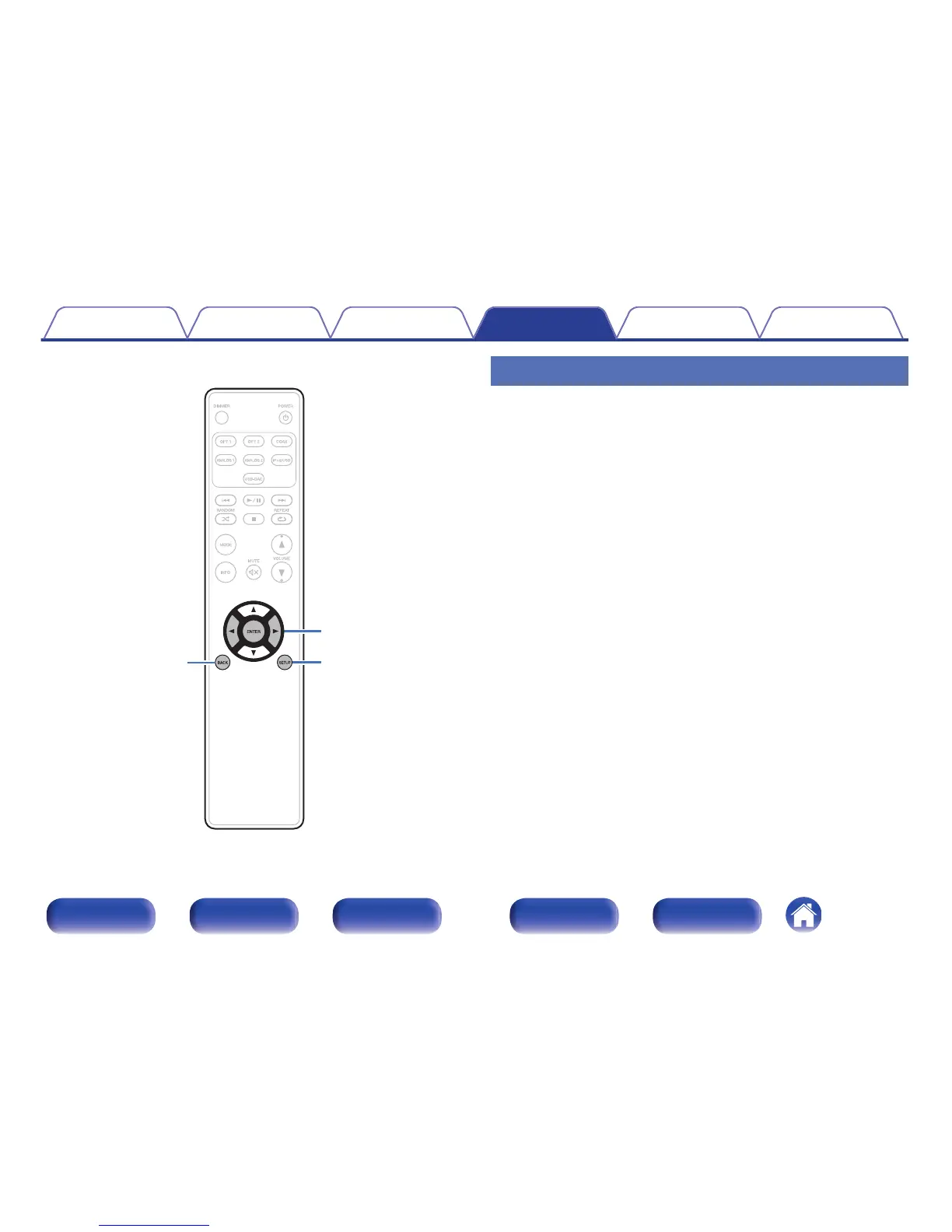
Press SETUP to select the menu to be set.
Each time you press SETUP, the setting item changes.
2
Use o p to change to desired setting.
0
You can also change the setting by turning INPUT SELECTOR on
the main unit.
3
Press SETUP or ENTER to return to the normal display.
0
The display returns to the normal display if no operations are
performed for 5 seconds after configuring settings.
0
To return to the normal display, press BACK.
Contents Connections Playback Settings Tips Appendix
51
Front panel Display Rear panel Remote Index



 To Next Page