.
I
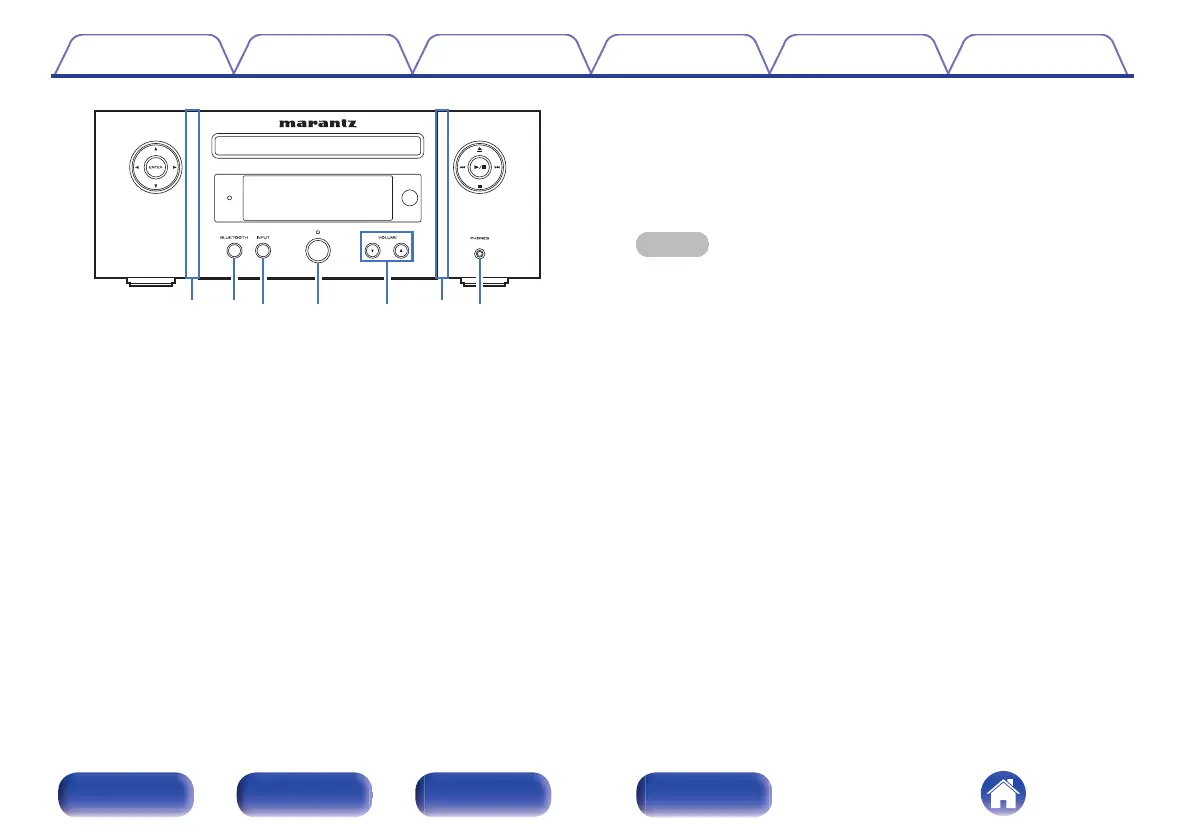
Front panel illumination
Lights when power is turned on. Illumination output can be set on/off
using “Illumination” in the settings menu. (v p. 70)
J
BLUETOOTH button
This switches the input to Bluetooth. This is also pressed during the
pairing operation. (v p. 49)
K
INPUT button
This selects the input source. (v p. 31)
L
Power operation button (X)
This turns the power on/off (standby). (v p. 30)
M
Volume up/down buttons (VOLUME df)
Adjusts the volume. (v p. 31)
N
Headphones jack (PHONES)
Used to connect headphones.
When the headphones are plugged into this jack, audio will no longer
be output from the connected speakers.
NOTE
0
To prevent hearing loss, do not raise the volume level excessively when using
headphones.
Contents Connections Playback Settings Tips Appendix
12
Front panel Rear panel
Remote control
unit
Index















 To Next Page