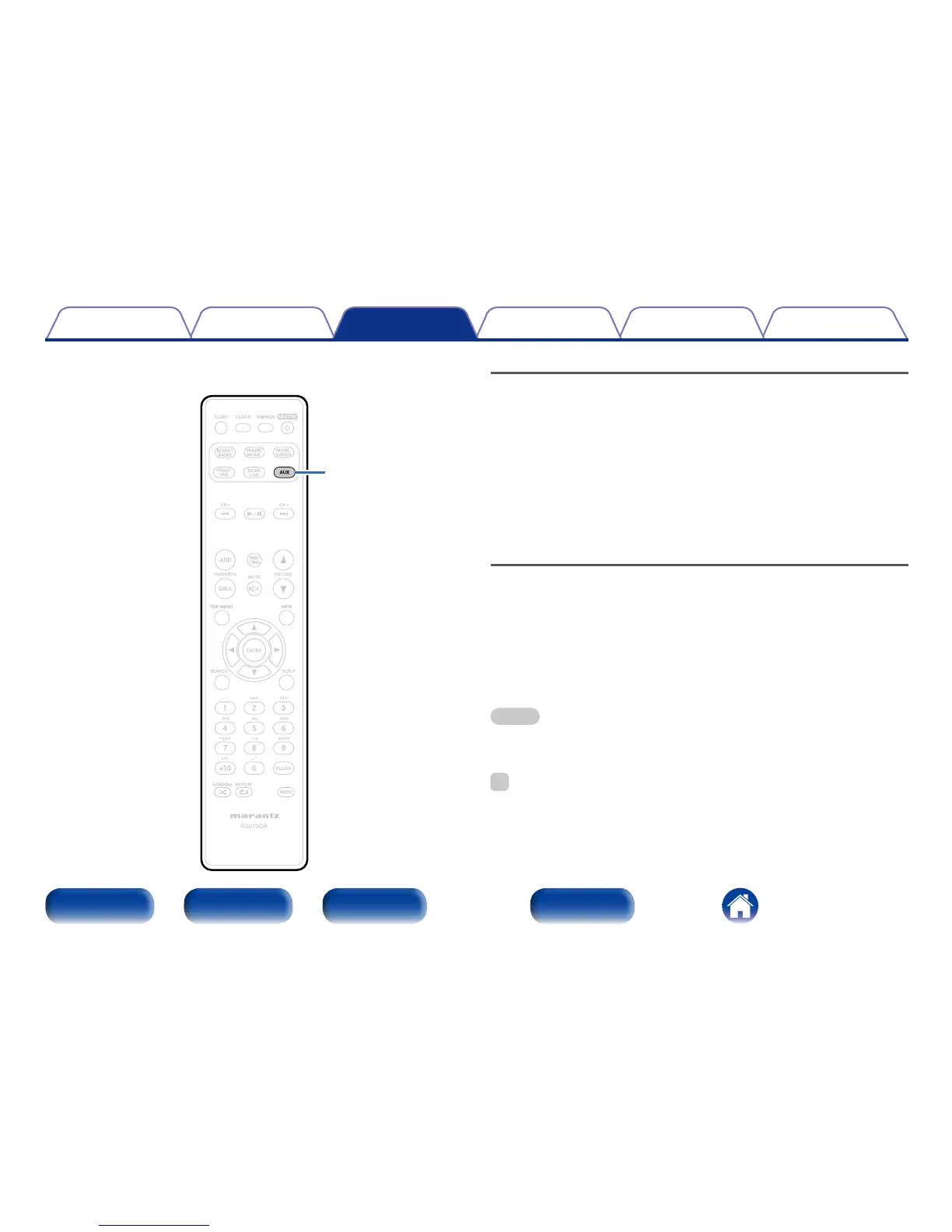
AUX
Listening to ANALOG IN
1
Prepare for playback.
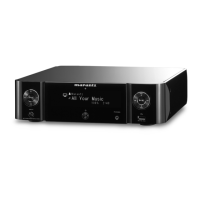
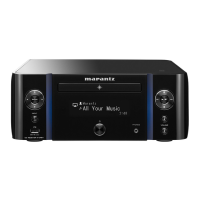
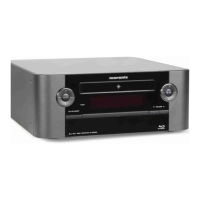
Check the connection, then turn on this units.
2
Press AUX to select “Analog In”.
3
Play the component connected to this unit.
Listening to DIGITAL IN
1
Prepare for playback.
Check the connection, then turn on this units.
2
Press AUX to select “Digital In”.
3
Play the component connected to this unit.
NOTE
•Only 2 channel linear PCM digital audio signals can be inputted through the
DIGITAL IN connector of this unit.
%
•Press the AUX again to switch between Analog In / Digital In.


 To Next Page