Web control function
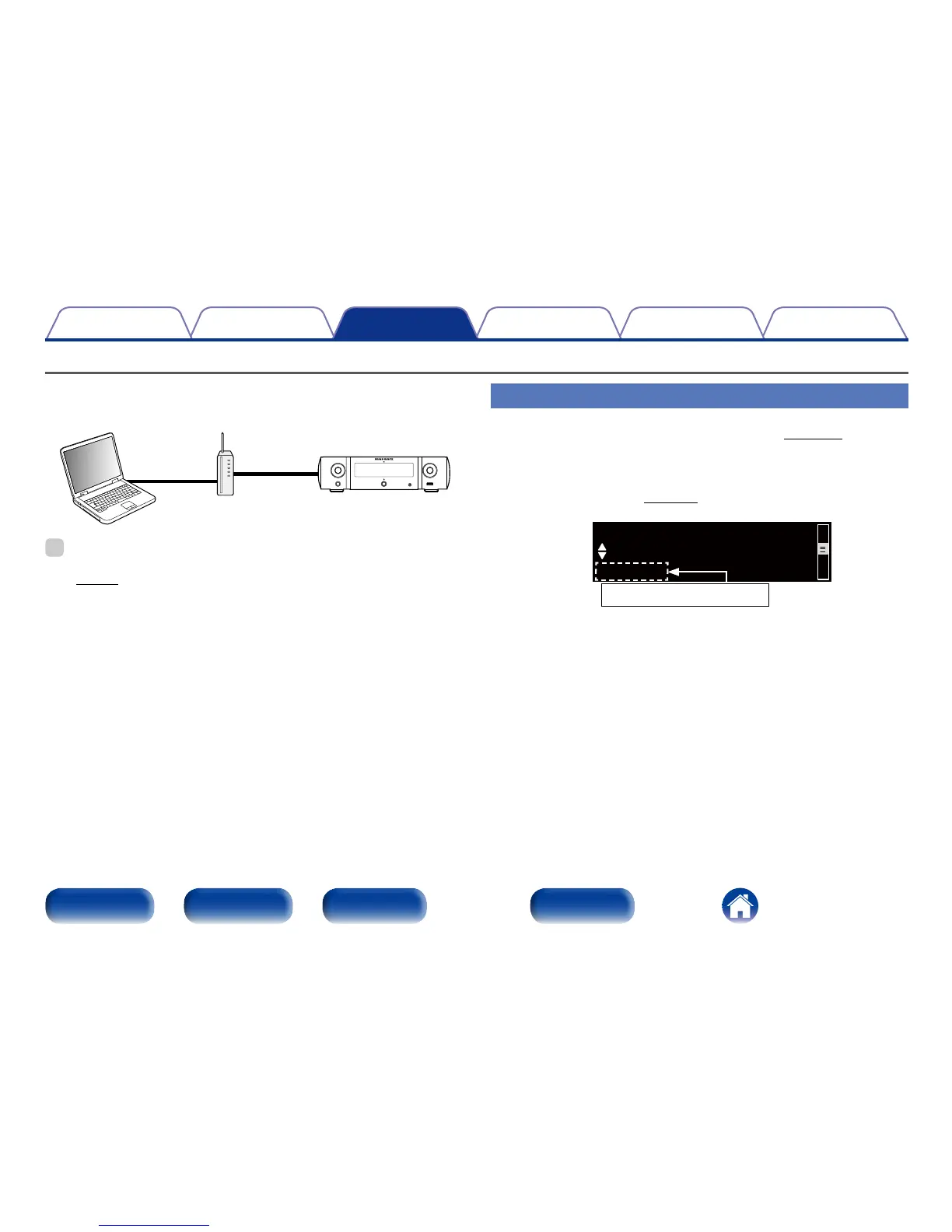
You can control this unit from a web control screen on a web browser.
PC
Router This unit
%
•This unit and the Computer need to be connected to the network properly
(vpage 21 “Connecting to a home network (LAN)”) in order to use the web
control function.
•Depending on the settings of your security-related software, you may not be able
to access this unit from your PC. If this is the case, then change the settings of the
security-related software.
Controlling the unit from a web control
1
Switch the “Network Control” (vpage 74) setting
to “On”.
2
Check the IP address of this unit with “Network
Information” (vpage74).
IP Address



 To Next Page