EasyManua.ls Logo

Marantz NA6005 - Page 78

Marantz NA6005
140 pages
Print Icon
To Next Page IconTo Next Page
To Previous Page IconTo Previous Page
Loading...
7
Operate.
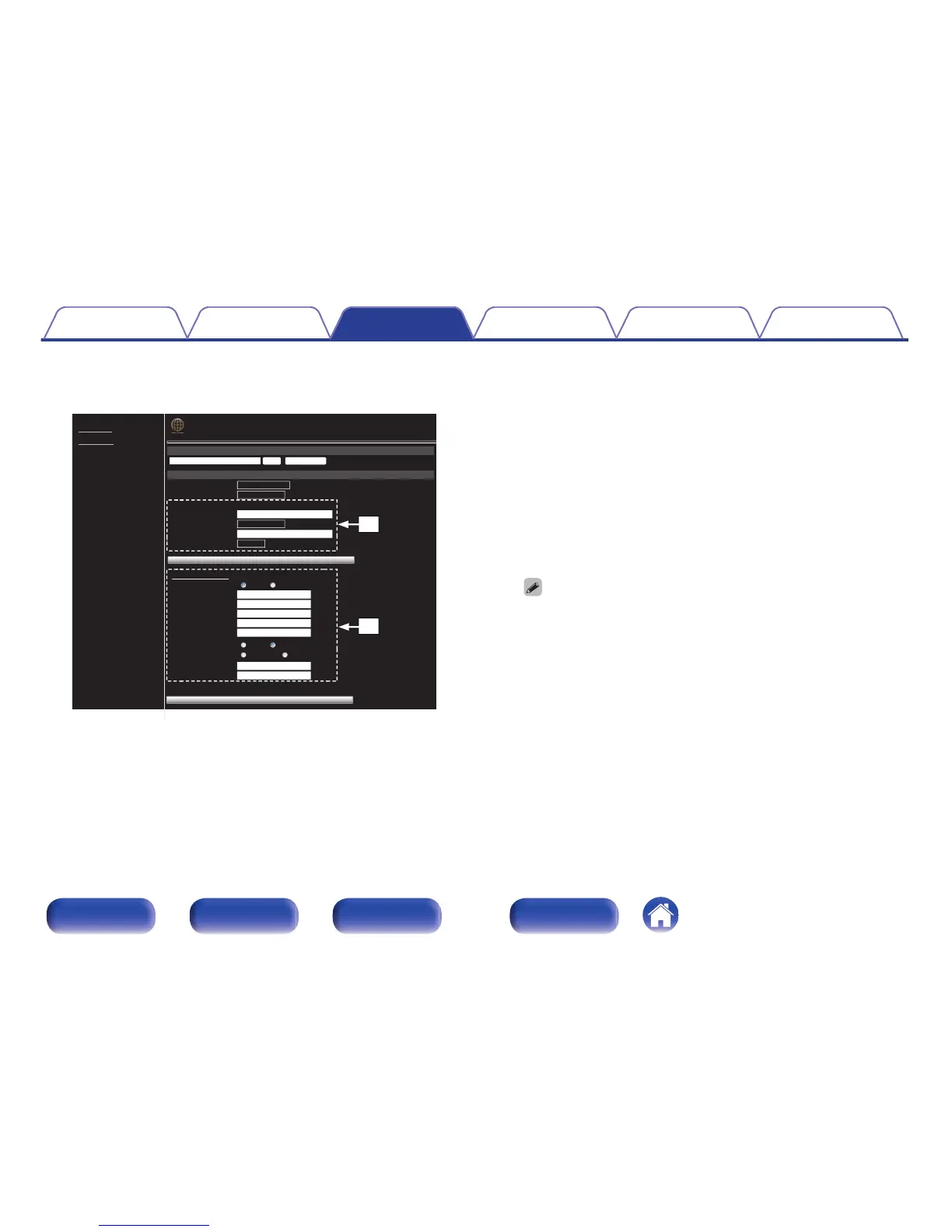
GExample 2H Network Setting 2
.
Friendly Name
Marantz NA6005 Set Set Default
Network Connection
Select Connection Wi-Fi
Save DHCP Proxy Settings
NETWORK
Wi-Fi Setup
Manual
Manual
None
Key1
---
S SID
Security
Security Key
Defaullt Key
Address Name
ON OFF
ON OFF
192.168.000.001
255.255.255.000
000.000.000.000
000.000.000.000
000.000.000.000
000.000.000.000
00000
Test Connection
[-]DHCP or Proxy
DHCP
IP Address
Subnet Mask
Gateway
Primary DNS
Secondary DNS
Proxy
Address Or Name
Address
Port
NETWORK
FIRMWARE
Q1
Q0
n
Network connection settings
J GExample 2H - Displayed when “Wi-Fi” is selected in G.
Select or input items as necessary, and then click “Test
Connection” to apply the changes.
0
Items displayed may vary depending on selected items and
connection status.
0
After selecting each item, wait a moment for the display to
be updated.
K
GExample 2H - Displayed when “DHCP” or “Proxy” is selected
in H. When changing DHCP/proxy settings, input or select
for each item.
To apply network connection settings, click “Test Connection” after making
changes.
Contents Connections Playback Settings Tips Appendix
78
Front panel Rear panel
Remote control
unit
Index


Table of Contents

Other manuals for Marantz NA6005

Related product manuals