o
Update on web screen
“Web control function” (v p. 75) Settings must be completed in
advance on a computer belonging to the same network. For
information on obtaining update files, please contact our customer
service center.
1
Click 4 from step 5 for the “Web control function”
(v
p. 75).
The PC will display the following screen.
Wait for approximately 1 minute.
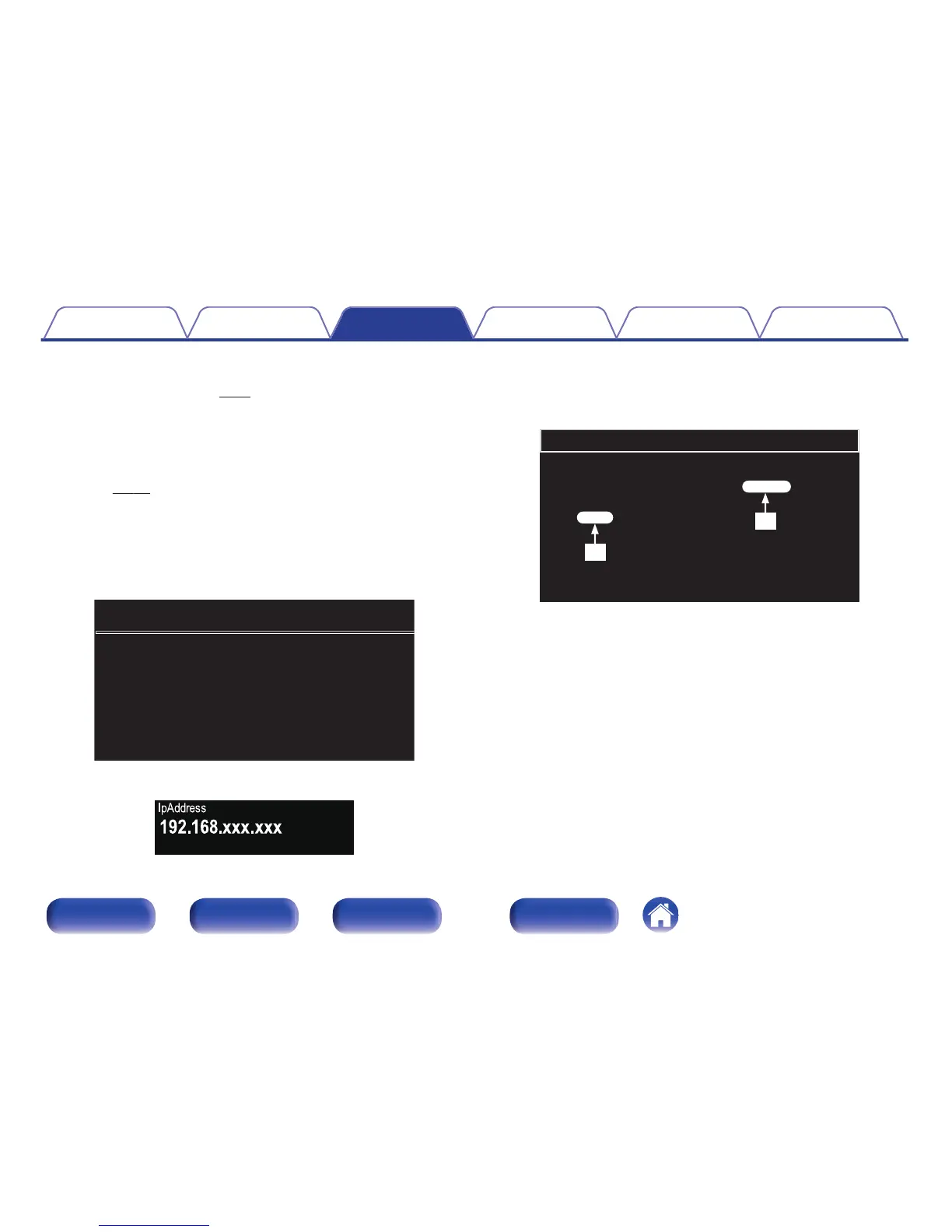
You can also gain access by entering the IP address shown by the
unit into a web browser.
G The web display H
.
G The unit’s screen display H
.
2
When the following screen is displayed by the PC, click
the “Choose File” (A) button, select the update file,
and click the “Upload” (B) button.
.



 To Next Page