EasyManua.ls Logo

Marantz NA6005 - Page 80

Marantz NA6005
140 pages
Print Icon
To Next Page IconTo Next Page
To Previous Page IconTo Previous Page
Loading...
3
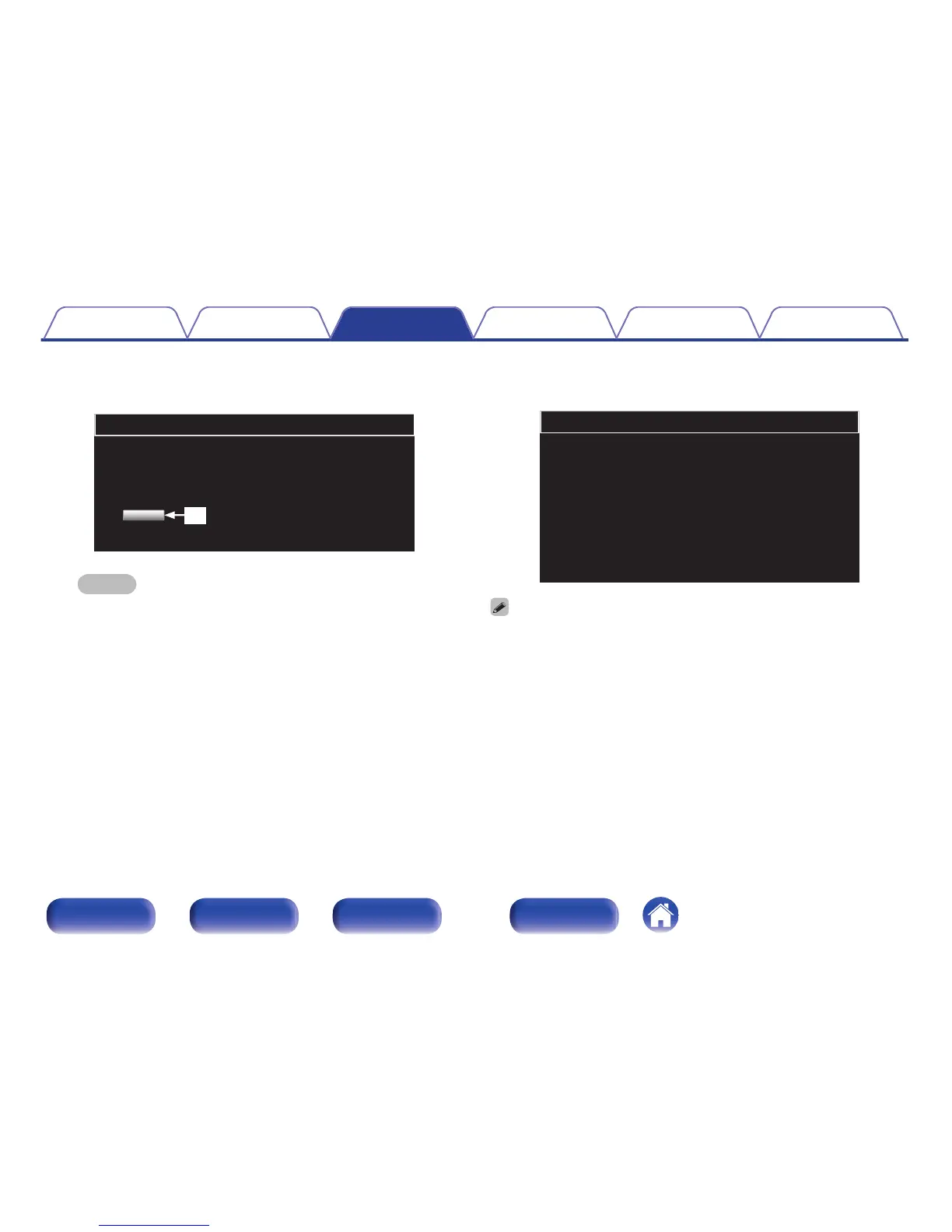
Click “OK” (C).
Updating will begin.
.
Firmware
Warning:
Once started,the upload process cannot be interrupted or adorted,
in order to ensure the integrity of the Digital Media Player.
Are you sure you want to proceed?
OK
e
NOTE
Do not operate the unit while updating is in progress.
4
When the following screen is displayed, updating is
complete.
.
Firmware
New Firmware:
xxx.fw
Firmware upload status: 100% completed.
The upload process finished successfully.
Please close this.
Button names may vary depending on the OS language used on your computer.
Contents Connections Playback Settings Tips Appendix
80
Front panel Rear panel
Remote control
unit
Index

Table of Contents

Other manuals for Marantz NA6005

Related product manuals