11
ENGLISH
Getting Started Connections
Basic OperationsBasic Operations Advanced Operations TroubleshootingExplanation termsInformation Specifi cations Index
[Using the remote controller]
Press the M-DAX button.
Each time this button is pressed, M-DAX changes as follows.
Off Low
High
Mid
The “M-DAX” indicator on the front display lights when M-DAX mode
is Low, Mid or High. (vpage34))
NOTE
M-DAX is compatible with PCM (48 kHz or lower), MP3, WMA, AAC
and two-channel analog sources.
Switching the display’s brightness
Press [DIMMER].
100% 75%
50%25%Off
• The display’s brightness switches each time the button is pressed.
• If you operate the buttons when the display’s brightness is set to
“Off”, the display temporarily lights at 25% brightness level.
• The “DISPLAY OFF“ indicator on the front display lights when
Dimmer is set to “Off”.
Listening with headphones
Plug the headphones into the headphone jack (PHONES).
Adjusting the Volume
Turn <LEVEL>.
NOTE
To prevent hearing loss, do not raise the volume level excessively
when using headphones.
Operations possible during playback
Tuner playback
Tuning in Broadcast Stations
Connect the antenna beforehand (vpage5).
1
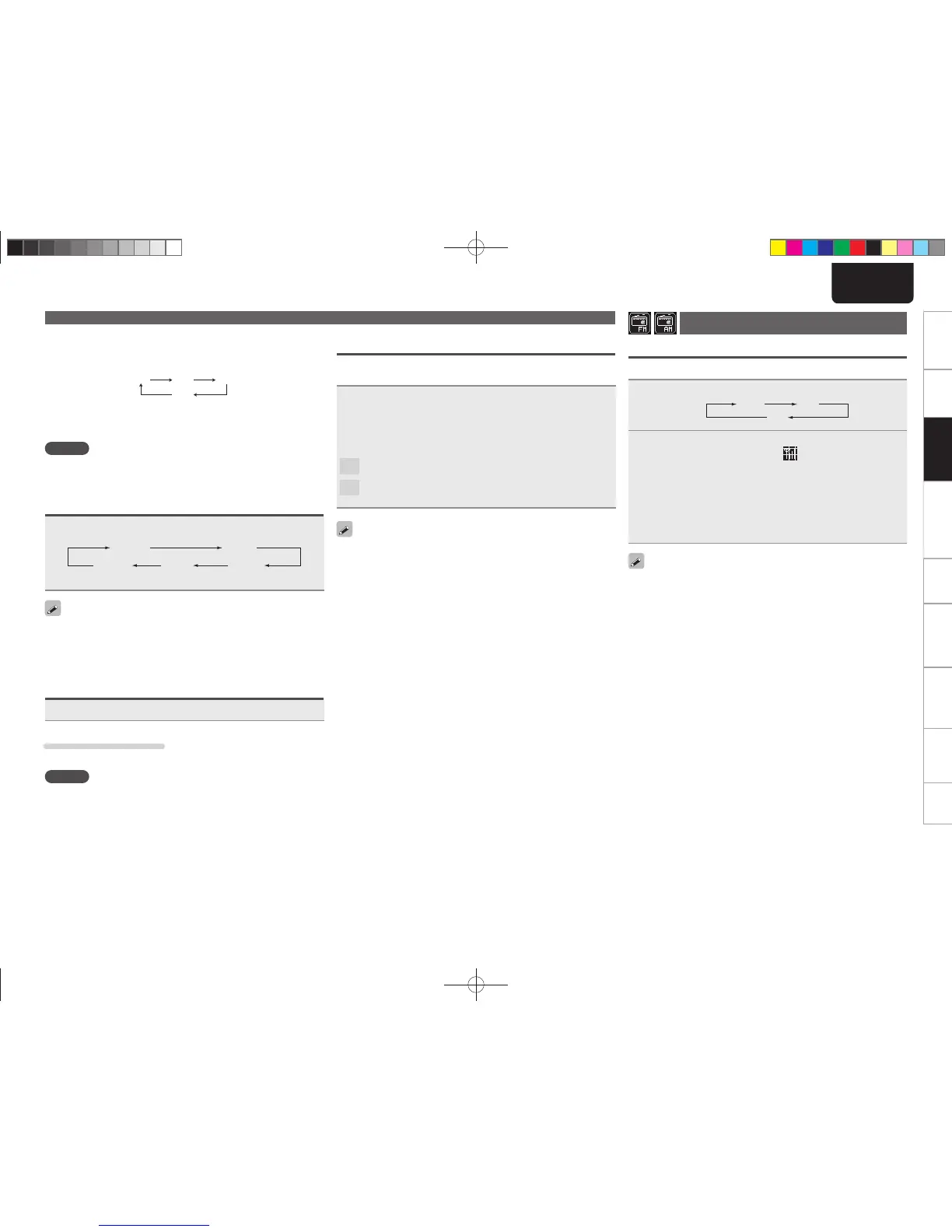
Press [TUNER] to select the reception band.
DAB FM
AM
2
Tune in the desired broadcast station. (FM/AM only)
When a station is received, the “ ” will light.
q To tune in automatically (Auto tuning)
Press [MODE] to light the “AUTO” indicator on the display, then
use [TUNING +, TUNING –] to select the station you want to hear.
w To tune in manually (Manual tuning)
Press [MODE] to turn off the display’s “AUTO” indicator, then
use [TUNING +, TUNING –] to select the station you want to hear.
• If the input source is set to something other than “TUNER”, press
[TUNER] to switch the input source to “TUNER”.
• The input source can also be switched to “DAB”, “FM” or “AM”
turning <INPUT>.
• If the desired station cannot be tuned in with auto tuning, tune it in
manually.
• When tuning in stations manually, press and hold [TUNING +, TUNING –]
to change frequencies continuously.
• A humming sound may be heard when using a TV nearby while
receiving AM programs. If this happens, move the system as far
from the TV as possible.
n To stop auto tuning
Press [
TUNING +, TUNING –
].
Setting the digital output
Set to output from the rear panel DIGITAL OUT terminal (COAXIAL,
OPTICAL).
During stop mode, press [DIG. OUT].
Each time [DIG.OUT] is pressed, output from the DIGITAL OUT
terminal (COAXIAL, OPTICAL) on the rear panel is switched between
“On” and “Off”.
[Selectable items]
On
: Outputs the digital signal.
Off
: Digital signal is not output.
• When digital output is turned off, the “DIG.OUT OFF” indicator
lights.
• When digital output is turned off, you can enjoy high quality audio
output from the ANALOG OUT terminal.
• The “digital output off” has a memory retention function where
the settings remain stored and unchanged even when the power
is turned off.
1.NA7004NENG30A0714.indd111.NA7004NENG30A0714.indd11 2011/07/1411:37:082011/07/1411:37:08



 To Next Page