12
ENGLISH
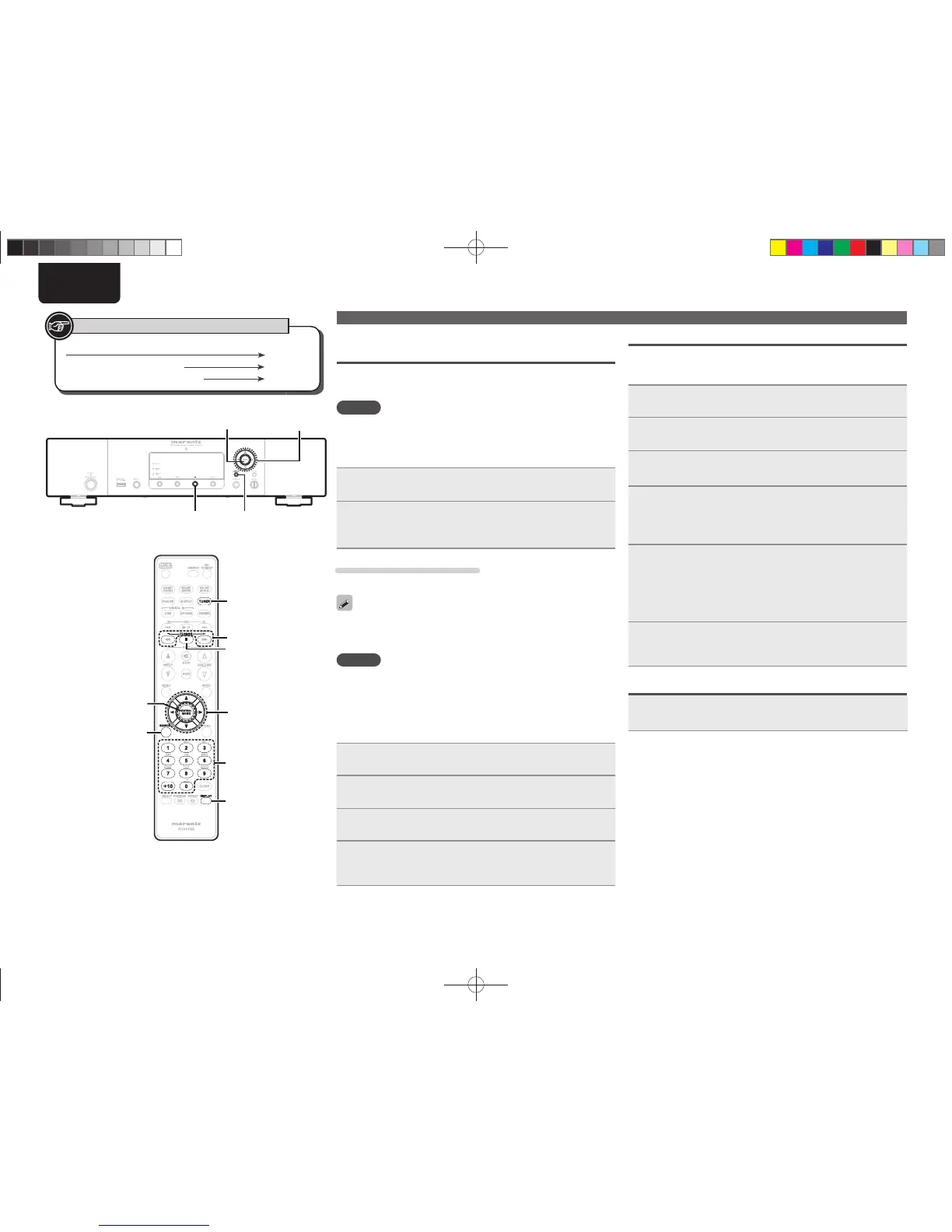
Button located on both the main unit and the remote control
BUTTON
Button only on the main unit
<BUTTON>
Button only on the remote control
[BUTTON]
Symbols used to indicate buttons in this guide
Presetting FM/AM stations manually
This unit can be preset with a total of 99 DAB, FM and AM broadcast
stations.
1
Tune in the station you want to preset.
2
Press [ENTER/MEMO] or <ENTER>.
“Preset” menu appears.
3
Use ui to select “Add to Preset”, then press
[ENTER/MEMO], <ENTER> or p.
4
Use ui to select the number to be preset, then press
[ENTER/MEMO] or <ENTER>.
The reception frequency and reception mode are preset and the
display switches to the station name input display.
5
Input the station name.
“Inputting characters” (vpage32)
• If you do not want to input a station name, press [ENTER/
MEMO]
or <ENTER> without inputting anything else.
• If you make a mistake when inputting, perform the procedure
again. Whatever was previously input is overwritten.
6
Press [ENTER/MEMO] or <ENTER>.
The characters you have input are entered.
• To give names to other stations, repeat steps 1 to 5.
Listening to preset stations
Use [NUMBER] (0 – 9, +10) or ui to select the preset
number.
Tuner playback
Automatically presetting FM stations
(Auto preset)
This unit can be preset with a total of 99 DAB, FM and AM broadcast
stations.
NOTE
Auto preset is not possible with AM broadcast stations.
n Auto presetting with the remote control
Perform this operation when tuned to an FM broadcast station.
1
Press [SEARCH].
“Search” menu is display.
2
Use ui to select “Auto Preset”-“Start”, then press
[ENTER/MEMO], <ENTER> or p.
After “Searching“ is displayed, “Complete“ is displayed.
Canceling auto presetting
Press 2.
Broadcast stations whose antenna signal are weak cannot be preset
automatically. If you wish to preset such stations, tune them in
manually.
NOTE
When the auto presetting operation is performed, the new presettings
overwrite the previous presettings.
n Giving station names to preset channels
Names of up to 8 characters can be input.
You cannot give a station name to DAB stations.
1
Tune in the preset channel you want to name.
2
Press and hold [ENTER/MEMO] or <ENTER>.
The display switches to the station name input display.
3
Input the station name.
“Inputting characters” (vpage32)
4
Press [ENTER/MEMO] or <ENTER>.
The characters you have input are entered.
• To give names to other stations, repeat steps 1 to 4.
DISPLAY
2
[NUMBER]
(0
-
9,+10)
DISPLAY
[SEARCH]
[ENTER/MEMO]
[TUNING+
,
TUNING
-
]
[TUNER]
2
<ENTER>
u
,
i
,o,p
u
,
i
,o,p
1.NA7004NENG30A0714.indd121.NA7004NENG30A0714.indd12 2011/07/1411:37:092011/07/1411:37:09



 To Next Page