22
ENGLISH
Menu map
Setting items Detailed items Description Page
Network
1/8
Connection
Last.fm Account
[Network]
Connection
Performs the wired connection settings. 24
DHCP Performs the DHCP setting. 24
IP Address Performs the IP address setting. 24
Subnet Mask Performs the subnet mask setting. 24
Gateway Performs the gateway setting. 24
Primary DNS Performs the primary DNS setting. 24
Secondary DNS Performs the secondary DNS setting. 24
Proxy Performs the proxy setting. 25
Connection Performs the connection test. 24
Last.fm Account Performs the Last.fm account setting again. 17
Napster Account Performs the Napster account setting again. 18
Last.fm Display Disables the display of Last.fm on the menu. 25
Party Mode
Starts or stops the party mode. 25
Party Mode Function Enable/disable the party mode. 25
Other
Network
Performs other network settings. 25
Network Standby Sets the network function on during standby. 27
PC Language
Selects the language to be used for displaying the Internet
sites.
27
Friendly Name Edit Edits a name displayed on the Internet. 27
Zone Management
Display and control a maximum of 10 devices that are
connected to the same network.
28
Update Notifi cation Set the Update notifi cation on/off. 28
Upgrade Notifi cation Set the Upgrade notifi cation on/off. 29
Network Info. Displays various setting values of the network. –
Tuner
Displayed only when DAB is
selected as the input source.
1/6
Tuning Aid
Station Order
[Tuner]
Tuning Aid
Displays the reception sensitivity for DAB antenna
installation.
29
Station Order Sets the order of broadcasting stations to be displayed. 29
DRC Sets dynamic range control. 29
DAB Initialize Resets the DAB modules. 29
DAB Version Displays DAB module version. 29
Other
1/6
Auto Standby
Screen Saver
[Other]
Auto Standby
Sets the Auto Standby mode to automatically enter
standby when no operation is performed.
30
Screen Saver Activates the screen saver. 30
IR Setting Disables reception on the remote control. 23
Firmware Update Starts the fi rmware update. 30
Add New Feature
Display new features that can be downloaded to this unit
and perform an update.
31
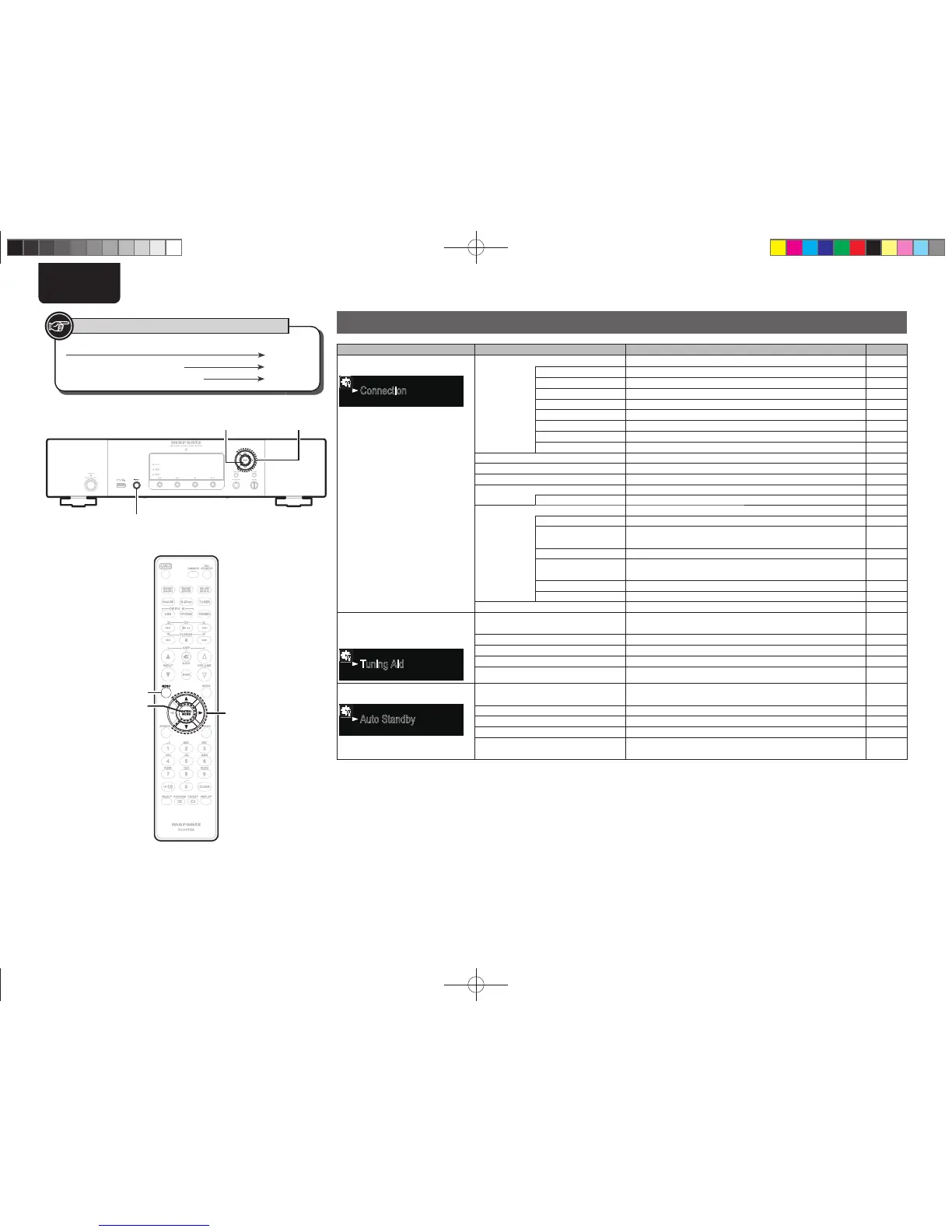
Button located on both the main unit and the remote control
BUTTON
Button only on the main unit
<BUTTON>
Button only on the remote control
[BUTTON]
Symbols used to indicate buttons in this guide
[MENU]
[ENTER/MEMO]
u
、
i
、p
<ENTER>
u
,
i
,p
<INPUT>
1.NA7004NENG30A0714.indd221.NA7004NENG30A0714.indd22 2011/07/1411:37:162011/07/1411:37:16



 To Next Page