33
ENGLISH
Getting Started Connections
Basic Operations Advanced OperationsAdvanced Operations TroubleshootingExplanation termsInformation Specifi cations Index
Web control function
You can operate this unit using a browser of PC.
1
Switch the “Network Standby” setting to “ON”.
(vpage 27).
2
Check the IP address of this unit with “Menu”-
“Network”-“Network Info”.
3/4
IP Address
192.168.11.51
[
Network Info
]
3
Enter the IP address of this unit in browser’s address
box.
For example, if the IP address of this unit is “192.168.11.51”,
enter “http://192.168.11.51”.
4
Operate.
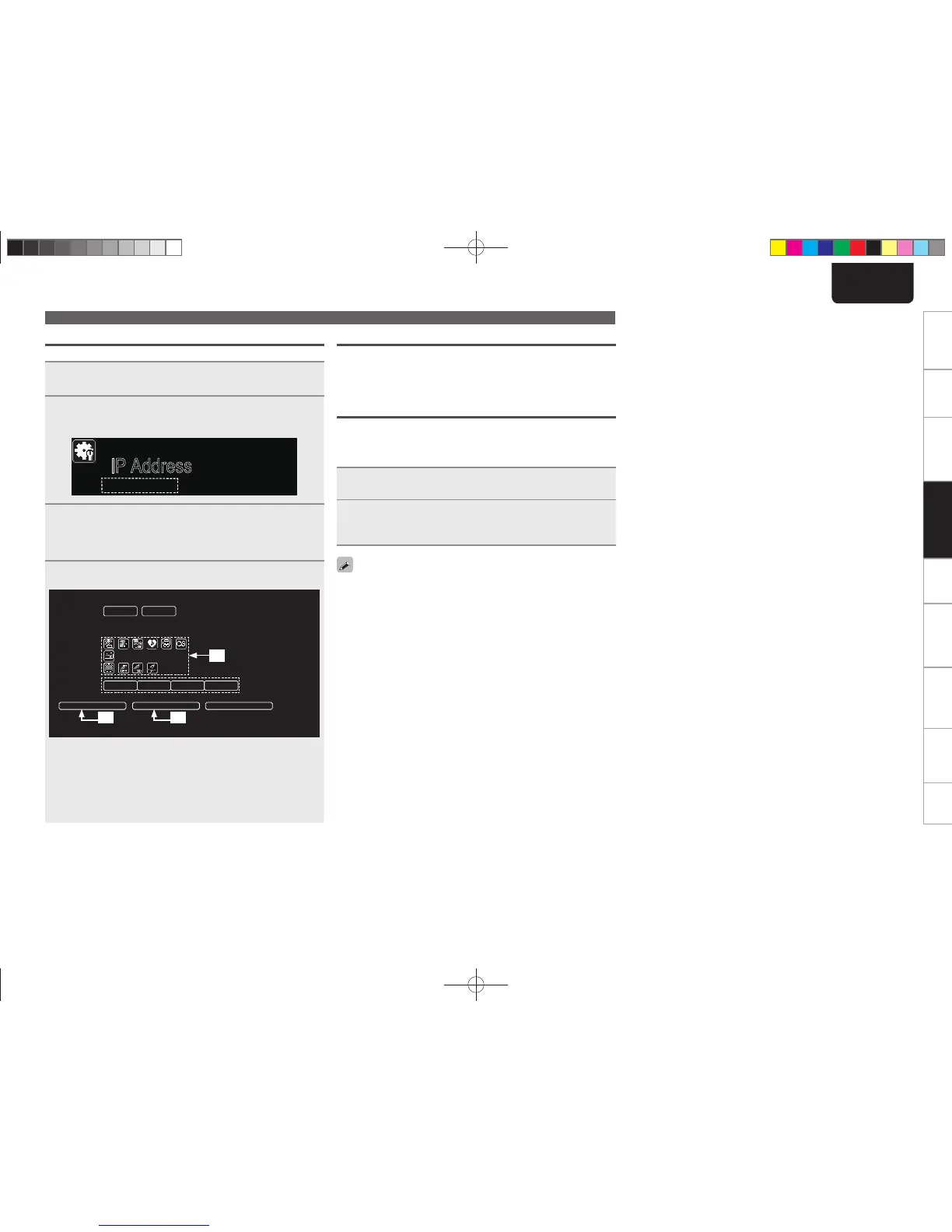
GExample 1H Start Menu control screen
RELOAD Add To Your Favorite Friendly Name Edit
START MENU
POWER ON STANDBY
OFF LOW MID HIGH
Digital In USB
SOURCE
Network
Tuner
Audio In
M-DAX
Note
To use the web control function, press the MENU button and set “Network” - “Other” - “Network Standby” setting to “ON”.
q
w e
q Click to perform individual operations.
Changes to individual operation screens.
w Click when you update to the latest information.
Normally, there is a change to the latest information each time
you operate. When operating from the main unit, click this or else
the screen will not be updated.
e Click to add a setting to “Favorites” in your browser.
Last function memory
This stores the settings as they were immediately before going into
the standby mode.
When the power is turned back on, the settings are restored to as
they were immediately before going into the standby mode.
Resetting the microprocessor
Perform this procedure if the display is abnormal or if operations
cannot be performed.
When the microprocessor is reset, all the settings are reset to their
default values.
1
Unplug the power cord.
2
Plug the power cord into a power outlet while
pressing <M-DAX> and <DISPLAY> simultaneously.
“Initialized” is displayed.
If “Initialized” does not display in step 2, start over from step 1.
Other functions
1.NA7004NENG30A0714.indd331.NA7004NENG30A0714.indd33 2011/07/1411:37:262011/07/1411:37:26



 To Next Page