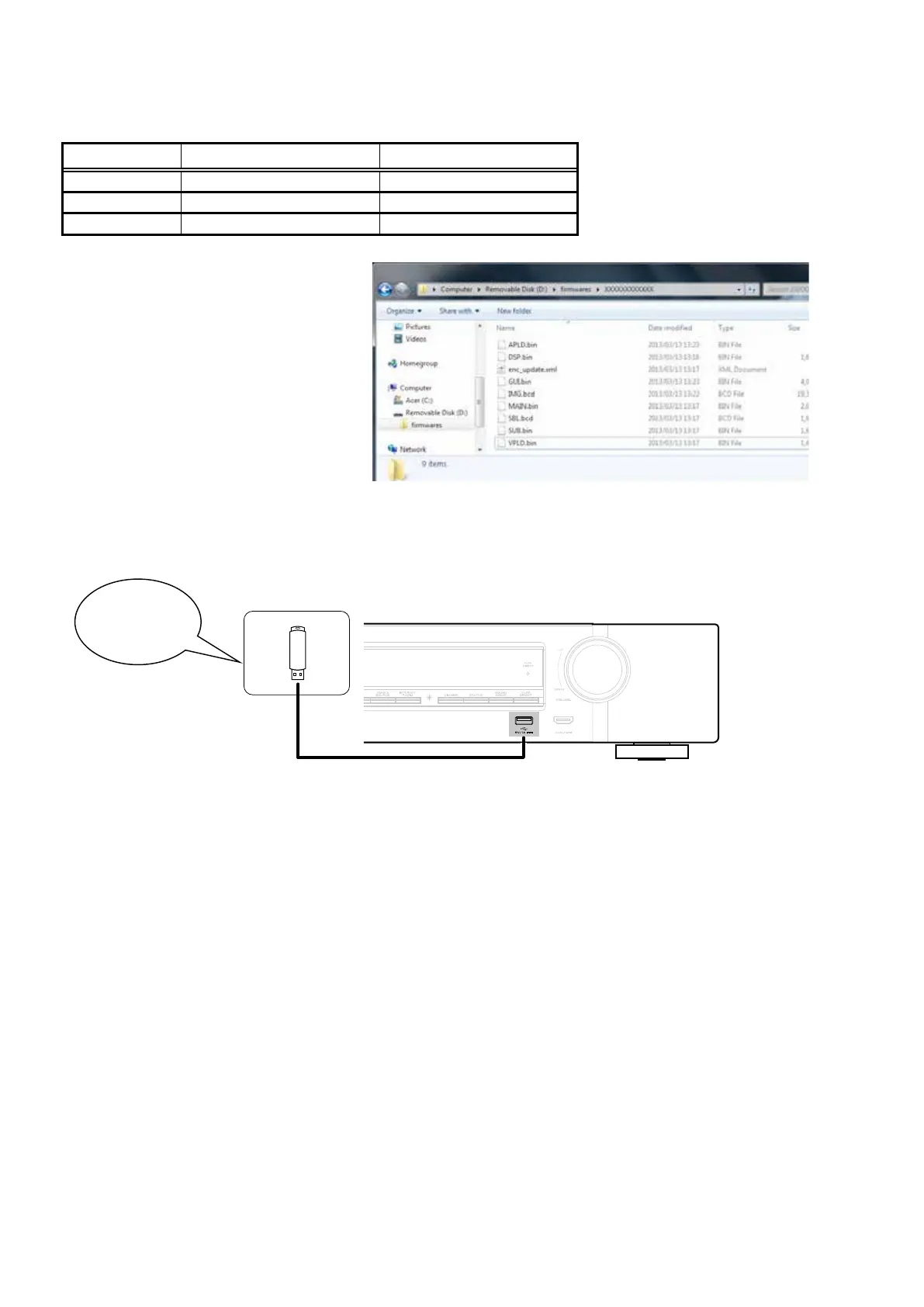
1.3. File structure on USB Memory
Copy the update les to the USB memory with the following structure:
USB memory root
Model Name Model Area Product ID
NR1605U North America (U) 100100240100
NR1605N Europe (N) 100100240200
NR1605F Japan (F) 100100240400
+ rmwares
+ 000100XXXXXX
+ APLD.bin
+ DSP.bin
+ enc_update.xml
+ GUI.bin
+ IMG.bcd
+ MAIN.bin
+ SBL.bcd
+ SUB.bin
+ VPLD.bin
1.4. Insert the USB memory in the USB port.
NOTE
:
Remove the LAN cable from this unit when performing updates.
Download firmware in
USB flash drive.
58



 To Next Page