Sound mode type Description
Stereo This mode plays 2-channel stereo audio with no additional surround sound processing.
0
Sound is output from the front left and right speakers, and subwoofer if connected.
0
When multi-channel signals are inputted, they are mixed down to 2-channel audio and are played back with no
additional surround sound processing.
Direct sound mode
Sound mode type Description
Direct This mode plays back audio as recorded in the source.
Pure Direct This mode plays back an even higher quality sound than the “Direct” mode.
The following circuits are stopped in order to further improve sound quality.
0
Display indicator circuit of the main body (display will go off.)
0
The analog video input/output switcher and processor is disabled.
Contents Connections Playback Settings Tips Appendix
123
Front panel Display Rear panel Remote Index
o
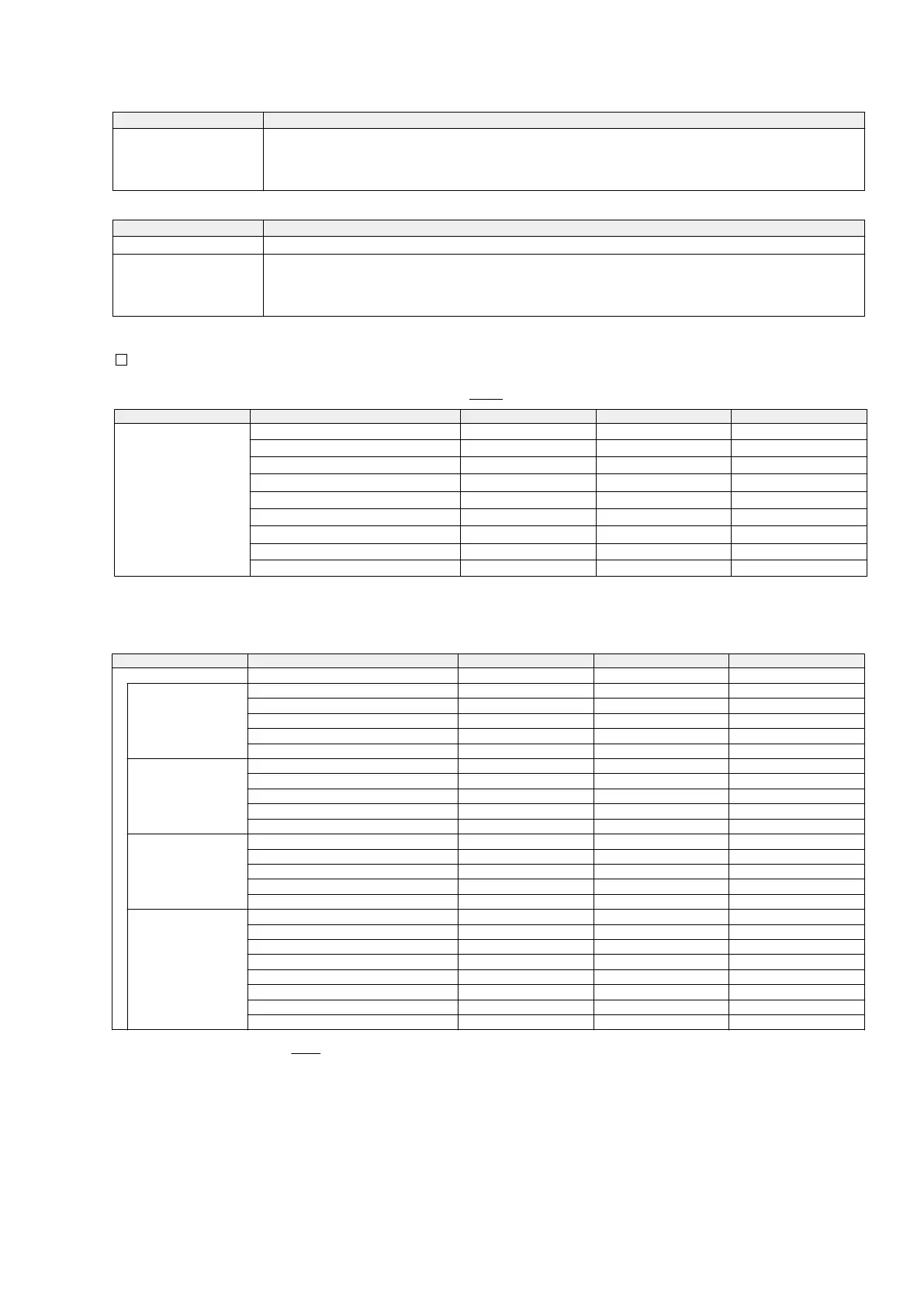
Sound mode that can be selected for each input signal
0
The following sound modes can be selected using the MOVIE, MUSIC and GAME buttons.
0
Adjust the sound field effect with the menu “Surround Parameter” (v
p. 150) to enjoy surround sound the way you like it.
Input signal Sound mode MOVIE button MUSIC button GAME button
2-channel
z
1
Stereo
S S S
Dolby PLg/gx Cinema
z
2
S
Dolby PLg/gx Music
z
2
S
Dolby PLg/gx Game
z
2
S
Dolby PLg/gz
z
2
S S S
DTS Neo:6 Cinema
z
2
S
DTS Neo:6 Music
z
2
S
Multi Ch Stereo
S S S
Virtual
S S S
z1
2-channel also includes analog input.
z2
This mode plays back 2-channel sources in 5.1 or 7.1-channel playback. It cannot be selected when headphones are used or when the speaker configuration is front
speakers only.
Contents Connections Playback Settings Tips Appendix
124
Front panel Display Rear panel Remote Index
Input signal Sound mode MOVIE button MUSIC button GAME button
Multi-channel
z
3
Stereo
S S S
Dolby Digital
Dolby Digital
S S S
Dolby Digital EX
S S S
Dolby Digital + PLgx Cinema S
Dolby Digital + PLgx Music S
Dolby Digital + PLgz S S S
Dolby TrueHD
Dolby TrueHD
S S S
Dolby TrueHD + EX
S S S
Dolby TrueHD + PLgx Cinema S
Dolby TrueHD + PLgx Music S
Dolby TrueHD + PLgz S S S
Dolby Digital Plus
Dolby Digital Plus
S S S
Dolby Digital Plus + EX
S S S
Dolby Digital Plus + PLgx Cinema S
Dolby Digital Plus + PLgx Music S
Dolby Digital Plus + PLgz S S S
DTS
DTS Surround
S S S
DTS ES Dscrt 6.1
S S S
DTS ES Mtrx 6.1
S S S
DTS 96/24
S S S
DTS + PLgx Cinema S
DTS + PLgx Music S
DTS + PLgz S S S
DTS + Neo:6
S S S
z3
The sound mode that can be selected differs depending on the audio format of the input signal and the number of channels. For details, see “Types of input signals, and
corresponding sound modes” (
v
p. 245).
Contents Connections Playback Settings Tips Appendix
125
Front panel Display Rear panel Remote Index
75



 To Next Page