3.6.4. Clearing the Protection History
There are two ways to clear the protection history.
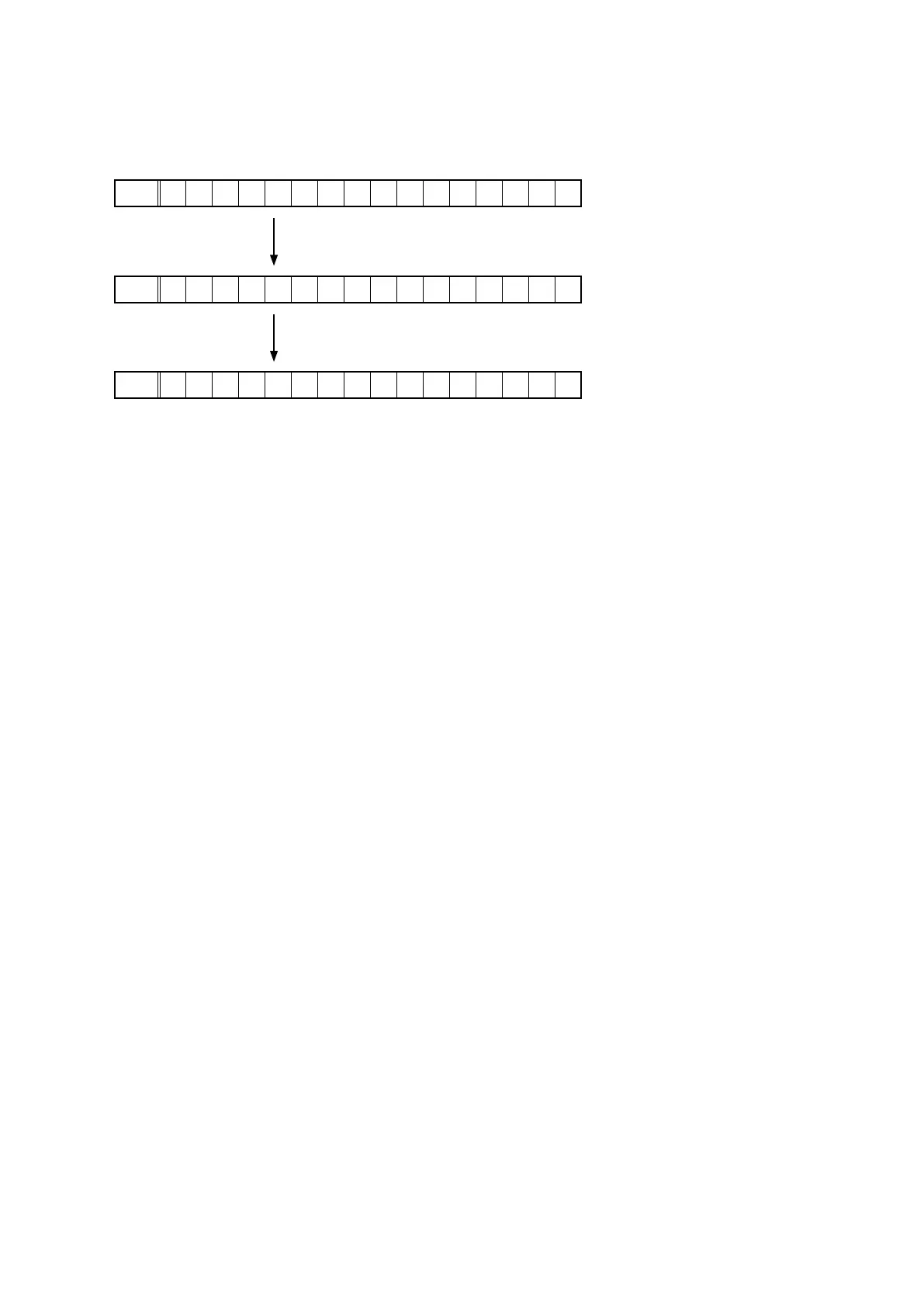
(a) Activate Protection History Display Mode. Press the "
STATUS
" button to display the protection history. Press and
hold the "
DIMMER
" button for 3 seconds.
FLD
P R T : D C
Press and hold the "
DIMMER
" button for 3 seconds.
FLD
P R T : C L E A R
The above message is displayed and the protection history is cleared.
FLD
N O P R O T E C T
(b) Initialize this unit. (See "Initializing This Unit" on page 11)
b
Use the method in 3.5.4.(a) if you do not want to erase your settings from this unit.
Warning Displays by POWER LED
If the power is turned off while a protection is being detected, the POWER LED ashes in red to warn you depending on
the protection status as follows.
(a) ASO/DC protection: Flashes at 0.5-second intervals (0.25 seconds lit, 0.25 seconds unlit)
(b) THERMAL (A/B) protection: Flashes at 2-second intervals (1 seconds lit, 1 seconds unlit)
45



 To Next Page