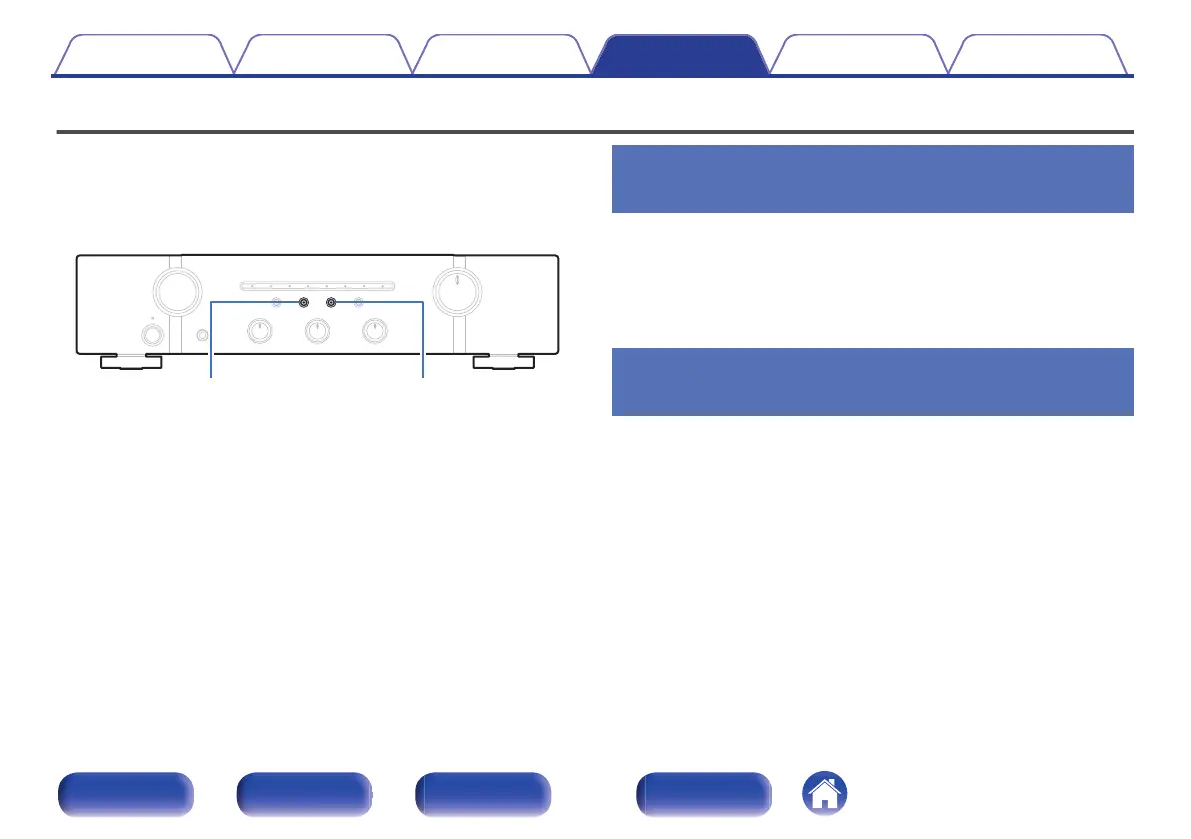
Setting the remote signal receiving function
When you connect a IR receiver (sold separately) to the REMOTE
CONTROL IN connector of this unit, use the following procedure to
disable the remote signal receiving function of this unit. When the function
is enabled, you can not perform operations with the remote control unit.
By default, this function is enabled.
.
Disabling the remote signal receiving
function of the remote control unit
1
Press SPEAKERS B for approximately 5 seconds to
disable the remote control signal receiving function.
The indicator of the currently set input source flashes in red three
times.
Enabling the remote signal receiving
function of the remote control unit
1
Press SPEAKERS A for approximately 5 seconds to
enable the remote control signal receiving function.
The “RECORDER” input indicator flashes in blue three times.
Contents Connections Playback Settings Tips Appendix
33
Front panel Rear panel
Remote control
unit
Index



 To Next Page