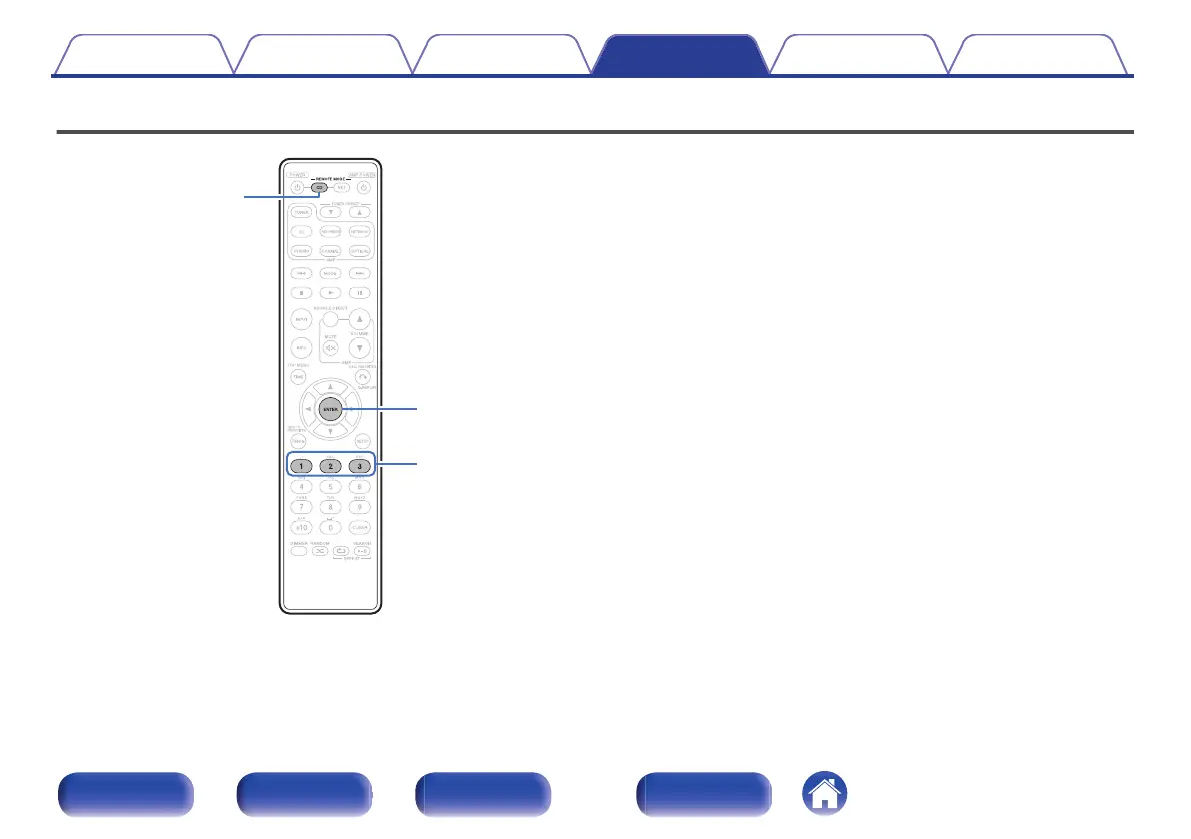
Setting remote control codes
.
Remote control codes are set between this unit and the supplied remote
control. You can select one of the three types of remote control codes, and
the remote control can be used to control the unit when the same remote
control code is used. If three of these units are used in the same location,
all three units can be controlled simultaneously using one remote control
in the default settings. By setting individual remote control codes between
a unit and the remote control, the remote control can be used to control
only the unit that has the same remote control code.
Be sure to check the operation of each unit after setting the remote control
codes.
The default setting is “AMP1”.
Contents Connections Playback Settings Tips Appendix
34
Front panel Rear panel
Remote control
unit
Index



 To Next Page