ENGLISH
Before
use
0 Setting the
playback
sound mode in advance
(Start sound mode)
When purchased, the sound mode setti
ng
is
"STEREO" .
The procedure for specifying a diffe
re
nt
fi
rst-priority
la
yer
is
given
below.
With no disc in the disc tray, press
SOUND
MODE,
then switch to the
desired layer setting.
•If
a disc that does not contain the
layer
set for top priority
playback
is
loaded,
the contents recorded
on another
layer
are
displayed automatically.
•
Thi
s unit memorizes the setting.
Even
if you open/close
the
disc tray or turn this
un
it
off
and
on,
the setting remains in
effect.
•
The
layer detection order
is
as
follows
for discs without an
ar
ea set for the first-priority
lay
er
or discs without a
ny
la
ye
r.
®
STEREO
@ MULTI @
CD
13
Playback
COs
Playing
Super
Audio
CDs
or
CDs
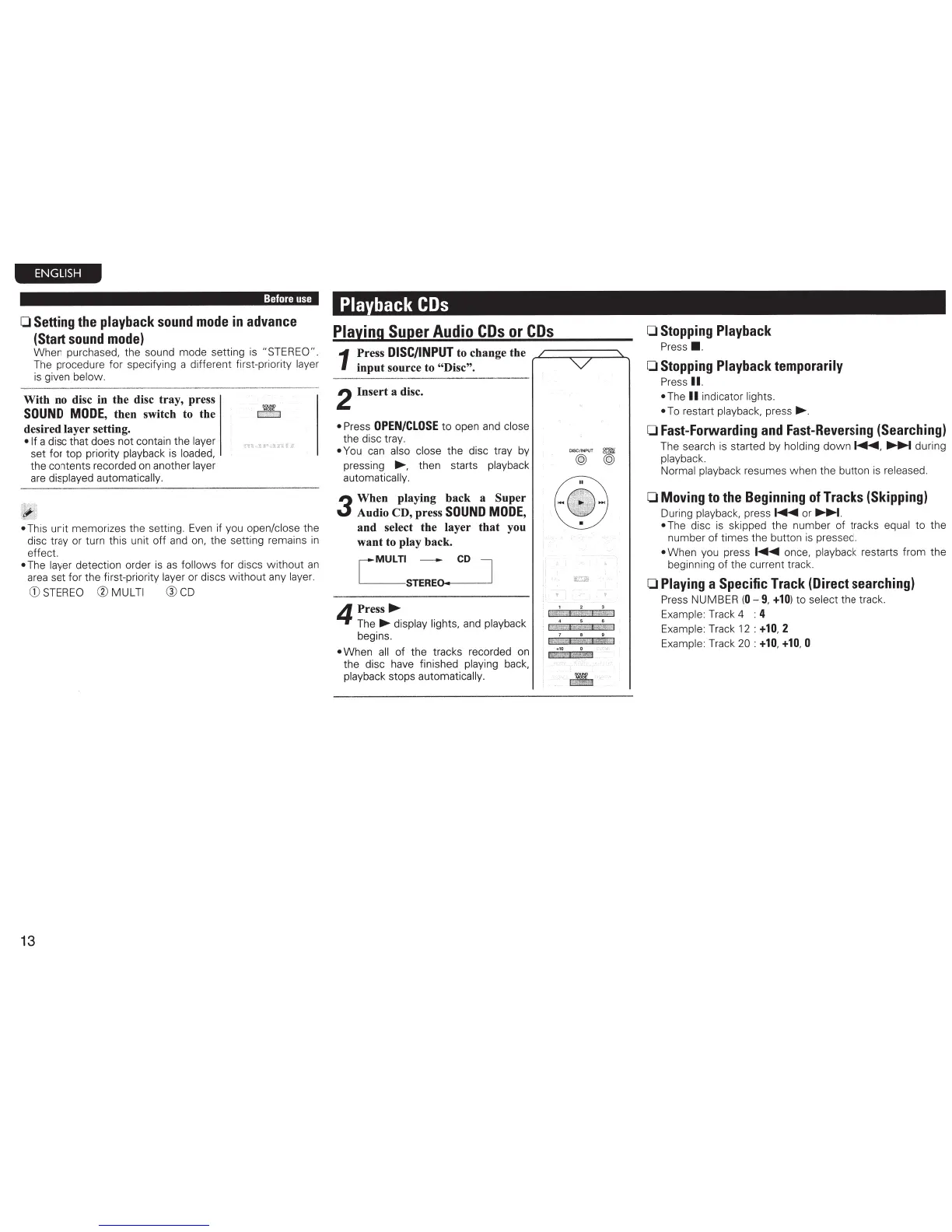
1
Press
DISC/INPUT
to change the
rC-=~:::;::~~
input source to
"Disc".
2
Insert a disc.
• Press
OPEN/CLOSE
to open
and
close
the disc tray.
•
You
can
also
cl
os
e
the disc
tr
ay by
pressing .....
t
hen
starts
pla
yba
ck
automatically.
3
When playing back a Super
Audio CD, press
SOUND
MODE
,
and select the layer
that
you
want to play back.
[MULTI
-
CD
l
STEREO-
..
-----'
4
Press
....
The
..,. display lights,
and
playback
begins.
• When
all
of the tracks recorded on
the di
sc
have finished playi
ng
ba
ck
,
playback stops automatically.
DISC
/I
NPUT
~
@
(QJ
1 2 3
i
:WW{
Ij
iii)i
,
;;ru
::l
4
5 6
l
!iJ:
~•
,;
f
iiMA&I
;il%
$1
7
• •
Pf
~\!j
.
l
~
g
+1
0 0
\,
v_,
,
rg
.,,.:~
l
~ir
·
··-
0 Stopping Playback
Pre
ss
• ·
0
Stopping Playback temporarily
Pre
ss
II.
•
T
he
II
i
nd
icator
li
ghts.
•
To restart pl
ay
ba
ck,
pre
ss
.....
0 Fast-Forwarding and Fast-Reversing (Searching)
T
he
sea
rch is
st
arted by
holdi
ng
do
wn
~
.
...,.....,...
duri
ng
pla
yback.
Normal pl
ay
b
ac
k
resumes when the butt
on
is
released.
0
Moving to the Beginning
of Tracks (Skipping)
During
playback,
press
~
or
...........
.
•
The
di
sc
is skipped the
nu
mber of tracks
equal
to the
number of times the button is pressed.
•
Whe
n you press
~
once, playback
restarts
fr
om the
beginni
ng
of the current t
rack.
0 Playing a Specific Track (Direct searching)
Pr
ess
NU
MBER
(
0-
9,
+10
)
to
se
lect
the track.
Example:
Tr
ac
k 4 :
4
Exampl
e:
Track
12 :
+10
,
2
Exampl
e:
Track
20 :
+10
,
+10
, 0



 To Next Page