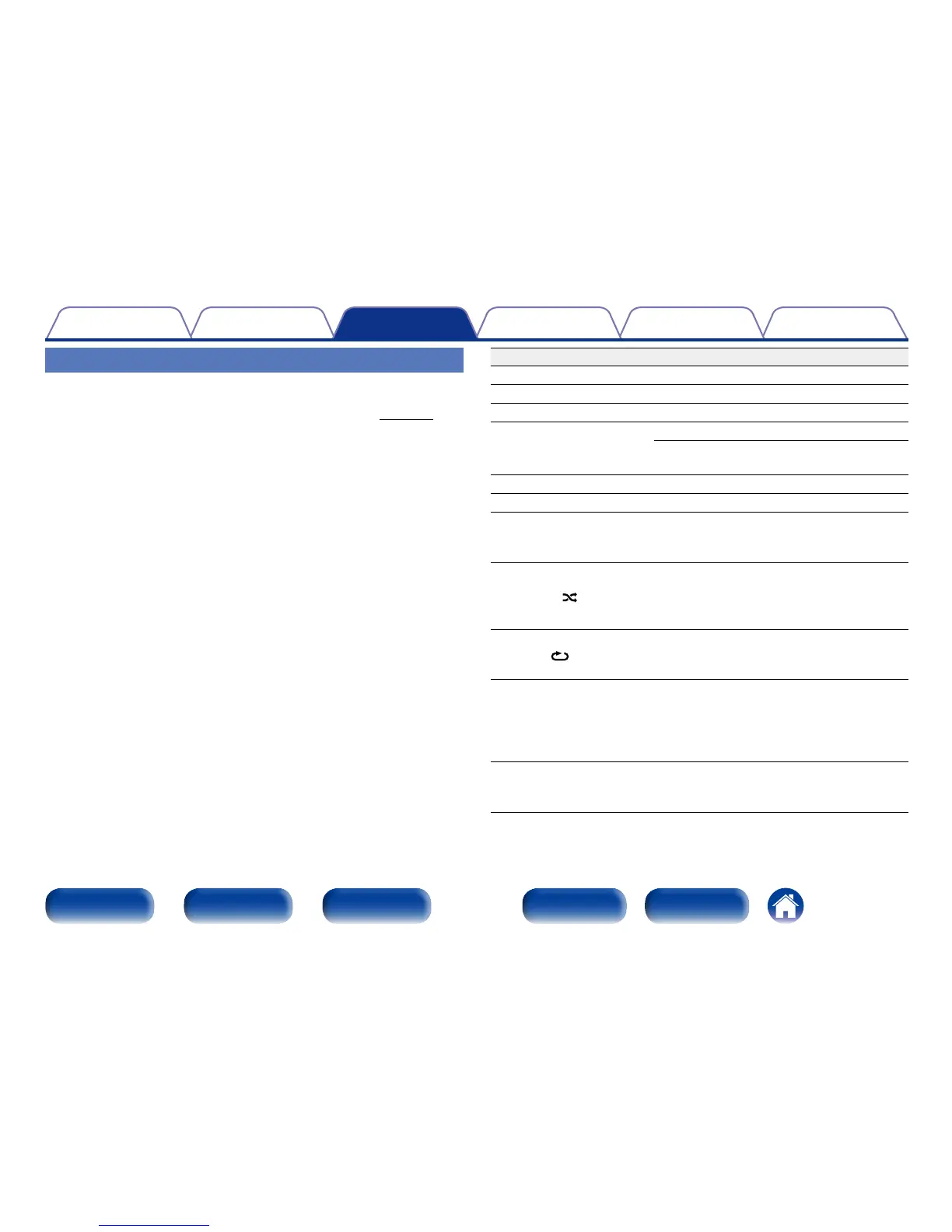
Operation buttons Function
1
Playback
3
Pause
2
Stop
8 9
Skip to previous track / Skip to next track
(Press and hold)
Fast-reverse / Fast-forward
ui
Folder select
o p
File select
MODE
Switch to Folder playback mode
• Playing back only within the selected
folder.
RANDOM
Random playback
• During random playback, the playback
range becomes “All Files”.
• Can be set during stop.
REPEAT
Repeat playback
• Switching between Single-track repeat
and All-track repeat.
TIME
Time display switching
• Switching between elapsed time of
the current track, remaining time of the
current track and remaining time of all
tracks.
INFO
Text information display
• Text information recorded on the media
is displayed.
Playing files
1
Load a CD-R or CD-RW disc containing music files in the
MP3 or WMA formats into the disc tray (vpage69).
• Press 5 on the unit to open/close the disc tray.
2
Press MODE to select “Folder” or “All Files”.
n About the display
• When “Folder” is selected
All the files in the selected folder are played.
• When “All Files” is selected
After the selected folder and files are played, all the files in all
the folders are played.
3
Use ui to select the folder to be played.
4
Use o p to select the file to be played.
5
Press 1.
Playback starts.



 To Next Page