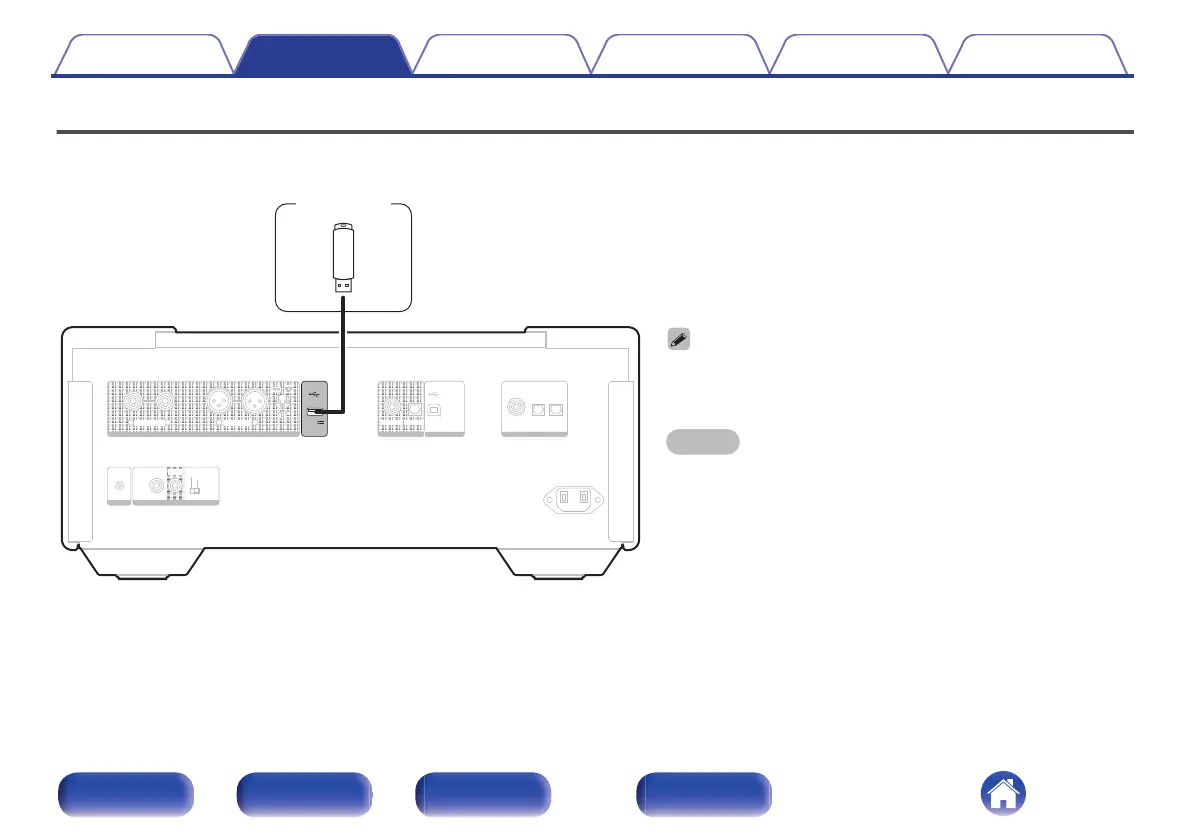
Connecting a USB flash drive to the USB port
For operating instructions see “Playing a USB flash drive”. (v p. 40)
0
Marantz does not guarantee that all USB flash drives will operate or
receive power. When using a portable USB hard disk drive (HDD) which
came with an AC adapter, use that device’s supplied AC adapter.
NOTE
0
USB flash drives will not work via a USB hub.
0
It is not possible to use this unit by connecting the rear panel’s USB port
to a PC via a USB cable. Connection to a computer is possible via the
digital input USB-DAC port (Type B) on the rear panel.
0
Do not use an extension cable when connecting a USB flash drive. This
may cause radio interference with other devices.
Contents Connections Playback Settings Tips Appendix
24
Front panel Rear panel Remote control
unit
Index



 To Next Page