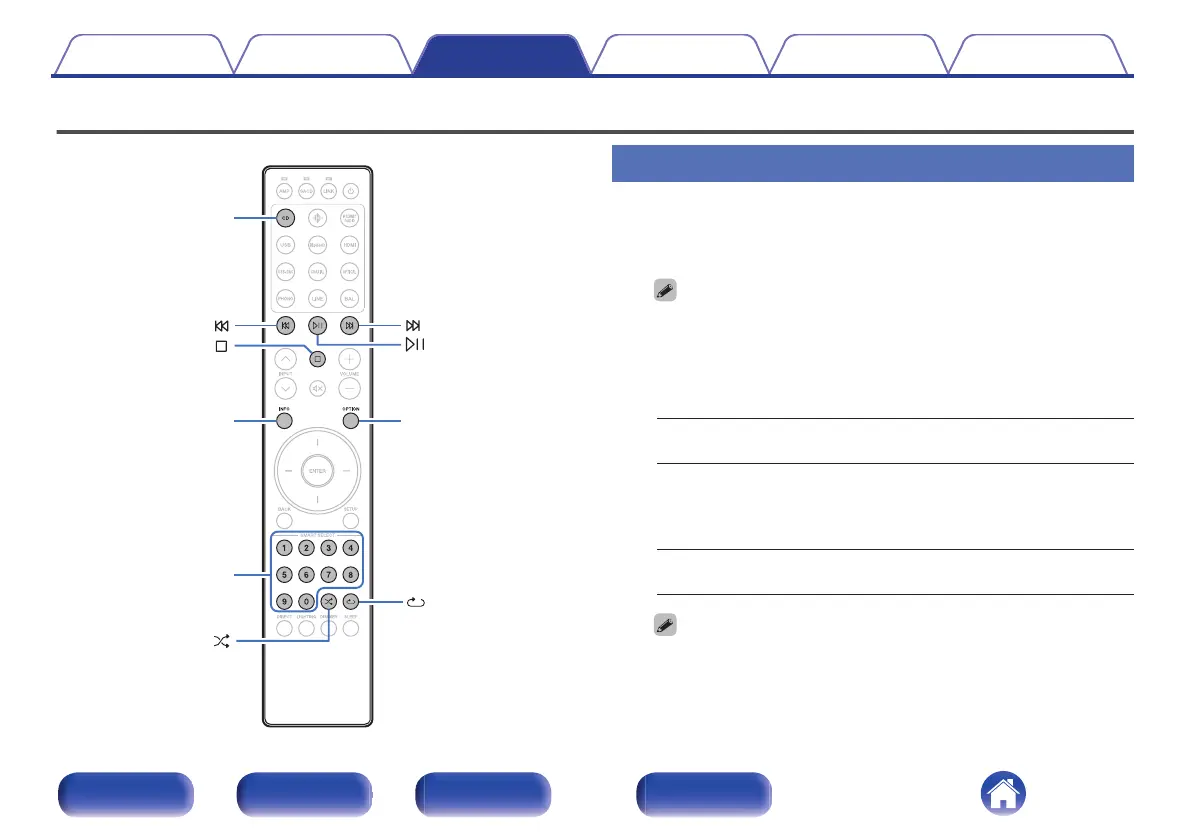
Playing CDs/Super Audio CDs
Playing CDs and Super Audio CDs
1
Press CD to switch the input source to “CD”.
2
Press q on the main unit to insert a disc.
0
You can also close the disc tray by pressing p. This automatically starts
playback.
3
When playing back a Super Audio CD, press OPTION to
set the playback layer.
STEREO
(Default):
Plays back the 2-channel area of the
Super Audio CD.
MULTI:
Plays back the multi-channel area of the
Super Audio CD.
The analog output of this unit outputs a
down-mixed 2-channel signal.
CD:
Plays back the CD layer of the Super
Audio CD.
0
If this operation is not performed, reading begins automatically based on
the top priority playback layer setting. (v p. 36)
Contents Connections Playback Settings Tips Appendix
33
Front panel Rear panel Remote control
unit
Index



 To Next Page