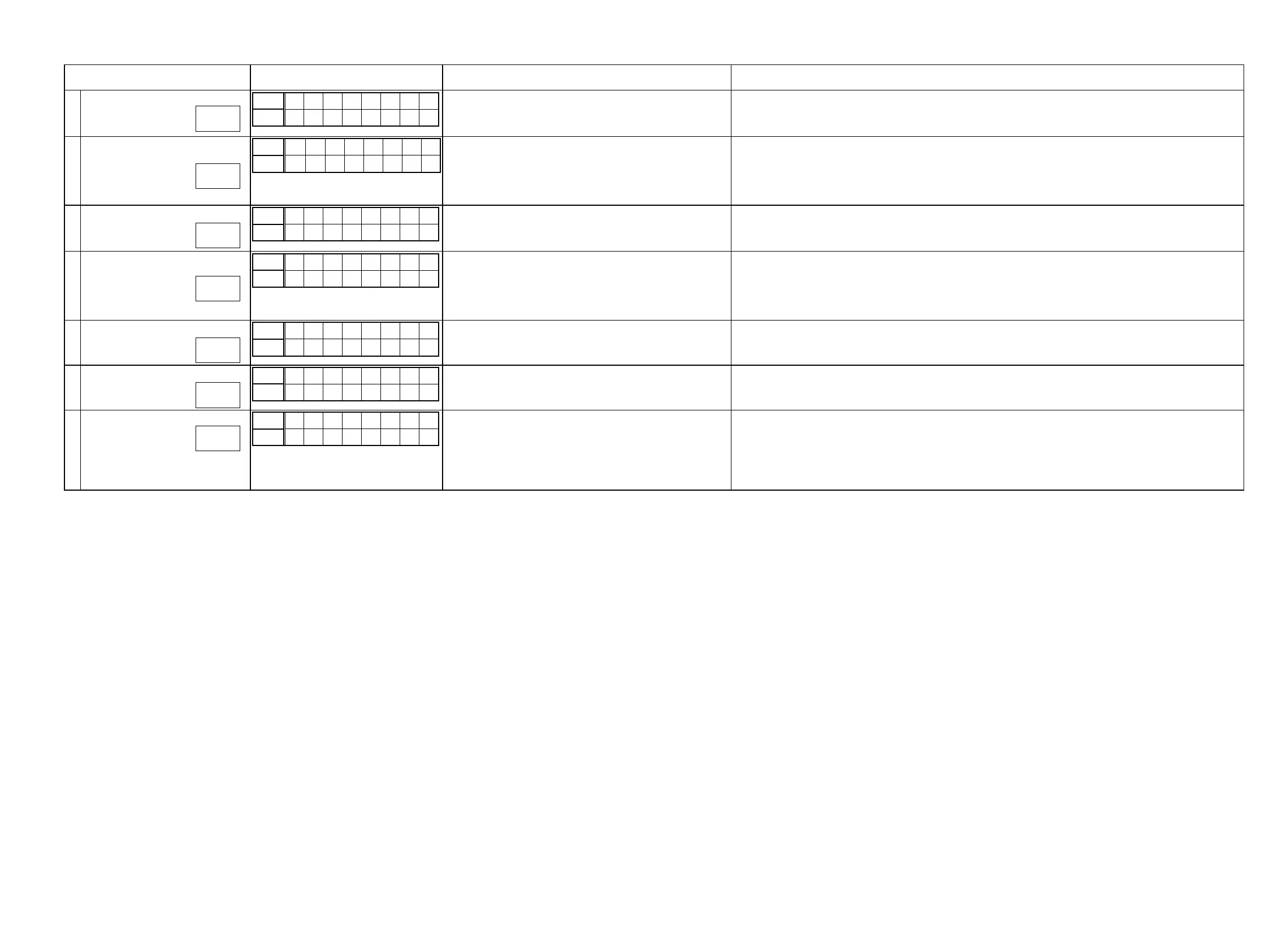
3.4.6. Conrmation items for the video system
See the block diagram g.XXth.
Paths to be conrmed Display Settings What to conrm
1
Analog Video pass
Upper
V 0 1 V I D E
Lower
* * * . * d B
Input Source : CBL/SAT
Video Convert (IP Scaler) : OFF, All sources
MAIN ZONE ON
ZONE2 ON
・ Component input ⇒ Component output
・ CVBS input ⇒ CVBS output.
(
b
The input source can be switched to any source except CBL/SAT.)
2
Video Convert
(Analog or HDMI ⇒ HDMI)
Upper
V 0 2 C O N V .
Lower
* * * . * d B
Input Source : CBL/SAT
Video Convert (IP Scaler) : ON, All sources
IP Scaler : "Analog & HDMI", All sources
Resolution : "Auto", All sources
MAIN ZONE ON
ZONE2 OFF
・ CVBS input ⇒ IP Scaler ⇒ HDMI output.
・ Component input ⇒ IP Scaler ⇒ HDMI output.
・ HDMI input ⇒ IP Scaler ⇒ HDMI output.
・ ETHERNET input ⇒ IP Scaler ⇒ HDMI output.
(
b
The input source can be switched to any source except CBL/SAT.)
3
HDMI pass
(MAIN ZONE)
Upper
V 0 3 H D M I
Lower
* * * . * d B
Input Source : CBL/SAT
Video Convert (IP Scaler) : OFF, All sources
MAIN ZONE ON
ZONE2 OFF
・ HDMI input (MAIN function) ⇒ HDMI output(MAIN).
(
b
The input source can be switched to any source except CBL/SAT.)
4
HDMI CEC
(Control Monitor : HDMI Monitor1)
Upper
V 0 4 C E C
Lower
* * * . * d B
Input Source : CBL/SAT
HDMI Control : ON
Control Monitor : Monitor1 (if checking the HDMI Monitor Out1)
MAIN ZONE ON
ZONE2 OFF
・ When the power supply of a TV is put in the standby mode, make sure that the power supply of this unit is also put in the
standby mode.
(
b
The input source can be switched to any source except CBL/SAT.)
・ The ARC path can also be checked (check this using the TV input source).
5
HDMI Audio
(Audio : AVR)
Upper
V 0 5 H - A V R
Lower
* * * . * d B
Input Source : CBL/SAT
HDMI Control : OFF
HDMI Audio : AVR (if checking the audio output from AVR)
・ HDMI input (PCM , DolbyDigital , DTS) ⇒ Speaker output.
・ HDMI input(HD audio) ⇒ Speaker output.
(
b
The input source can be switched to any source except CBL/SAT.)
6
HDMI Audio
(Audio : TV)
Upper
V 0 6 H - T V
Lower
* * * . * d B
HDMI Audio : TV (if checking the audio output from TV) ・ HDMI input (PCM , DolbyDigital , DTS) ⇒ HDMI output (audio output from connected TV)
(
b
The input source can be switched to any source except CBL/SAT.)
7
GUI
Upper
V 0 7 M E N U
Lower
* * * . * d B
Input Source : CBL/SAT
Video Convert(IP Scaler) : ON, All sources
IP Scaler : "Analog & HDMI", All sources
Resolution : "AUTO", All sources
Setup Menu : ON
MAIN ZONE ON
ZONE2 OFF
・GUI display ⇒ HDMI output.
(
b
The input source can be switched to any source except CBL/SAT.)
g.07
g.08
g.09
g.10
g.11a
g.11b
g.12
g.13
25



 To Next Page