1. Version Display Mode
1.1. Actions
Version information is displayed when the device is started in this mode.
1.2. Starting up
While holding down buttons "
DIMMER
" and "
STATUS
" simultaneously, press the power button to turn
on the power.
then press the "
STATUS
" button to display the information in section 1.3 on the display.
b
The version list is also displayed on GUI while the version is displayed on the display.
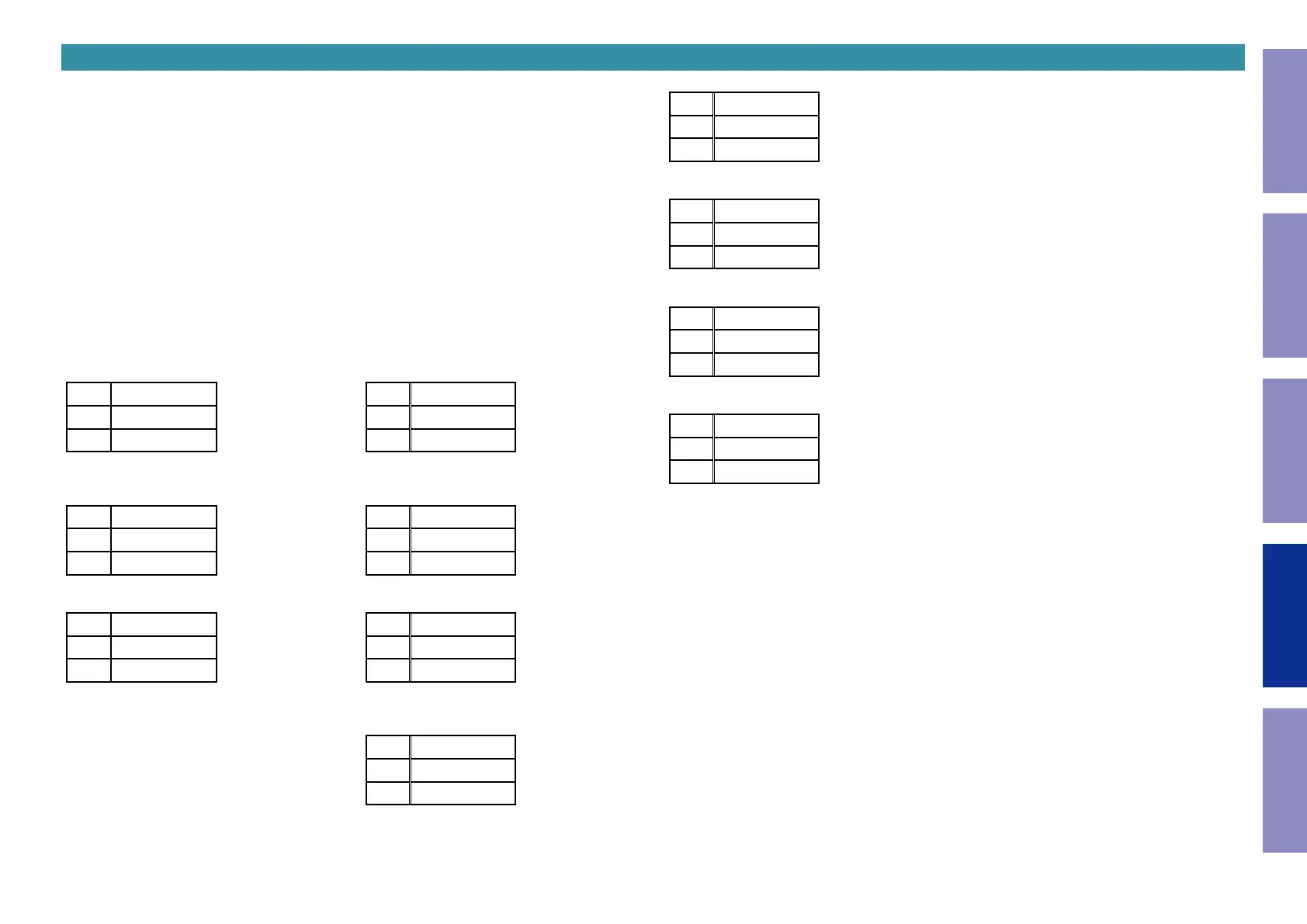
1.3. Display Order
Error information (See "1.4. Error display") →
q
Model destination information →
w
Firmware Package
→
e
Main µ-com →
r
DSP ROM →
t
Audio PLD →
y
GUI SFLASH
→
u
Ethernet 1st Boot Loader, Hardware ID →
i
Ethernet 2nd Boot Loader, Rhapsody Flag
→
o
Ethernet IMAGE →
Q0
Network MAC ADDRESS information →
Q1
Bluetooth MAC Address informa-
tion
q
Model destination information :
L1
SR5011 \
L2
SN-****
L3
******
\
: Region (U, N, K, F)
w
Firmware Package :
L1
PACKAGE
L2
L3
****
e
Main µ-com :
L1
MAIN *
L2
%%%%####
L3
BL-**.**
%
: Main version,
#
: Sub version
r
DSP ROM :
L1
DSP
L2
L3
**.**
t
Audio PLD :
L1
A.PLD
L2
L3
**.**
y
GUI SFLASH :
L1
GUI
L2
XXYZ****
L3
X
: Model code,
Y
: Model,
Z
: Region
u
Ethernet 1st Boot Loader, Hardware ID :
L1
NET FBL
L2
******
L3
-**
i
Ethernet 2nd Boot Loader, Rhapsody Flag :
L1
NET SBL
L2
********
L3
*****-**
o
Ethernet IMAGE :
L1
NET IMG
L2
********
L3
*****
Q0
Network MAC ADDRESS information:
L1
NET MAC
L2
******
L3
-******
Q1
Bluetooth MAC ADDRESS information:
L1
BT MAC
L2
******
L3
-******
114
Caution in
servicing
Electrical Mechanical Repair Information Updating



 To Next Page