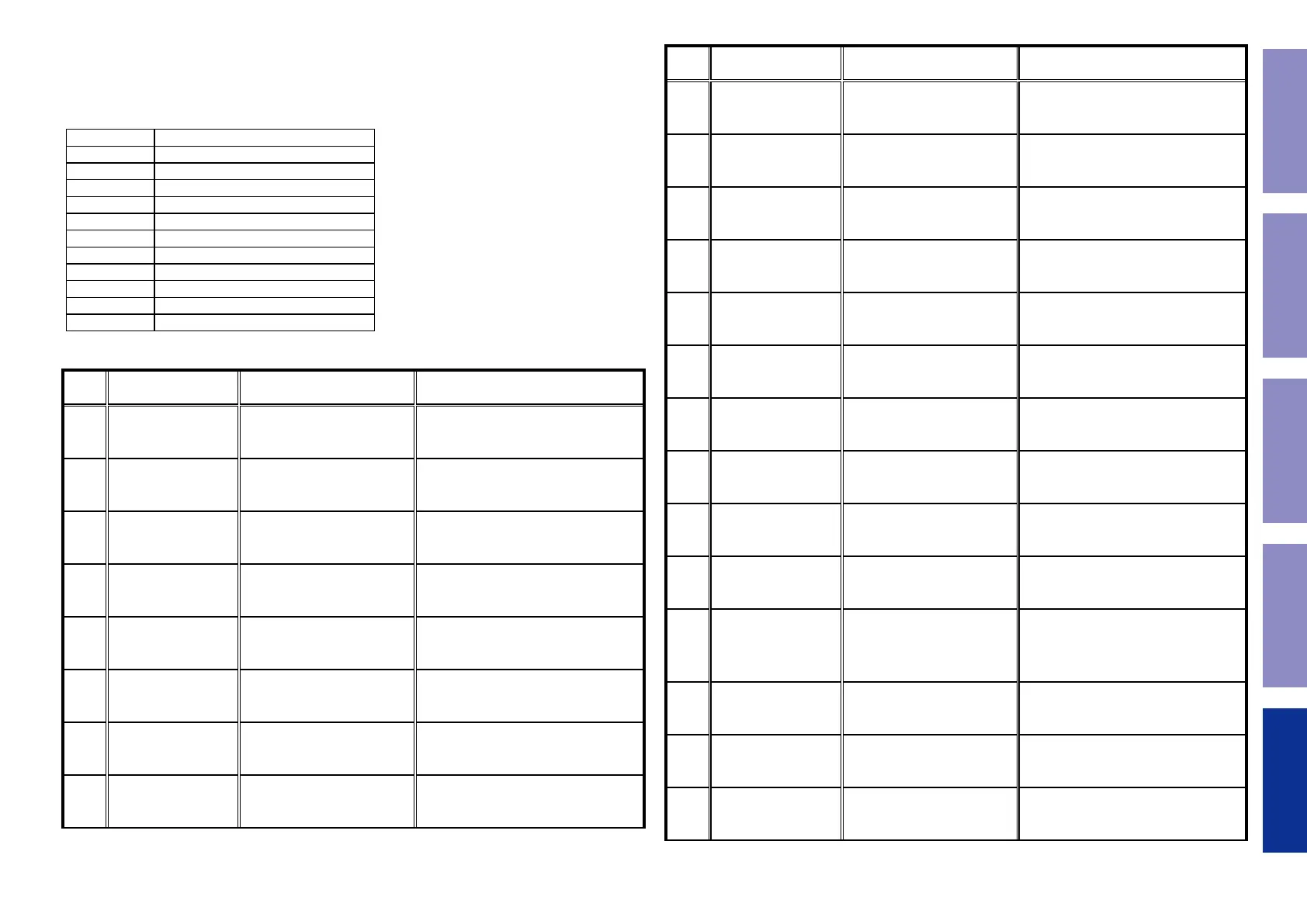
3.3. About the error codes
See the following table for details on the error code display, details of the error code, remedies when
updating the rmware via DPMS. (DPMS : D&M Product Management Server)
The error code is displayed as four digits made up of the Device ID below together with
**YY
(
**
: De-
vice ID,
YY
: Error Code).
Device ID Device Name
00 n/a( ※ 1)
01 Main CPU
11 DSP
12 DSP2( ※ 2)
13 DSP3( ※ 2)
19 DSP4( ※ 2)
15 Audio PLD
22 Video PLD
2A GUI Serial Flash
02 CY920 2nd BootLoader
03 CY920 Image
※ 1 Used when there are no device related errors
※ 2 For SR6011
Error
Code
DPMS Update Error
Display
Details of Error code Remedies
01
Error**01
Connection to DPMS failed.
Check the network connection, then try
again.
03
Error**03
Connection to DPMS failed.
Check the network connection, then try
again.
04
Error**04
Failed to obtain the Firmware
information (Device Informa-
tion)
Check the network connection, then try
again.
05
Error**05
Time Out while obtaining the
Firmware information (Device
Information)
Check the network connection, then try
again.
06
Error**06
Failed to obtain the Firmware
information (Package Version)
Check the network connection, then try
again.
07
Error**07
Time Out while obtaining the
Firmware information (Pack-
age Version)
Check the network connection, then try
again.
08
Error**08
Error notication received
while requesting the Firm-
ware Info.
Check the network connection, Unplug
and reconnect the AC plug, and try
again.
09
Error**09
Time Out while obtaining
Firmware information.
Unplug and reconnect the AC plug, and
try again.
Error
Code
DPMS Update Error
Display
Details of Error code Remedies
0A
Error**0A
Error(NG) notication received
while requesting Firmware
Download.
Check the network connection, Unplug
and reconnect the AC plug, and try
again.
0C
Error**0C
Error(Connect failure) notica-
tion received while request-
ing Firmware Download.
Check the network connection, Unplug
and reconnect the AC plug, and try
again.
0D
Error**0D
Received value with the
invalid Package Version.
Unplug and reconnect the AC plug, and
try again.
0E
Error**0E
Connection to DPMS failed.
(Cannot get NTP)
Check the network connection, then try
again.
10
Error**10
No Update Packet received
from CY920 (Time Out).
Unplug and reconnect the AC plug, and
try again.
11
Error**11
Abnormal data in Update
Packet received from CY920
(CRC Error).
Unplug and reconnect the AC plug, and
try again.
12
Error**12
Abnormal data in Update
Packet received from CY920
(Packet No Error).
Unplug and reconnect the AC plug, and
try again.
13
Error**13
Failed in Block Erase before
rewriting Main.
Unplug and reconnect the AC plug, and
try again.
14
Error**14
Failed in Block Write while
rewriting Main
Unplug and reconnect the AC plug, and
try again.
15
Error**15
Error in Verify after rewriting
Main (Check Sum Error).
Unplug and reconnect the AC plug, and
try again.
16
Error**16
Setup failure of the XModem
transfer method.
Unplug and reconnect the AC plug, and
try again.
If the same error occurs even when it is
retried, the device may be malfunction-
ing.
20
Error**20
After SBL Mode IP Address
acquisition failure (AutoIP).
Check the network connection, Unplug
and reconnect the AC plug, and try
again.
21
Error**21
After SBL Mode IP Address
acquisition failure (Time Out).
Check the network connection, Unplug
and reconnect the AC plug, and try
again.
22
Error**22
DPMS login incorrect notica-
tion after SBL.
Check the network connection, Unplug
and reconnect the AC plug, and try
again.
160
Caution in
servicing
Electrical Mechanical Repair Information Updating



 To Next Page