104
Menu map
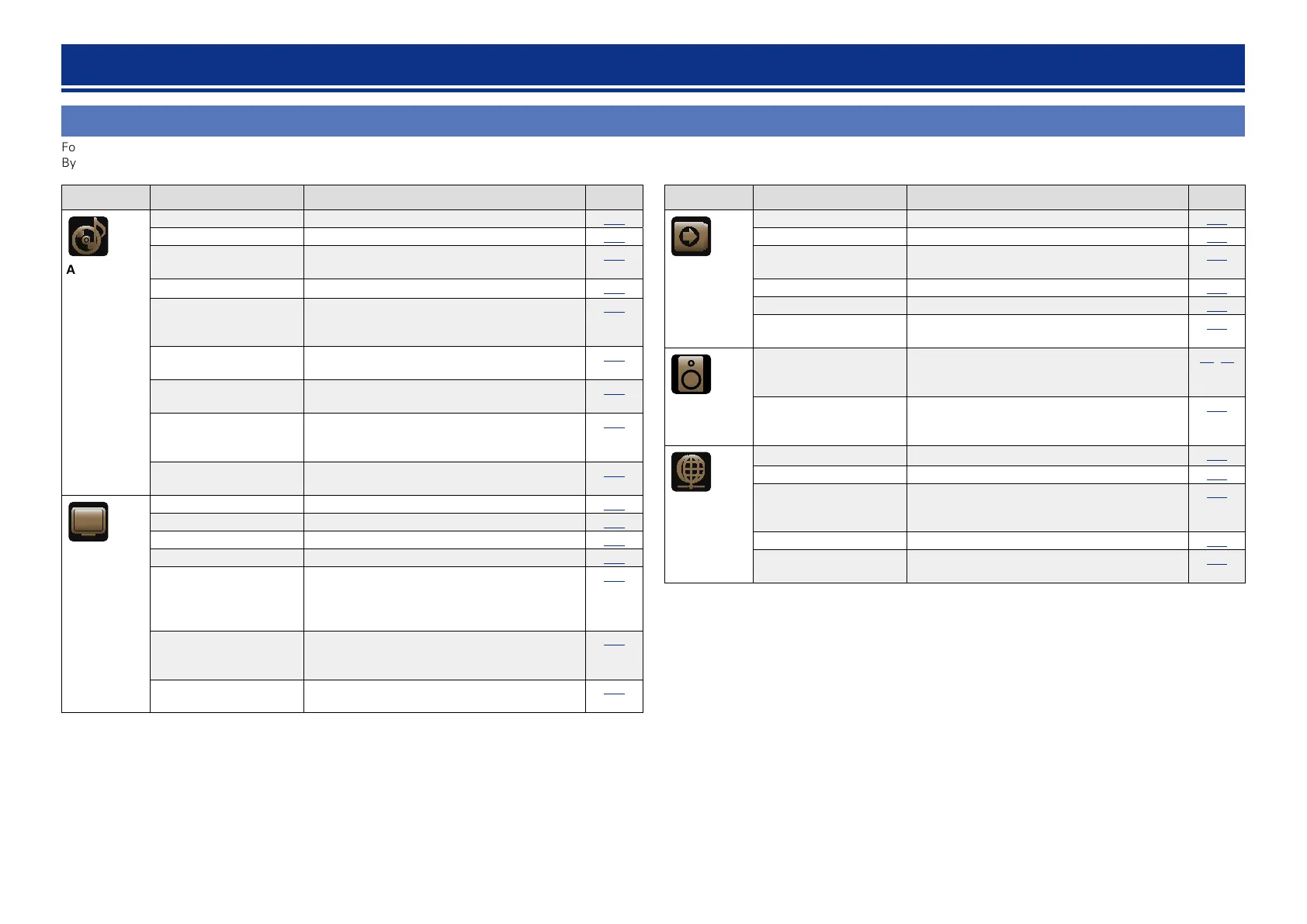
For menu operation, connect a TV to this unit and display the menu on the TV screen. For menu operations, see the following page.
By default, this unit has recommended settings defined. You can customize this unit based on your existing system and your preferences.
How to make detailed settings
Setting items Detailed items Description Page
Audio
Surround Parameter Adjusts surround sound parameters.
110
Tone Adjusts the tonal quality of the sound.
111
Dialogue Level Sets the output level to clarify the dialogue
output from the center channel.
112
Subwoofer Level Sets the subwoofer on/off and its output level.
112
M-DAX Expands the low and high frequency components
of compressed audio to enable richer audio
playback.
112
Audio Delay Compensates for incorrect timing between video
and audio.
113
Volume Set the MAIN ZONE (room where the unit is
located) volume setting.
113
Audyssey Makes Audyssey MultEQ
®
XT, Audyssey
Dynamic EQ
®
and Audyssey Dynamic Volume
®
settings.
113
Graphic EQ Uses the graphic equalizer to adjust the tone of
each speaker.
115
Video
Picture Adjust Adjusts the picture quality.
117
HDMI Setup Makes settings for HDMI video/audio output.
117
Output Settings Makes screen-related settings.
118
Volume Display Sets where to display the master volume level.
120
Info Display Displays status of operation temporarily when
the sound mode is changed, or input source is
switched. You can set whether or not to show
each of these status displays.
120
Audio Display Sets how long each menu is displayed when the
input source is “NETWORK”, “iPod/USB”, or
“FM”.
120
TV Format Set the video signal format to be output for the
TV you are using.
120
Setting items Detailed items Description Page
Inputs
Input Assign Changes input connector assignment.
122
Source Rename Changes the display name for this source.
123
Hide Sources Remove from the display input sources that are
not used.
123
Source Level Adjusts the playback level of the audio input.
124
Input Select Sets the audio input mode and decode mode.
124
Video Source Video of another input source is played back
combined with the playing audio.
124
Speakers
Audyssey
®
Setup The acoustic characteristics of the connected
speakers and listening room are measured and
the optimum settings are made automatically.
28,91
Manual Setup Perform when setting the speakers manually or
when changing settings made in “Audyssey
®
Setup”.
126
Network
Information Display network information.
131
IP Control Set the network function on/off during standby.
131
Friendly Name The Friendly Name is the name of this unit
displayed on the network. You can change the
Friendly Name according to your preferences.
131
Settings Make settings for wired LAN.
132
Maintenance Mode Use when receiving maintenance from a marantz
service engineer or custom installer.
133



 To Next Page