12
Connecting an HDMI-incompatible device
For high quality video and surround playback, it is recommended to
use an HDMI cable to connect this unit to TV and other video devices
(vpage7 “Connecting an HDMI-compatible device”).
This section describes connections when your device does not
support HDMI connections.
Connection methods for various devices
vpage13 vpage14
vpage15 vpage16
vpage17
vpage18
vpage19 vpage20
vpage21
vpage22
vpage23
vpage26
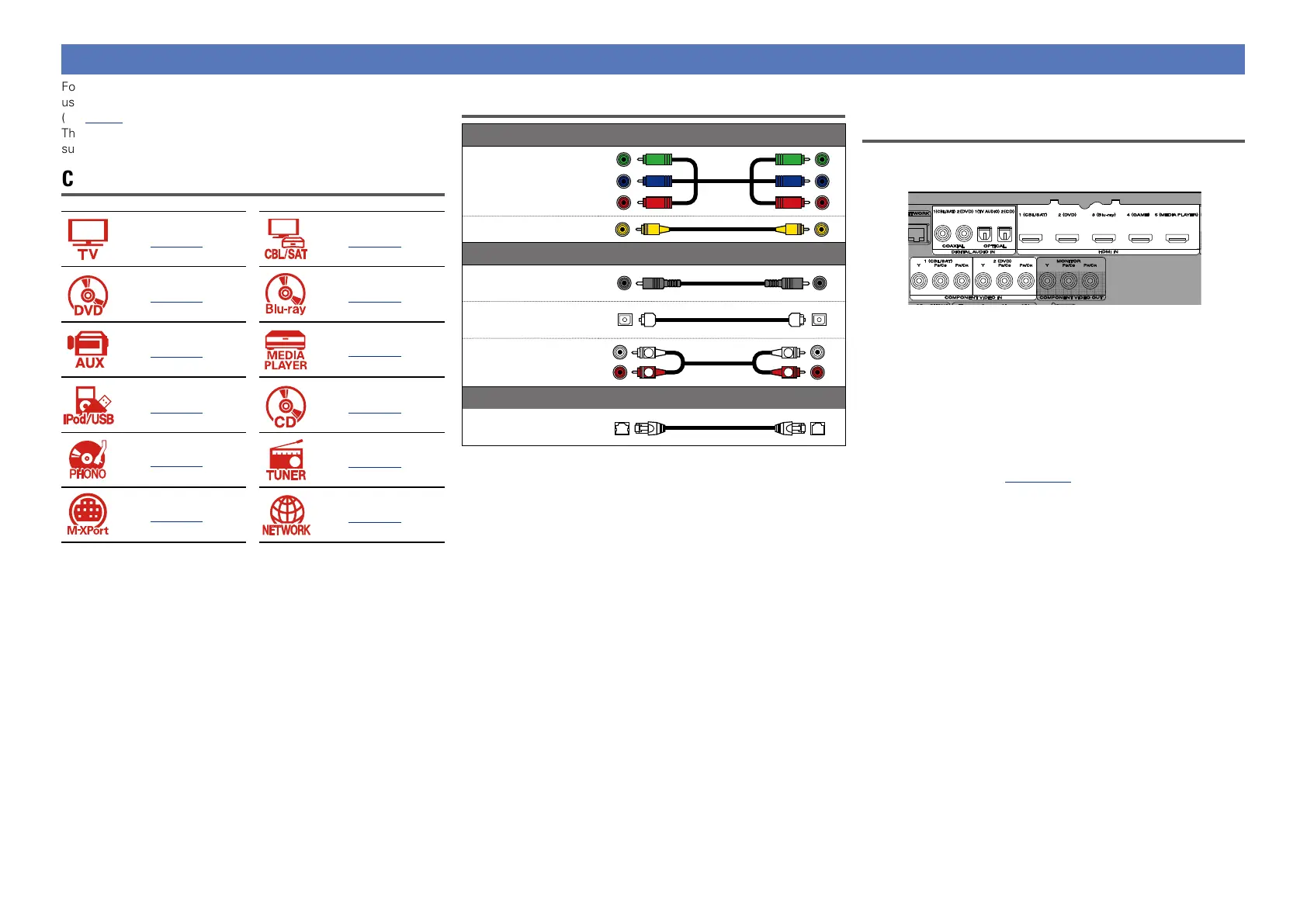
Cables used for connections
Video cable (sold separately)
Component video
cable
Video cable
Audio cable (sold separately)
Coaxial digital cable
Optical cable
Audio cable
R
L
R
L
Cable (sold separately)
Ethernet cable
Changing the source assigned to
connectors
This unit can change the source that is assigned to the DIGITAL
AUDIO IN and COMPONENT VIDEO IN connectors.
Let us take a digital audio connection for Blu-ray Disc players for an
example. The rear panel video input and digital audio input connectors
do not have the input connector indication for Blu-ray disc players
(Blu-ray). You can assign Blu-ray disc players to these connectors to
use them for Blu-ray disc players. Select “Blu-ray” when switching
functions on this unit to play back the source connected to these
connectors.
n How to change the source assigned to
connectors (vpage122)



 To Next Page