Auto Standby
Sets the time after which the unit automatically enters standby mode
when there are no audio or video signals input, and the unit is not operated.
Before it enters the standby mode, “Auto Standby” is displayed on the
display of this unit and the menu screen.
60 min : The unit goes into standby after 60 minutes.
30 min (Default) : The unit goes into standby after 30 minutes.
O : The unit does not go into standby automatically.
Front Display
2 Display
Select the front display mode.
On (Default) : Display is always on.
Auto O : Display is o except when showing the status display.
O : Display is always o.
%
•This can be set by pressing DISPLAY on the main unit.
Information
Show information about receiver settings, input signals, etc.
2 Audio
Show the audio information for MAIN ZONE.
Sound Mode : The currently set sound mode.
Input Signal : The input signal type.
Format : The number of input signal channels (presence of front,
surround, LFE).
Sample Rate : The input signal’s sampling frequency.
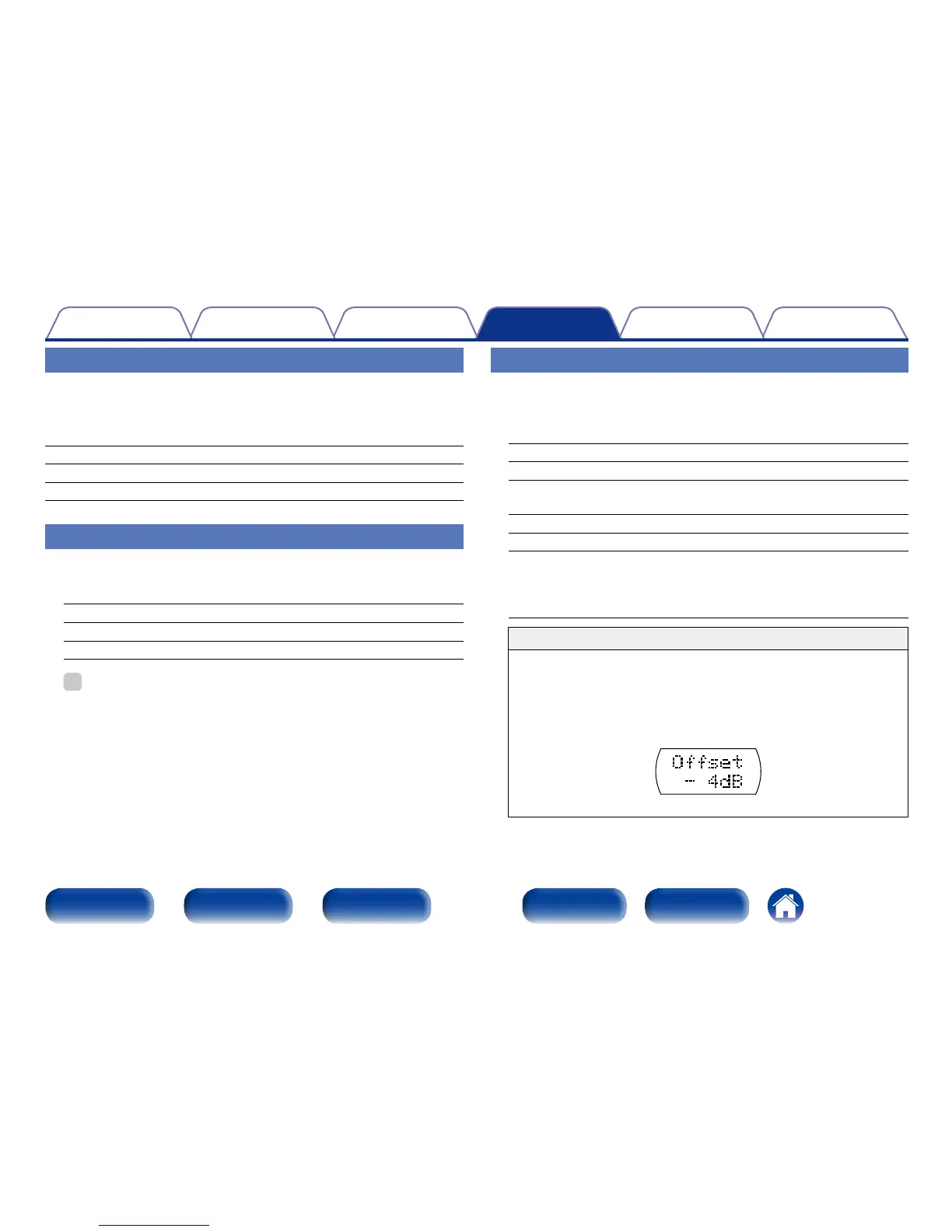
Oset : The dialogue normalization correction value.
Flag : This is displayed when inputting signals including a surround
back channel. “MATRIX” is displayed with Dolby Digital EX
and DTS-ES Matrix signals, “DISCRETE” with DTS-ES Discrete
signals.
Dialogue normalization function
This function is automatically activated when playing Dolby Digital,
Dolby Digital Plus, Dolby TrueHD, DTS and DTS-HD sources.
It automatically corrects the standard signal level for individual
program sources.
The correction value can be checked pressing STATUS on the main
unit.
The figure is the corrected value. This cannot be changed.



 To Next Page