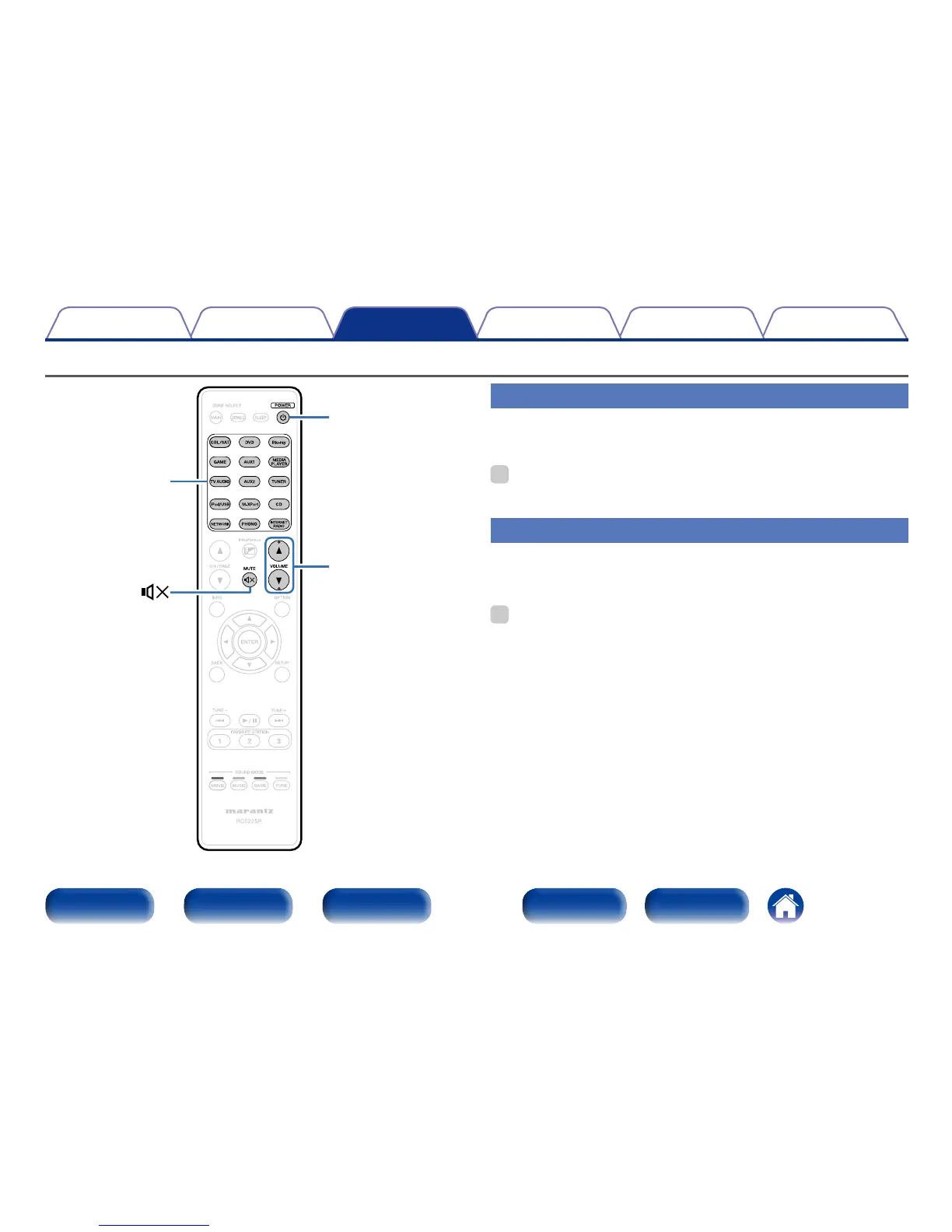
Input source
select buttons
Turning the power on
1
Press POWER X to turn on power to the unit.
%
•You can also switch the power to standby by pressing X on the main unit.
Selecting the input source
1
Press the input source select button to be played back.
The desired input source can be selected directly.
%
•You can also select the input source by turning INPUT SELECTOR knob on the
main unit.



 To Next Page