Operation buttons Function
1/3
Playback
9
Skip to next track
ENTER (Press and hold)
Stop
i
Skip to next track
CH/PAGE df
Switch to previous page/switch to next
page in the list display
%
•The display switches between track title and radio station name each time the
main unit’s STATUS is pressed.
2 Operations available through the OPTION
button
•Performing repeat playback (vpage99)
•Performing random playback (vpage99)
•Displaying your desired video during audio playback (Video Select)
(vpage103)
•Adjusting the picture quality for your viewing environment (Picture
Mode) (vpage104)
•Playing the Same Music in All Zones (All Zone Stereo) (vpage105)
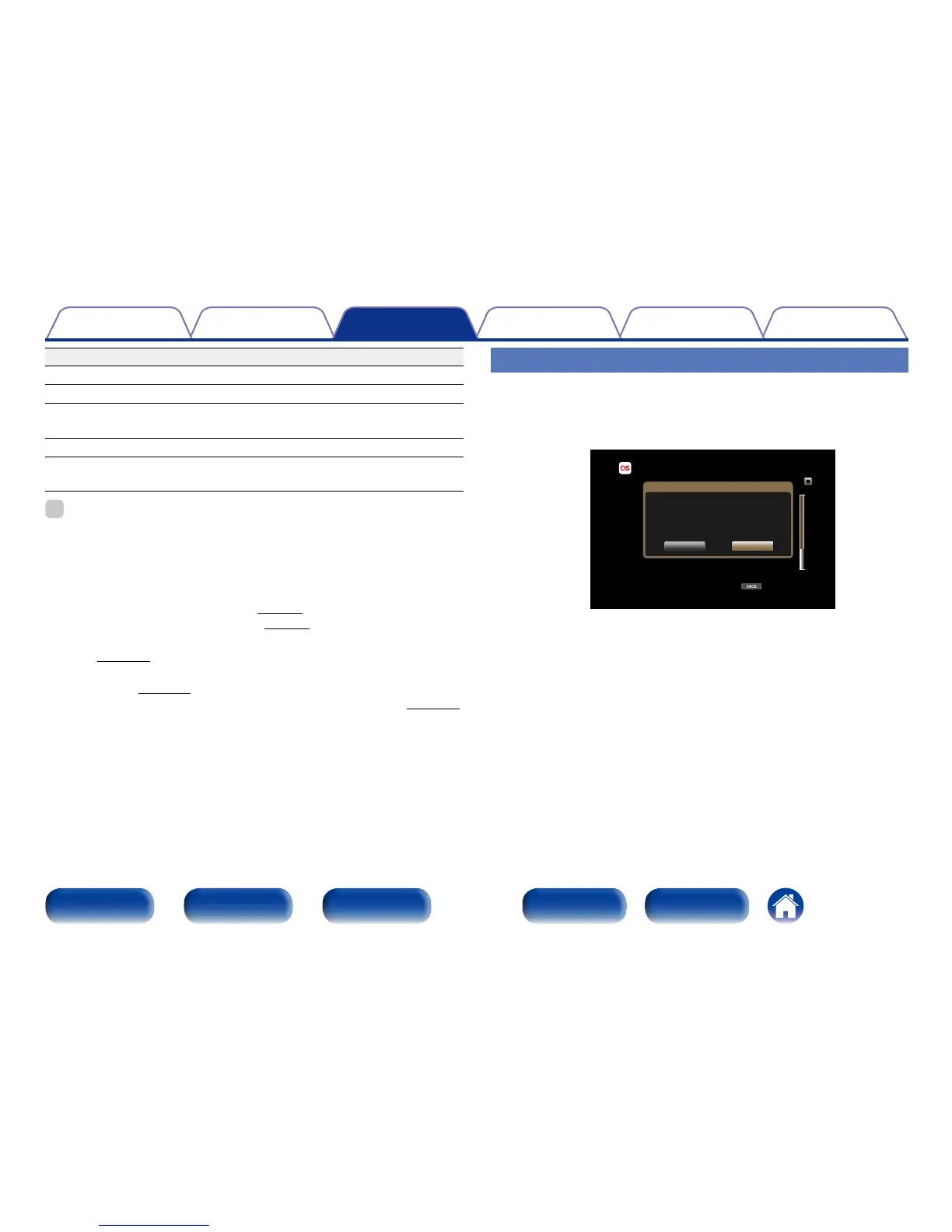
Log Out
Disassociate this unit from your Last.fm account.
1
Use ui to select “Log Out”, then press ENTER.
BACK
Last.fm [10/10]
Option
Popular tag
Popular Artists
Your Recent Stations
Your Friends’ Radio
Your Recommended Radio
Your Library
Are you sure you want to log out
xxxxxxx?
Yes
No
2
When the popup menu appears, use o p to select “Yes”,
then press ENTER.



 To Next Page